Explore any chess position with an AI coach.
Start from a game, opening, puzzle, endgame, master game, scoresheet, FEN, or board position. Try candidate moves, compare branches, follow guided insights, practice critical moments, and save the learning path.
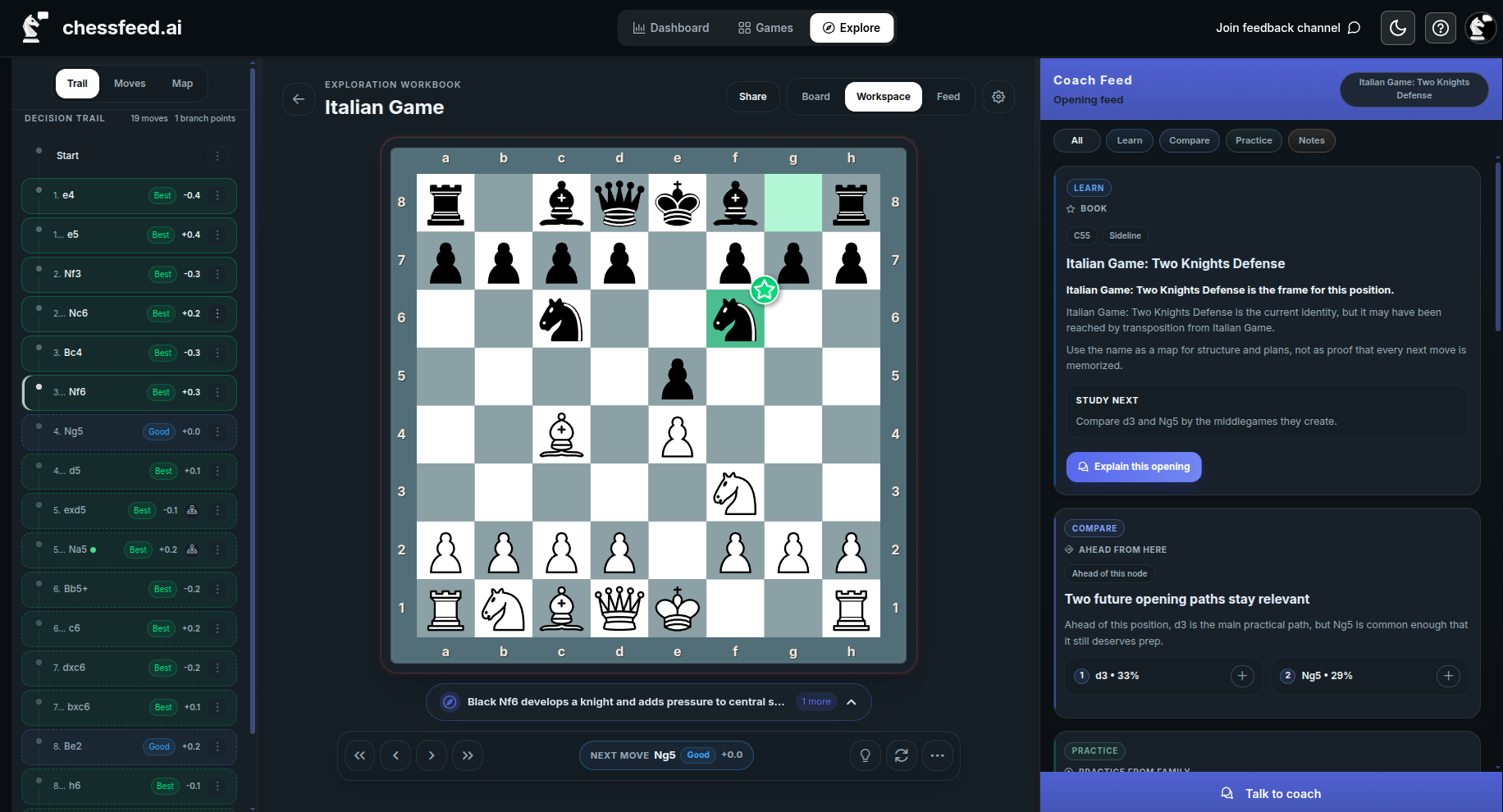
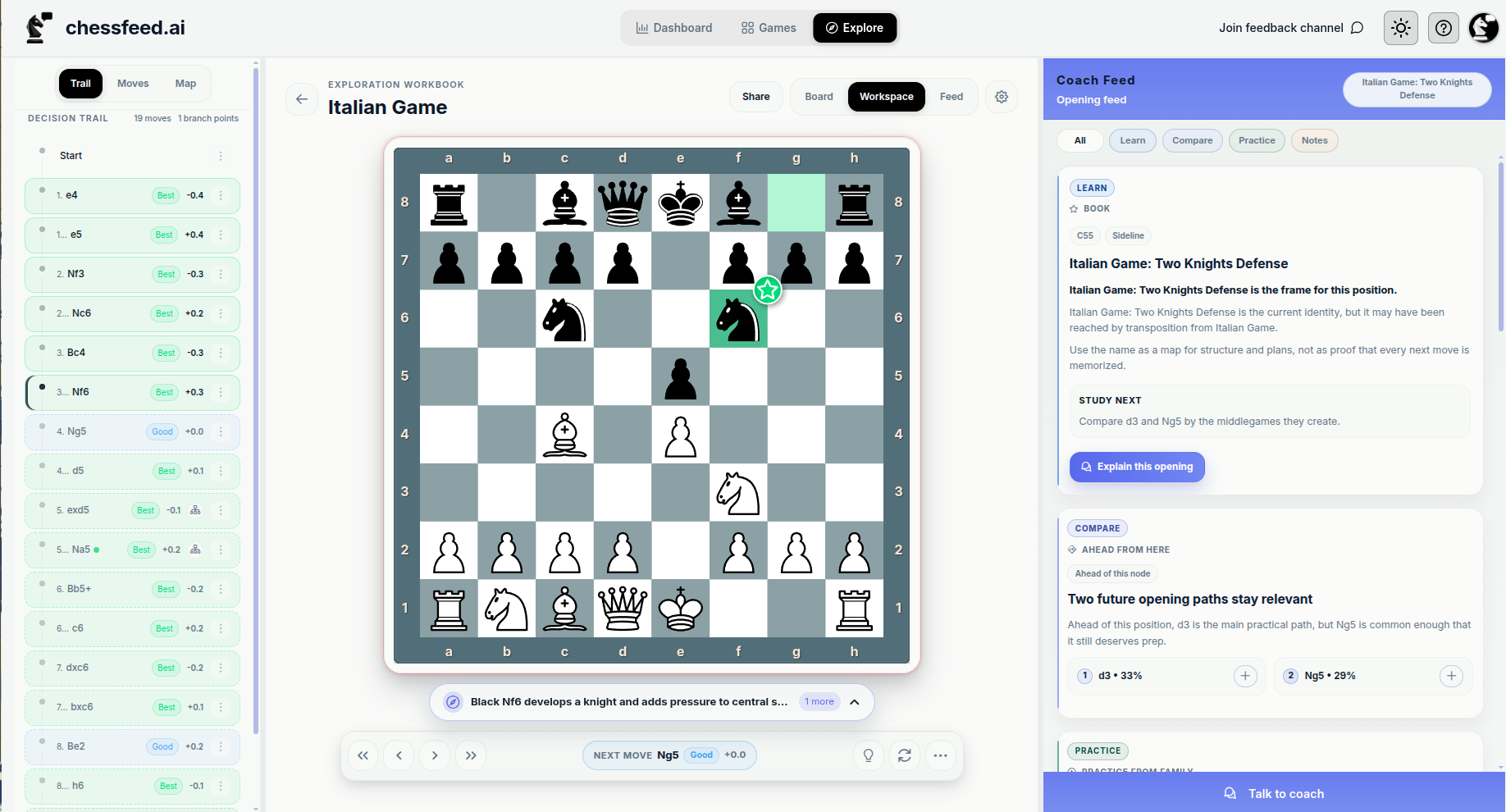
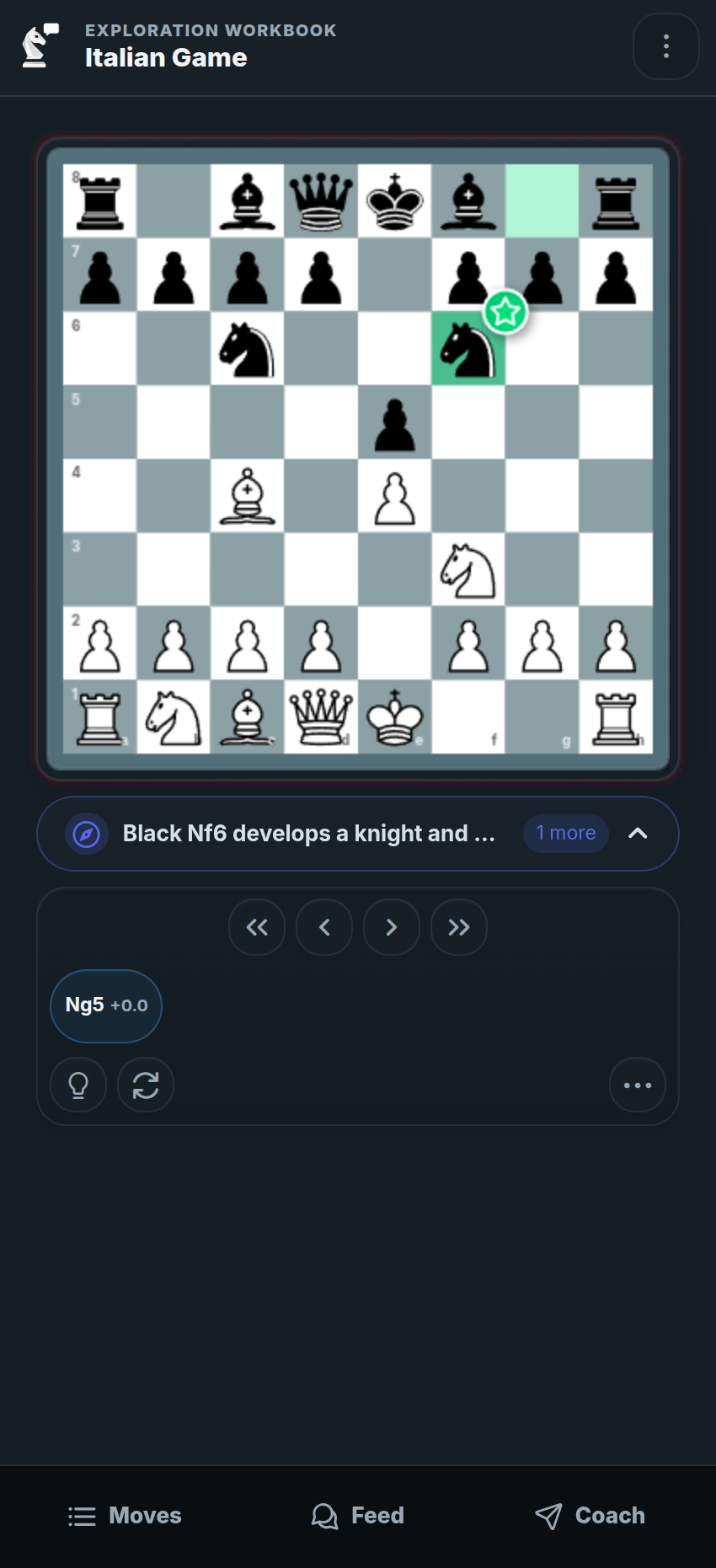
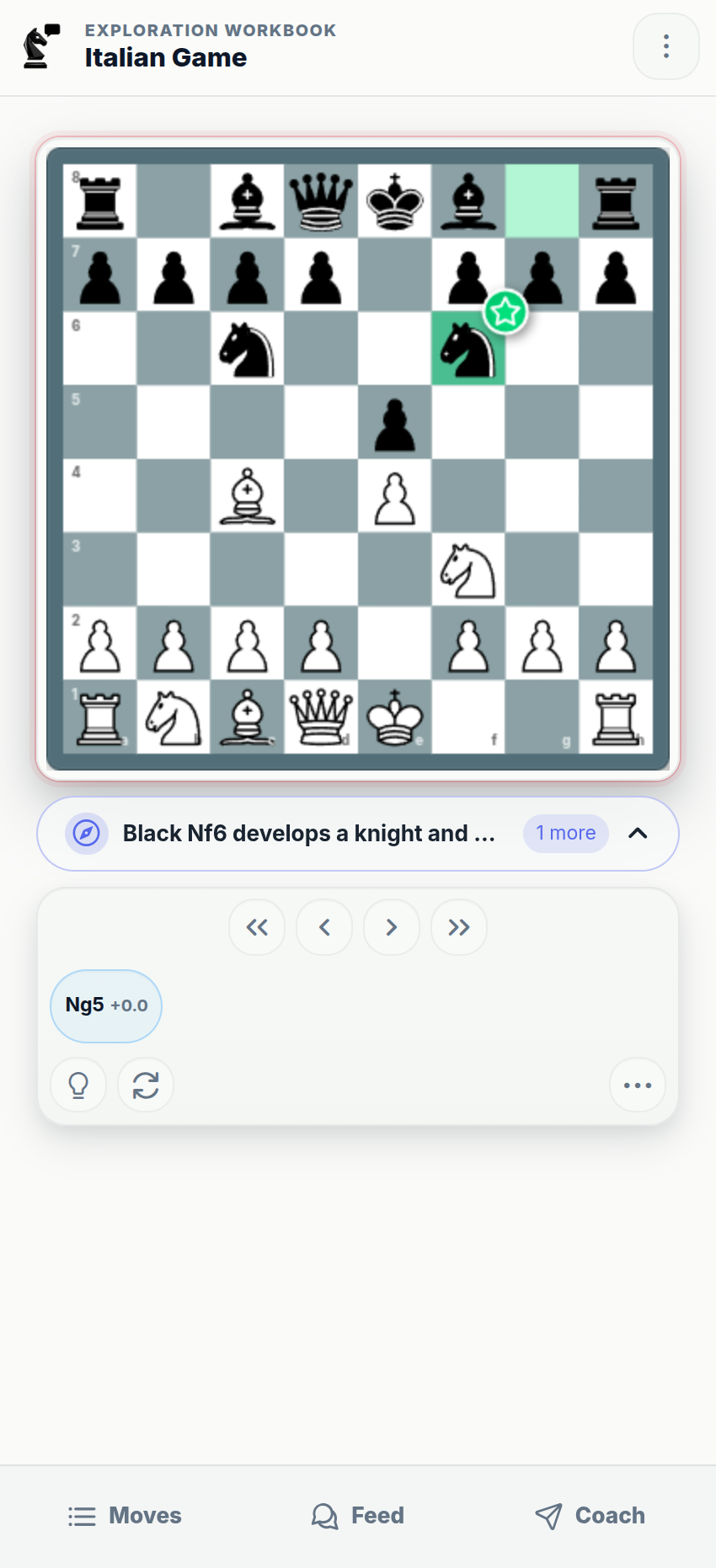
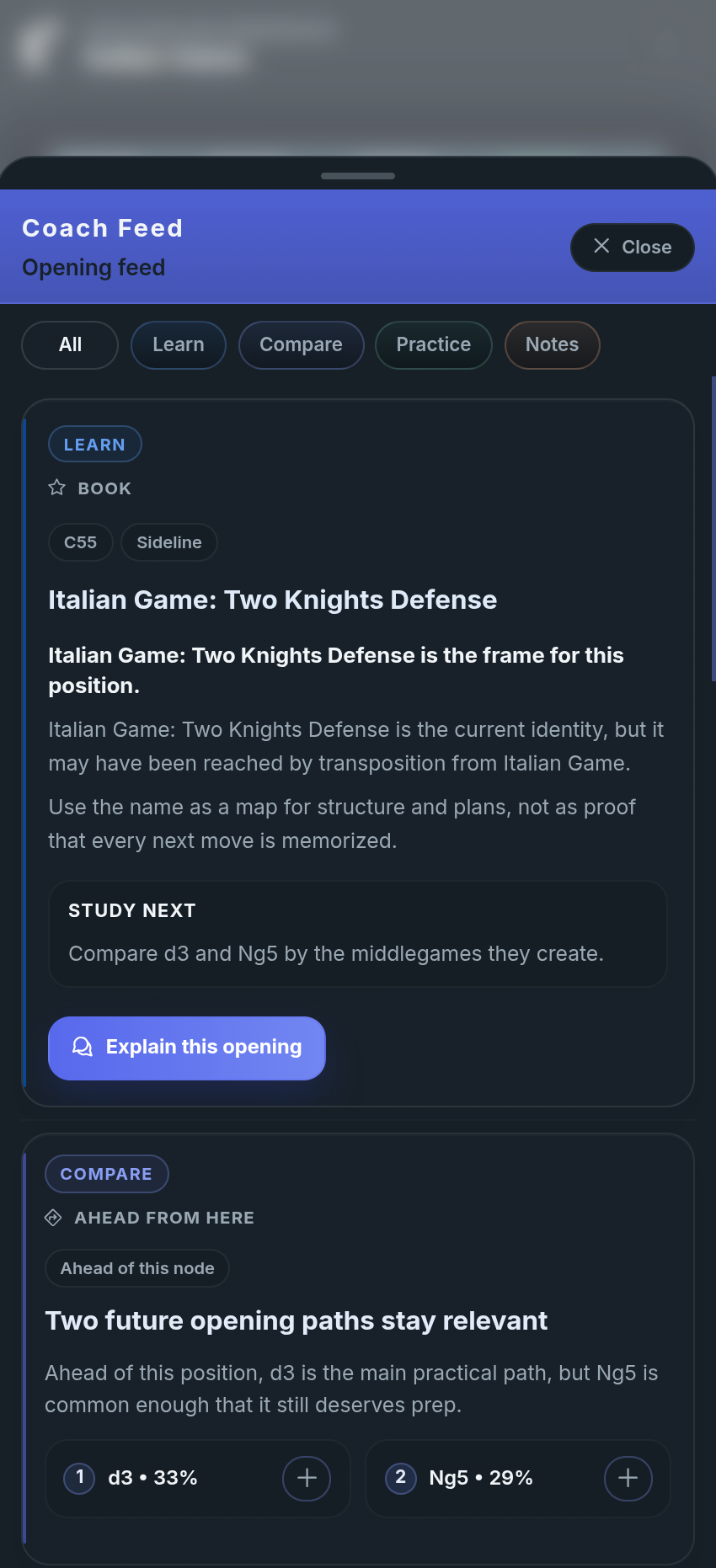
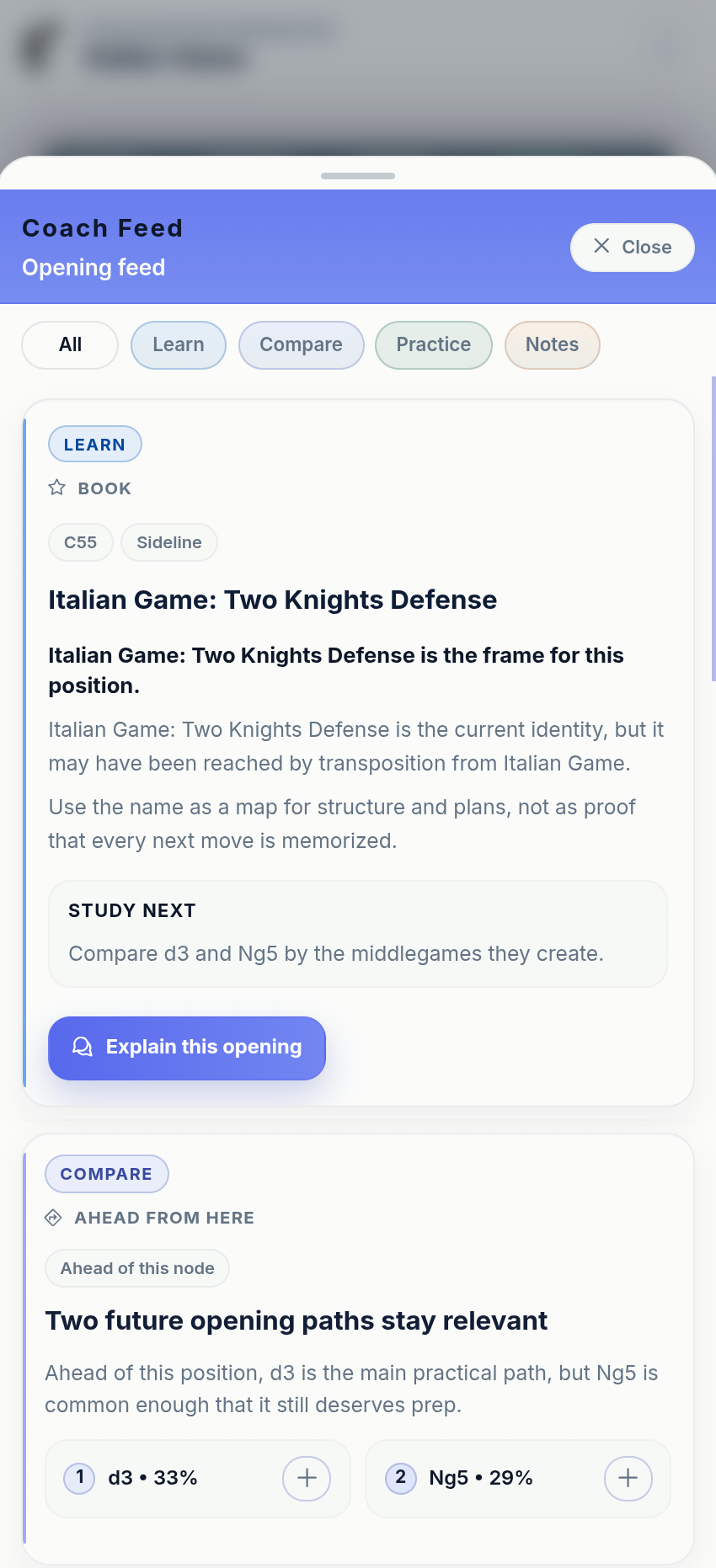
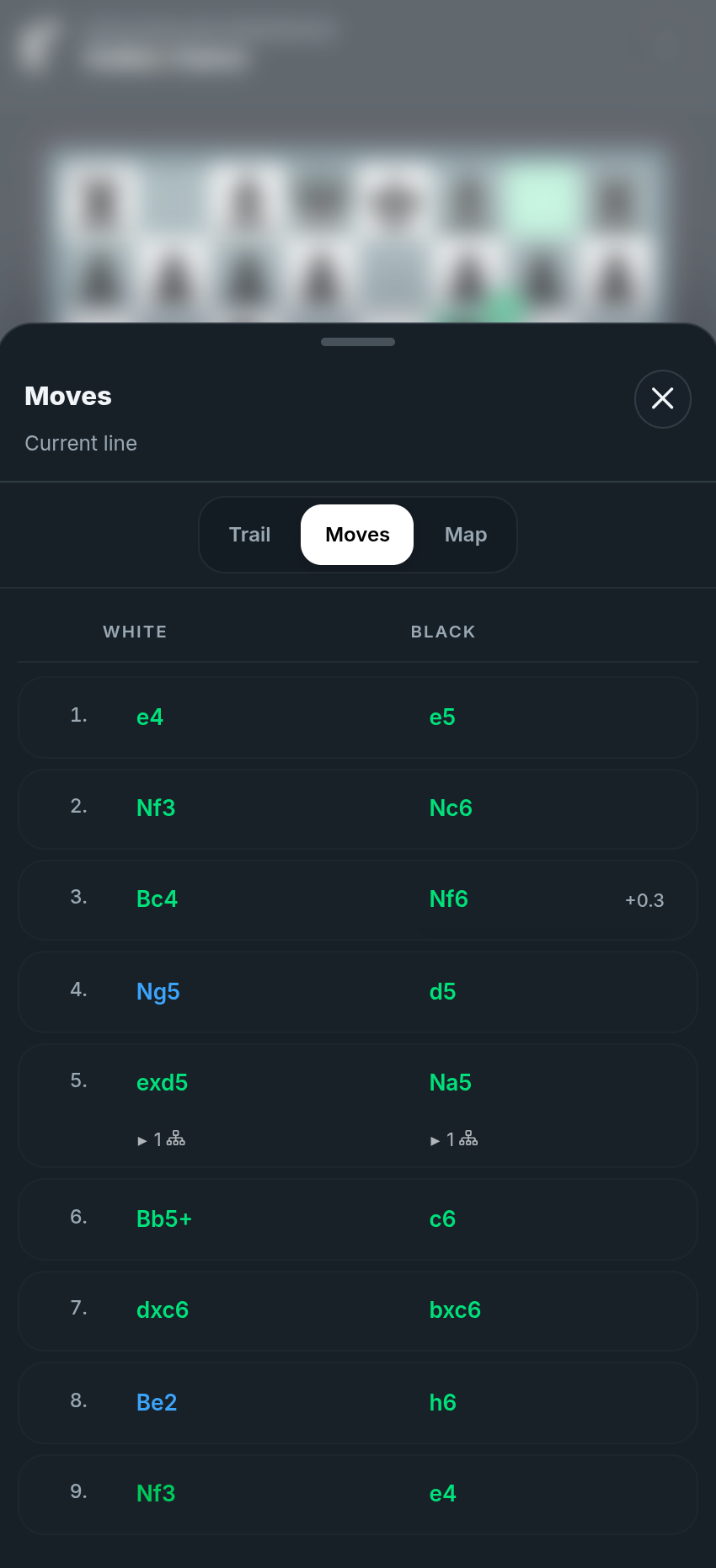
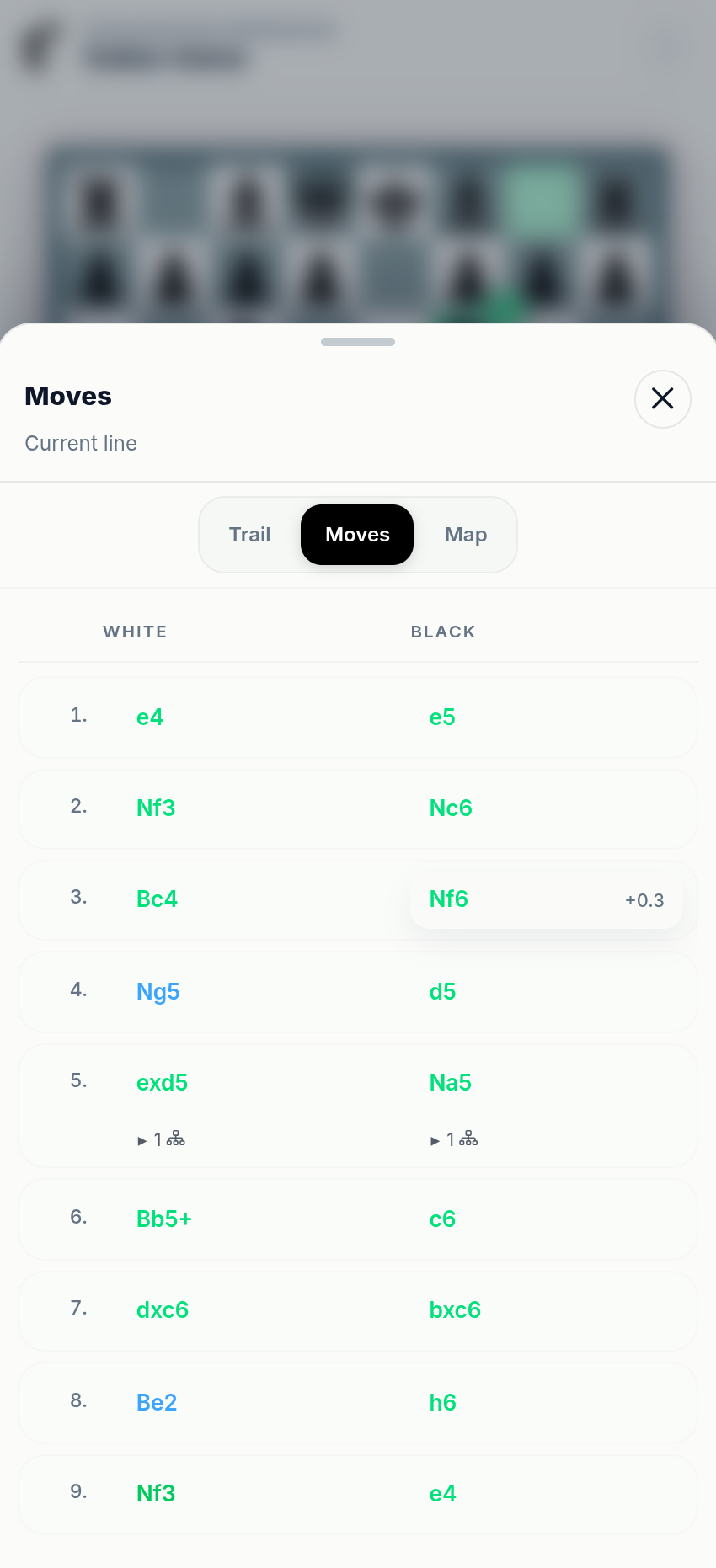
Board Feed
As you study a position, chessfeed.ai surfaces candidate moves, plans, comparisons, practice prompts, notes, and coach explanations tied to the exact board.
A chess coach that starts from the position
Most tools show an engine number or a best move. chessfeed.ai helps you ask why, test ideas on the board, compare what changed, and turn the position into a study session.
Start from any position
Open a FEN, game, opening, puzzle, endgame, master game, scoresheet, or study position.
Ask what matters
Use the AI coach and guided insights to understand plans, threats, candidate moves, and mistakes.
Try candidate moves
Play ideas on the board and keep each line as a branch without losing the original context.
Practice and save
Turn the critical moment into practice and save the full learning path for later.
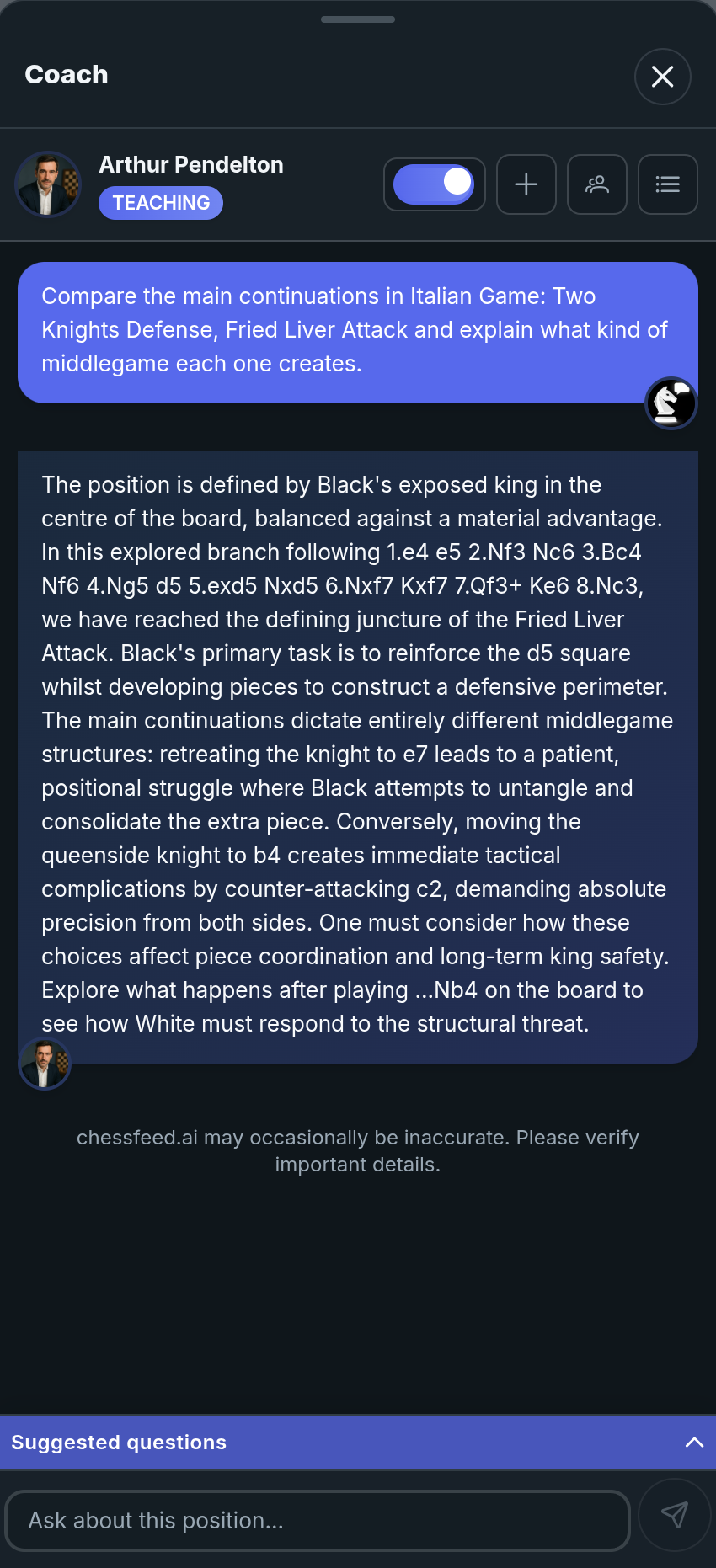
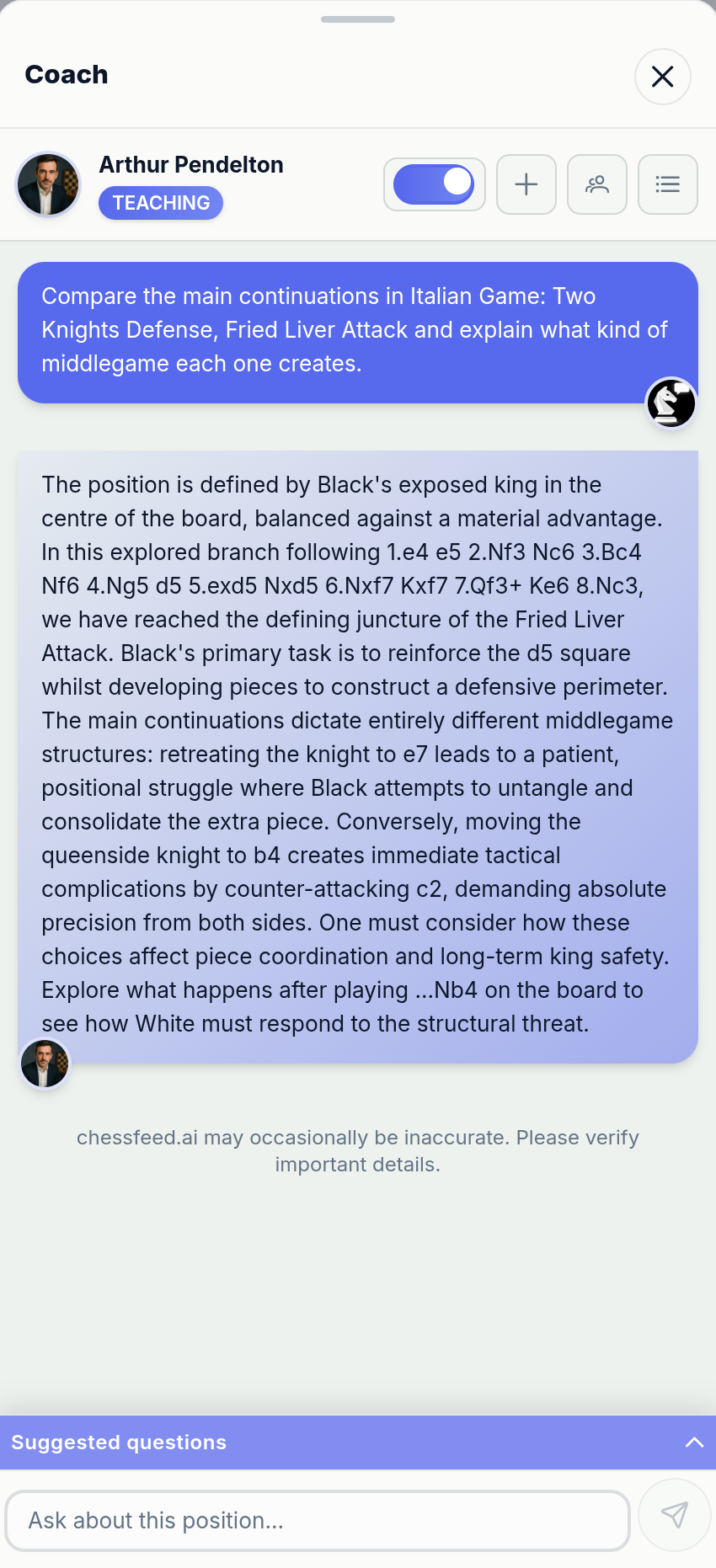
Ask the coach while the position is still on the board
AI coaches are the explanation layer inside Study. Ask why a move works, what changed in a branch, what plan you missed, or how to think about the position next.

Arthur Pendelton 🧠
"Good moves are logical. Great moves are inevitable, if you understand why."
A distinguished coach with a refined analytical approach, Arthur brings decades of classical chess wisdom to every lesson.

Priya Nair 🌿
"Every great move starts in the mind. Train your thoughts, and the board will follow."
Priya focuses on the psychological aspects of chess, helping players develop resilience and confidence.

Prakash Iyer 🌼
"Every great player started with one question: why does this move work? Let's find out together."
A patient and clear-speaking coach who makes chess fundamentals simple and fun for beginners and children.
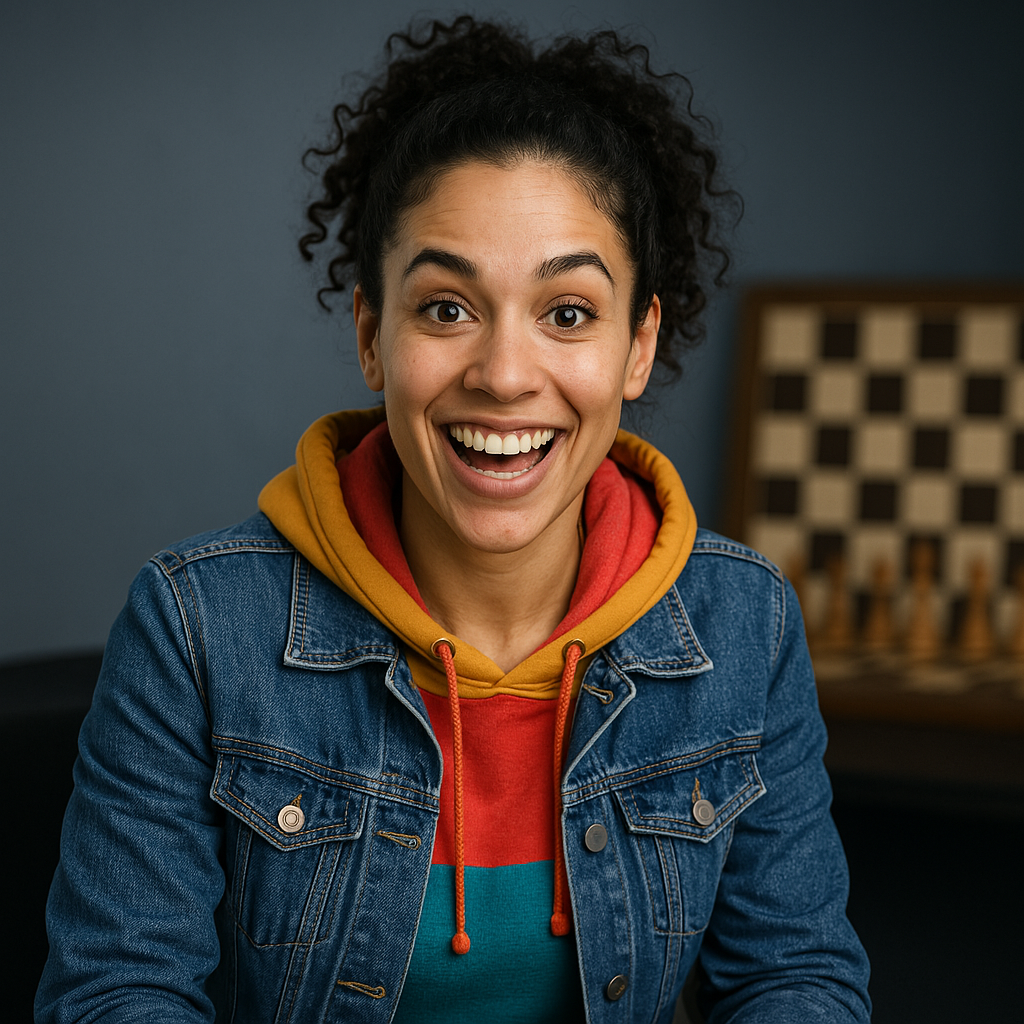
Jennifer "JJ" Jones ⚡
"Hey there! I'm JJ, and I'm here to help you feel your chess, not fear it."
JJ brings a fresh, energetic approach to chess coaching with a focus on practical, player-centric improvement.

Kabir Arora 🔥
"No time to think? No problem. Let's make chaos our comfort zone."
A dynamic coach who specializes in fast-paced games and practical decision-making under time pressure.
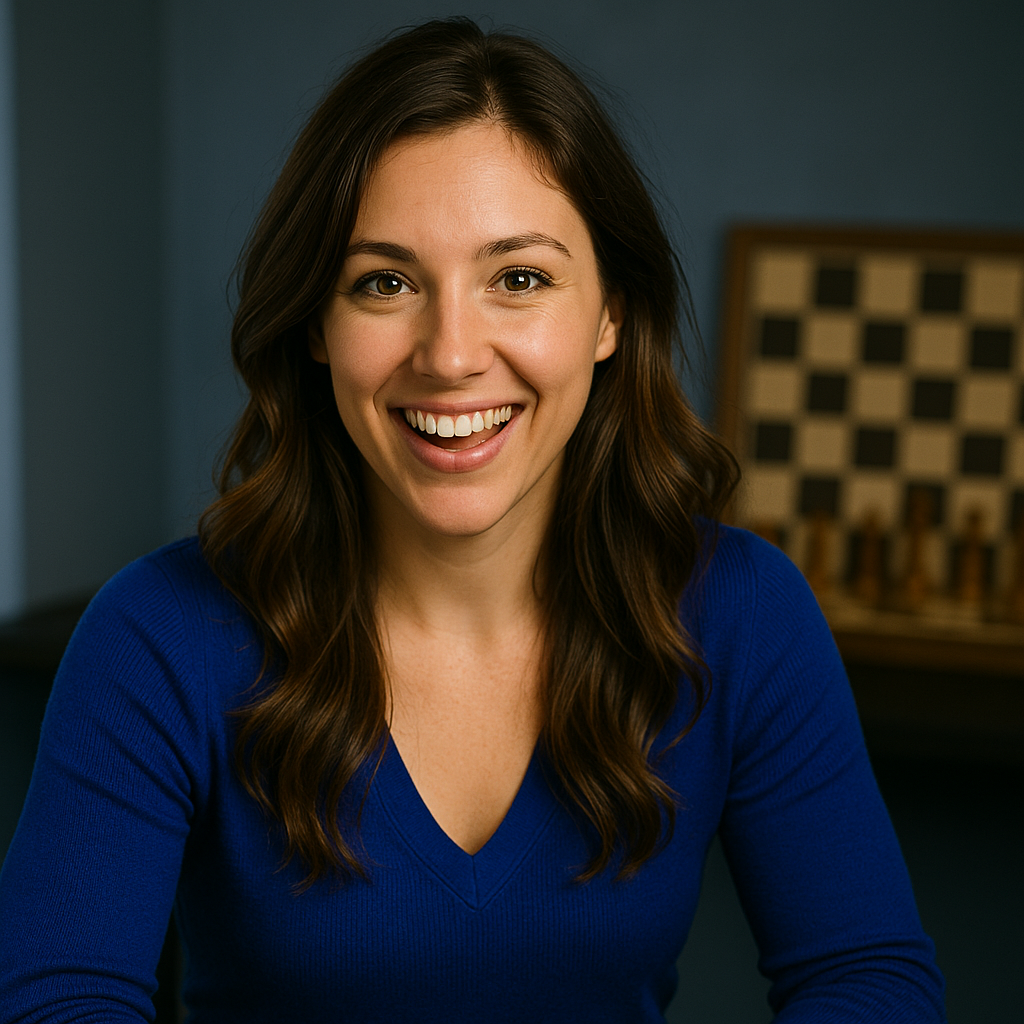
Mia Thompson 🎨
"Chess isn't just calculation, it's art. Let's bring imagination back to the board."
Mia views chess as an art form, encouraging creative thinking and intuitive understanding of positions.
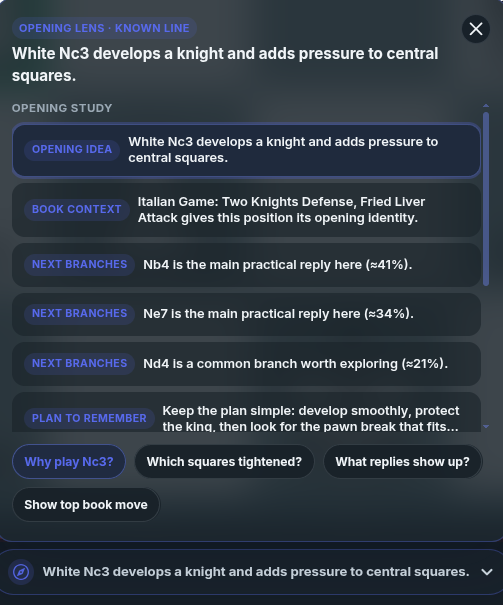
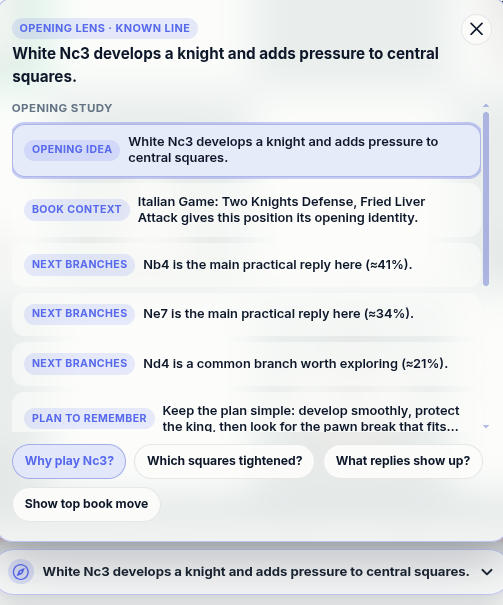
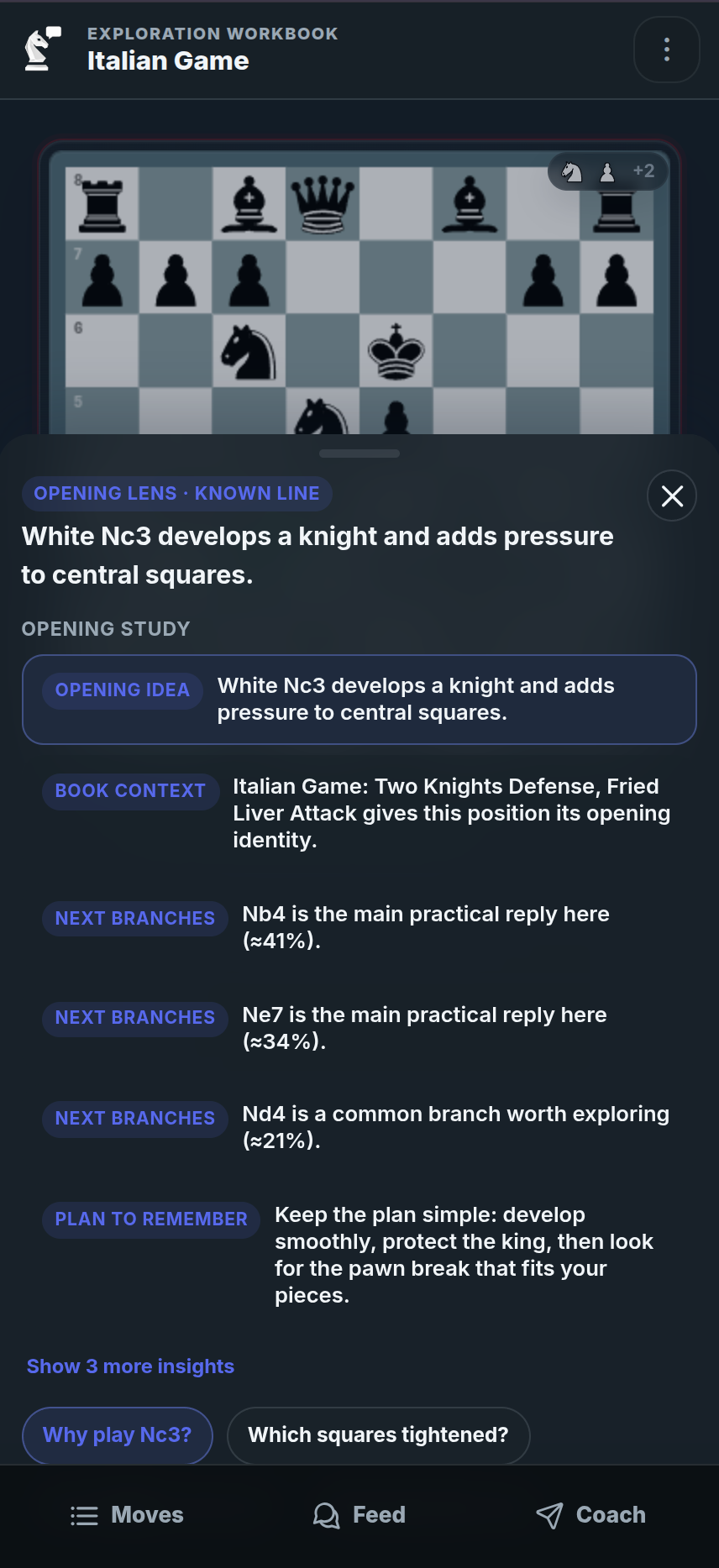
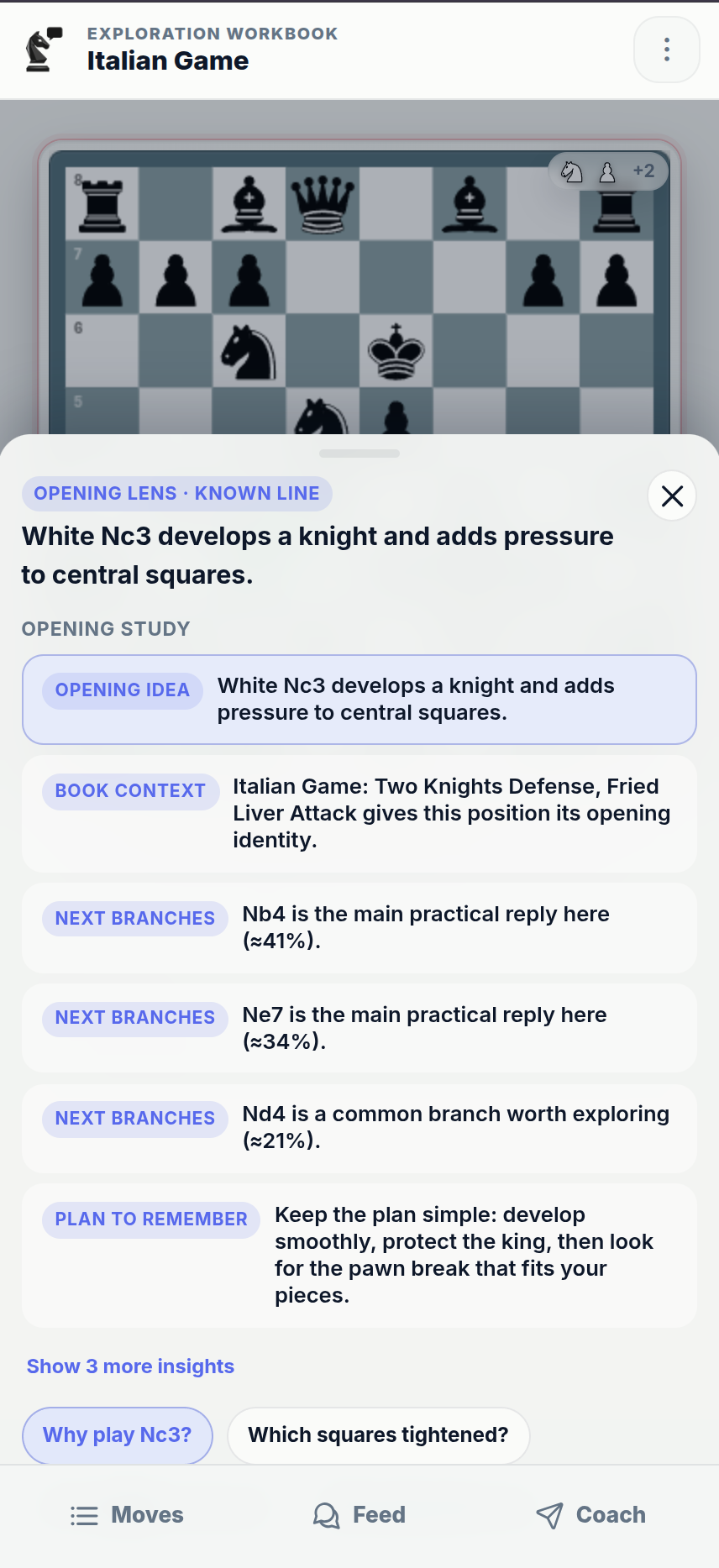
Learn openings as plans, not just move orders
Opening Lens helps you understand what both sides are trying to achieve in the opening. Instead of only showing a name or ECO code, chessfeed.ai connects opening choices to ideas, plans, candidate moves, and the positions you can explore next.
- See the opening family, name, and where the position fits
- Understand plans and choices for both sides
- Spot candidate branches worth exploring instead of memorizing blindly
- Continue the opening position into Study, practice, or a saved lesson
Learn from the position while you explore it
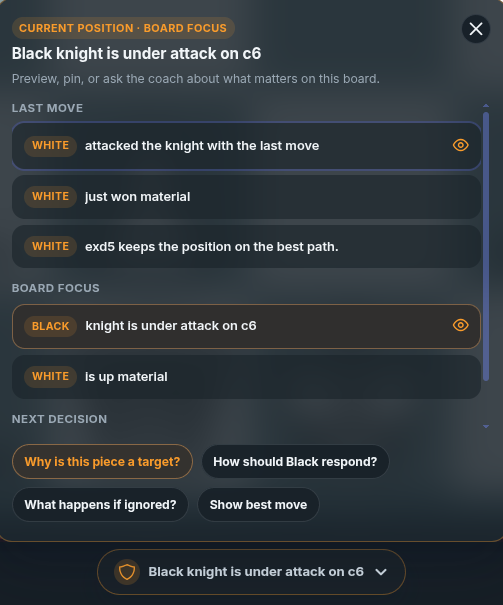
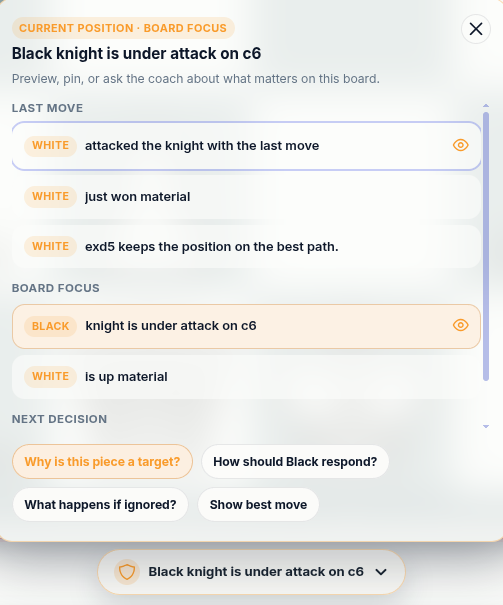
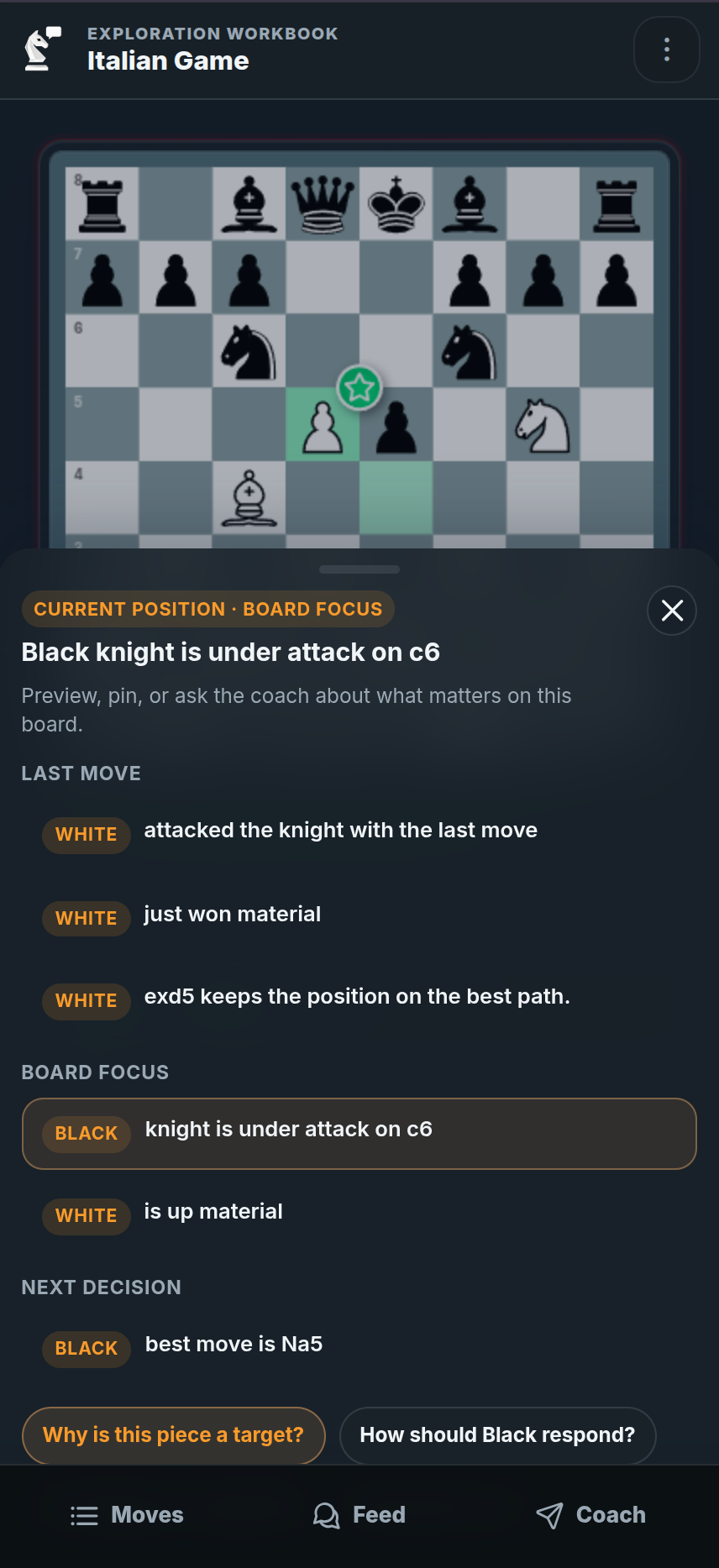
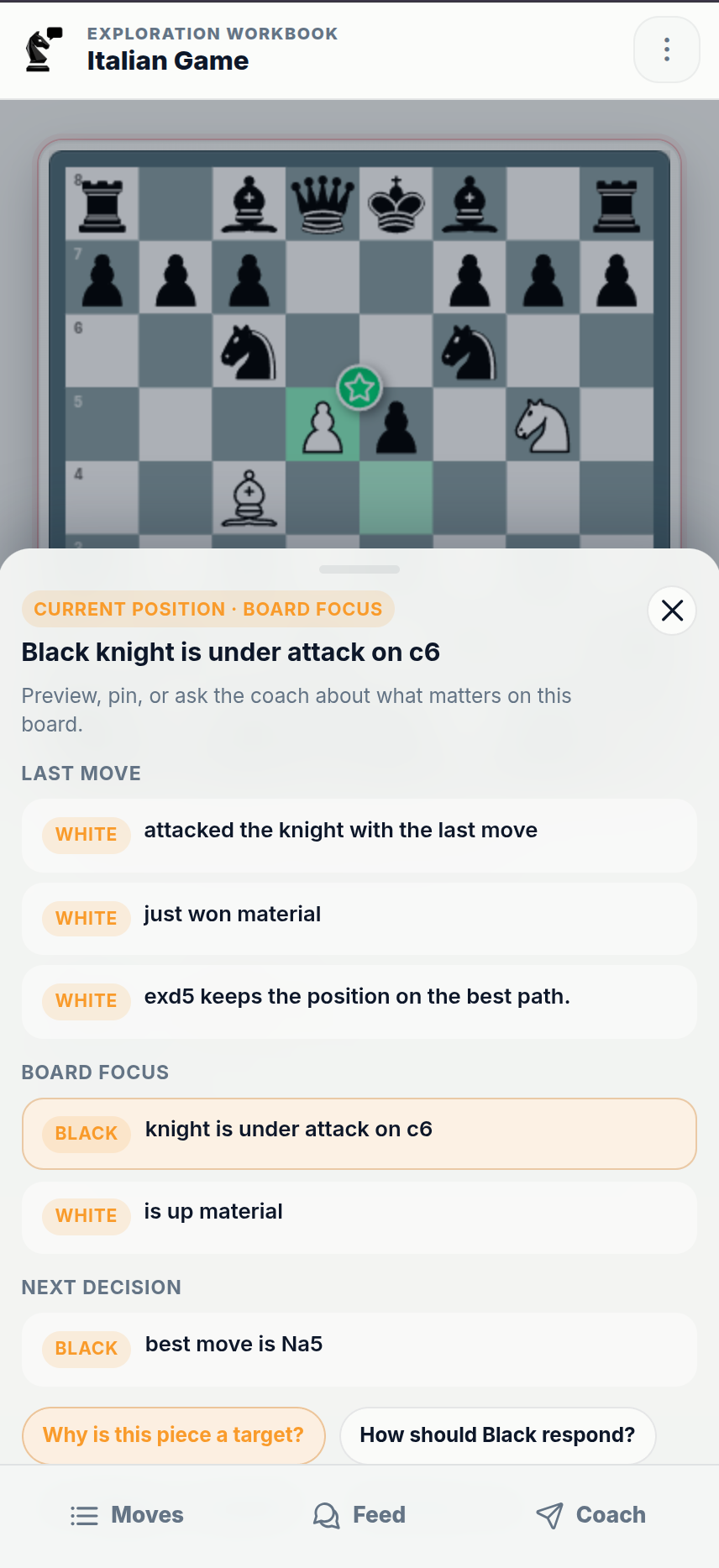
The Insight Panel gives you coach-style guidance without forcing you to stop and ask a question every time. As you move through a position, it highlights what matters: plans, threats, mistakes, candidate moves, practice moments, and ideas worth reviewing.
- See plans, threats, mistakes, and candidate moves directly on the board
- Understand what changed without asking a question every time
- Move from an insight into practice, comparison, notes, or coach chat
- Use guidance as you explore, not after you leave the position
Trusted for serious chess understanding
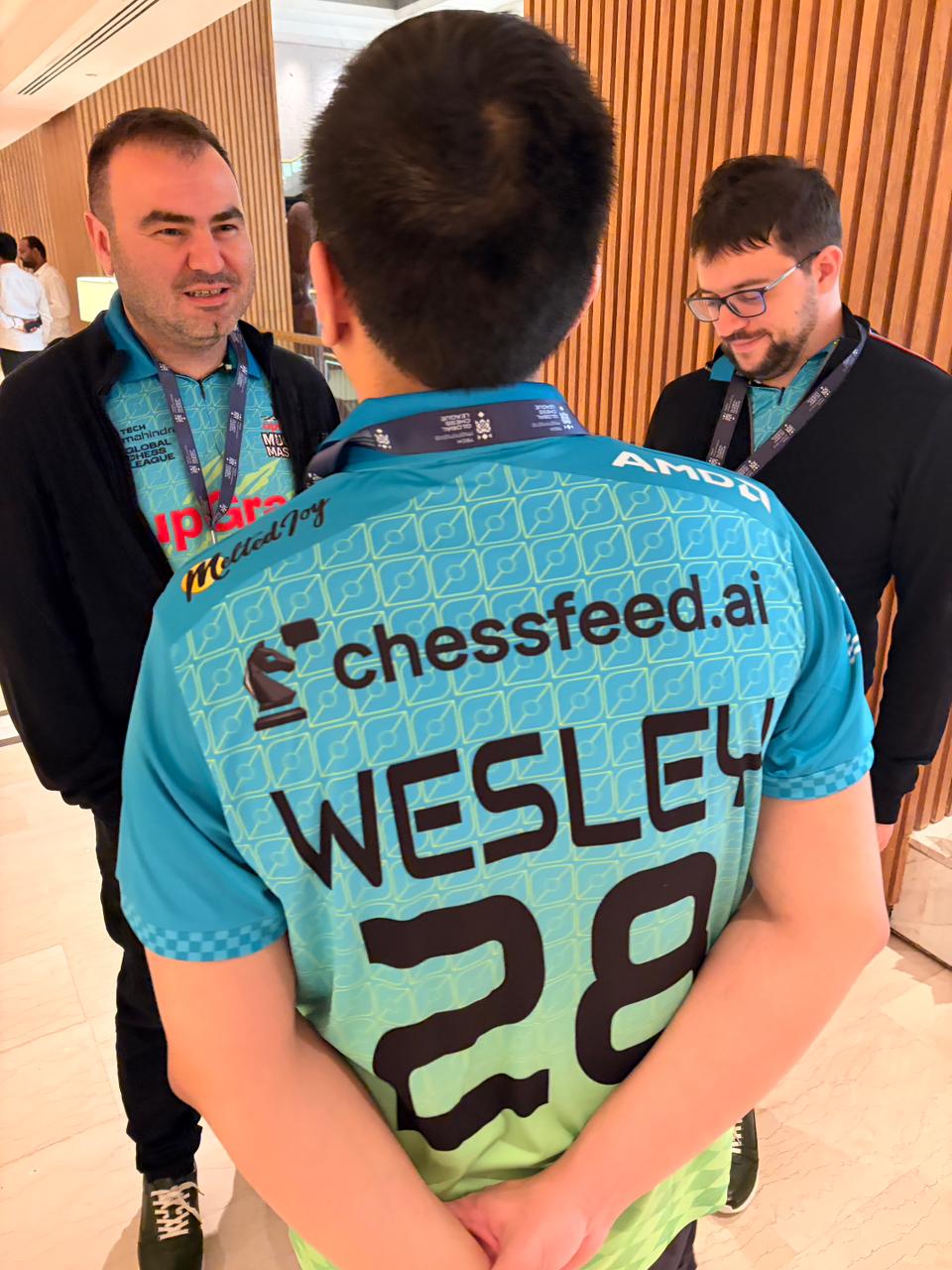
chessfeed.ai is the Official Analysis Partner for Upgrad Mumba Masters in the Global Chess League 2025, a proof point for our focus on clear, engine-backed understanding in serious chess positions.
Built for positions where players need more than a number or a best move.
Designed to help fans, students, coaches, and serious players understand the ideas behind the board.
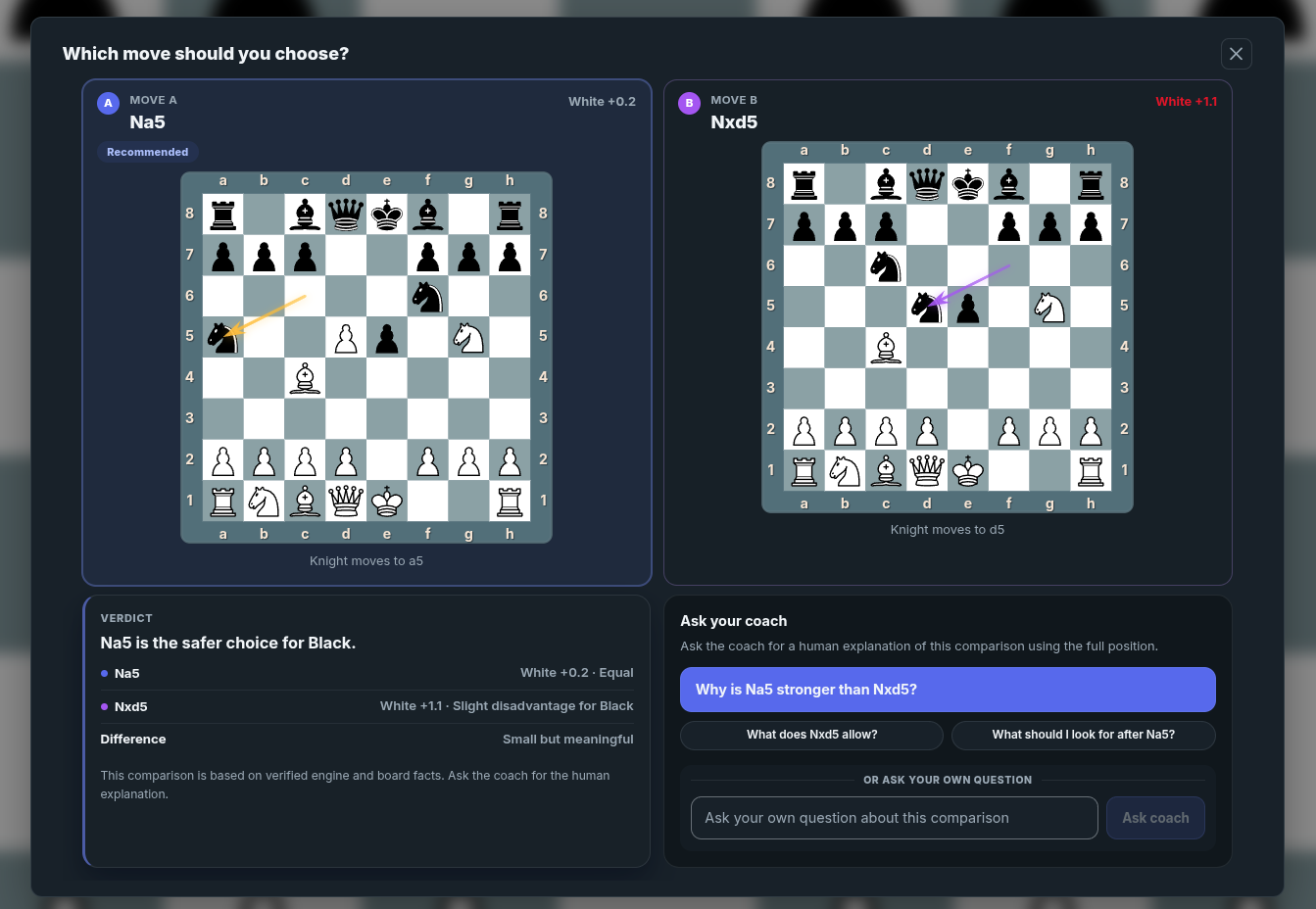
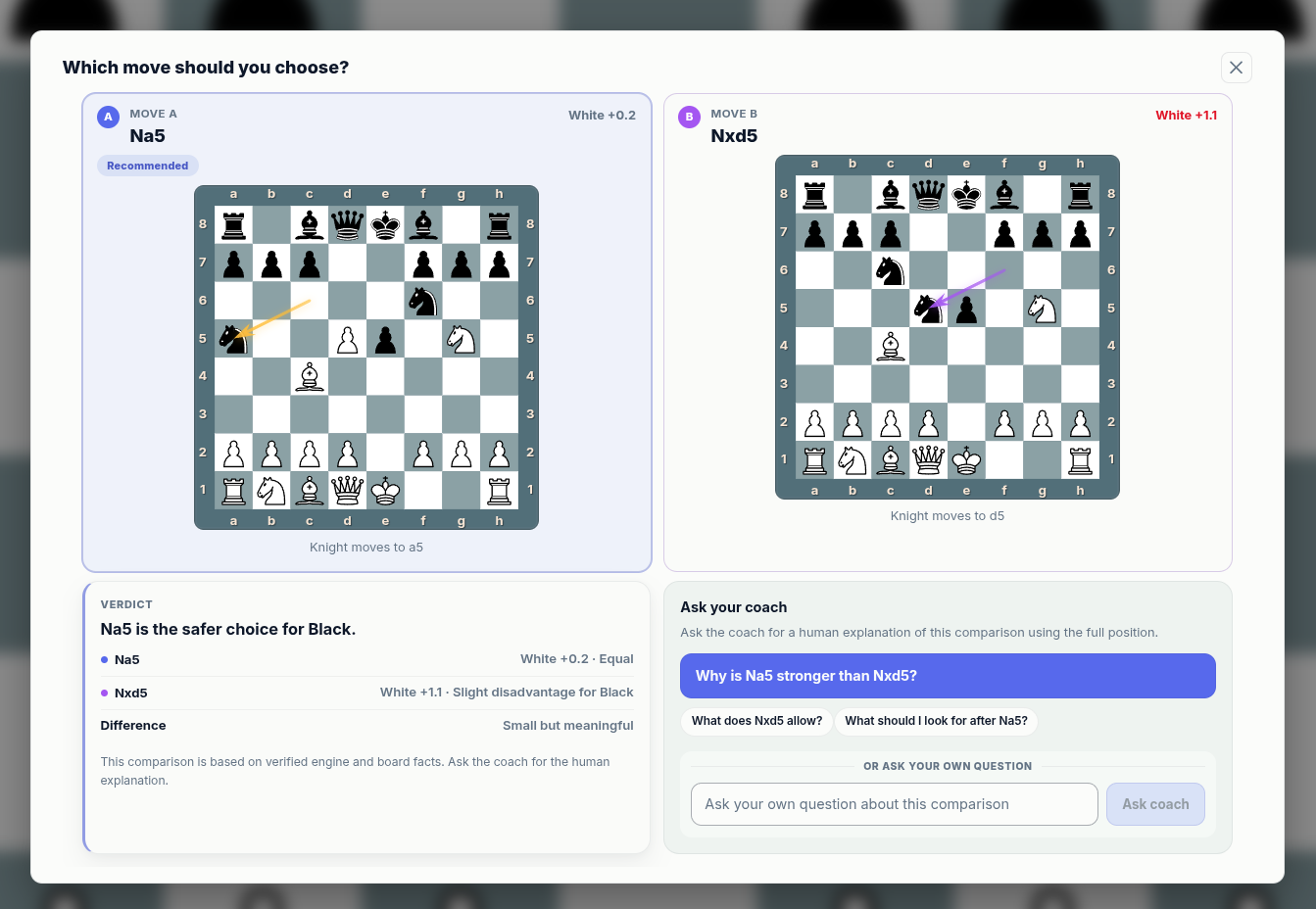
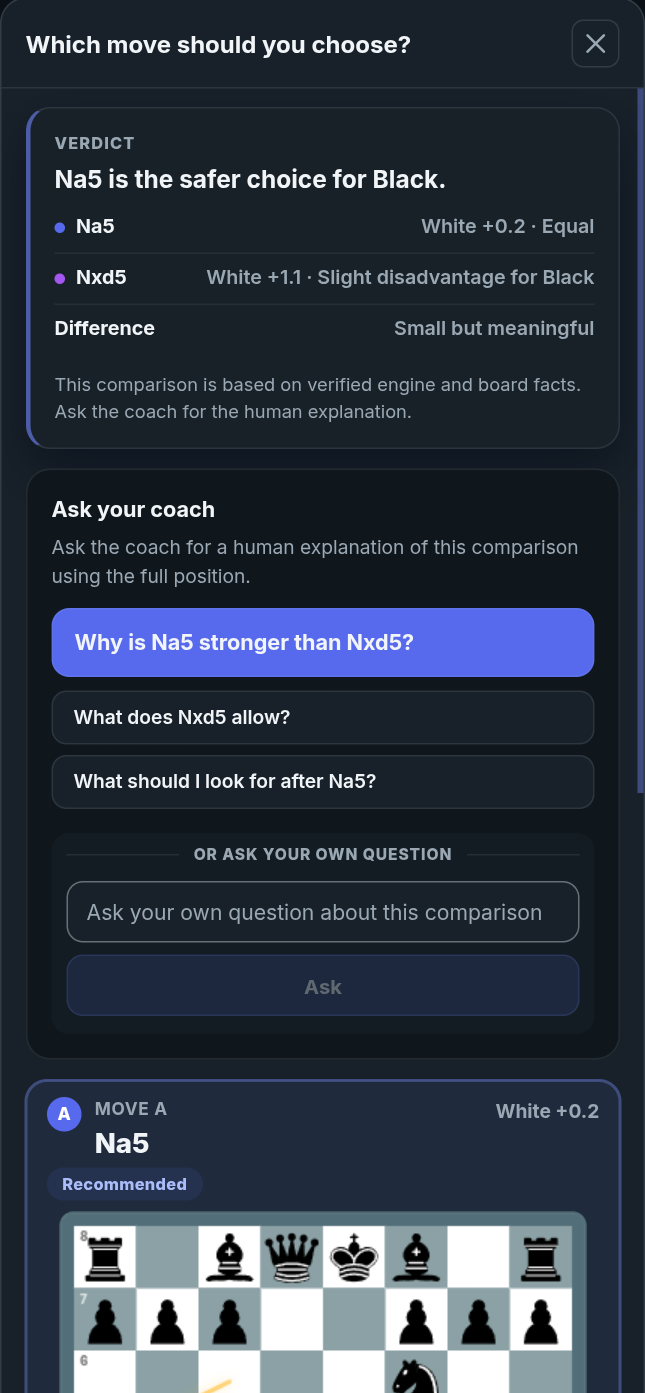
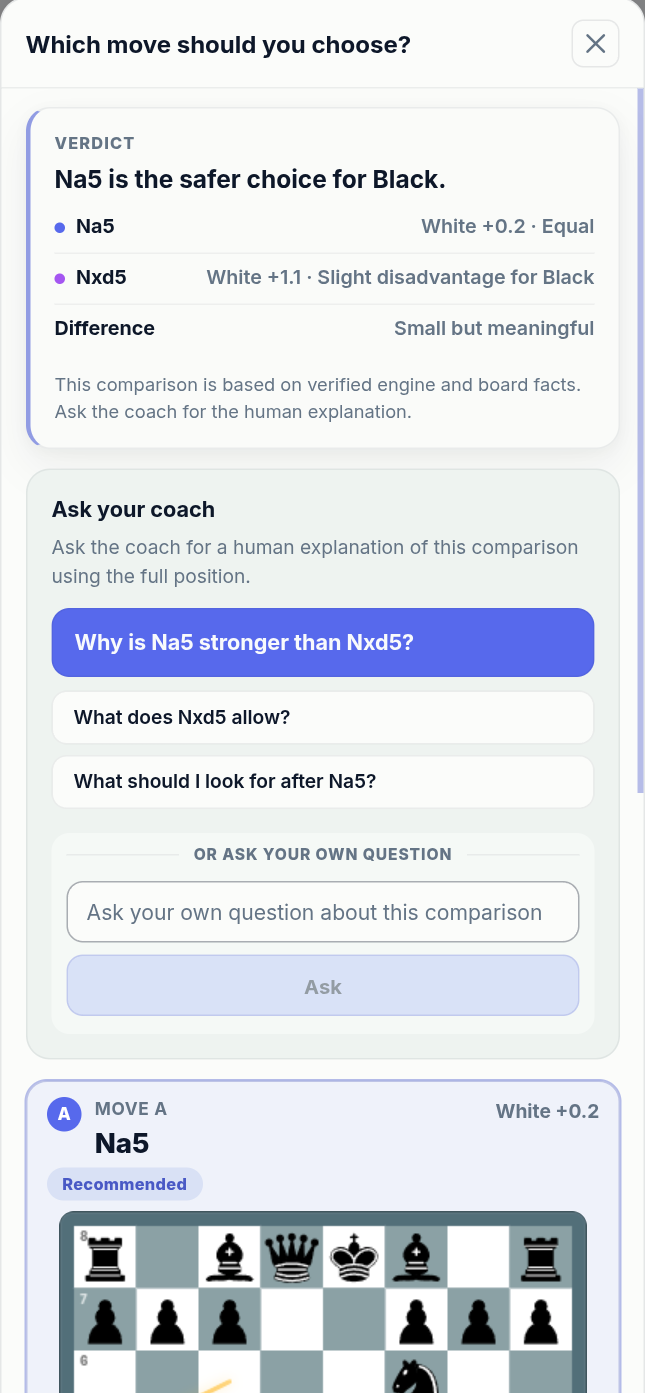
Test the moves you were actually considering
Good chess learning is not only about seeing the best move. It is about comparing the moves you considered, understanding why one plan works better, and learning how the position changes.
- Compare candidate moves from the same position
- See why one continuation keeps the plan coherent
- Use coach prompts when the difference is not obvious
- Turn comparisons into saved studies
The Feed keeps your learning path organized
As you explore, the Feed collects explanations, comparisons, practice prompts, notes, coach responses, and saved moments into a timeline tied to the positions you studied.
Learn
Keep important explanations connected to the position where they appeared.
Compare
Return to branch comparisons without losing the original context.
Practice
Save important moments as exercises you can revisit.
Notes
Capture your own thinking alongside the board and the branch.
Save the lesson and the reason behind it
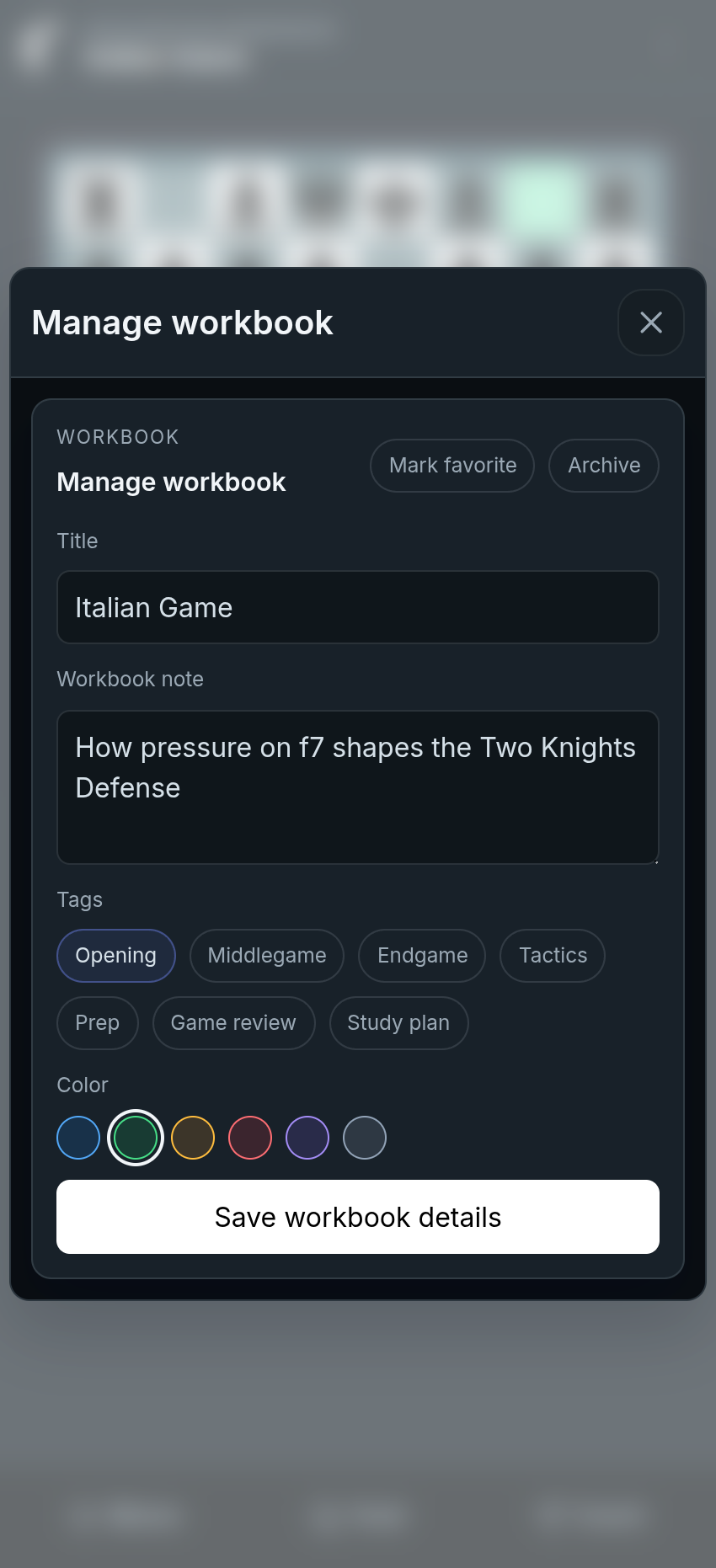
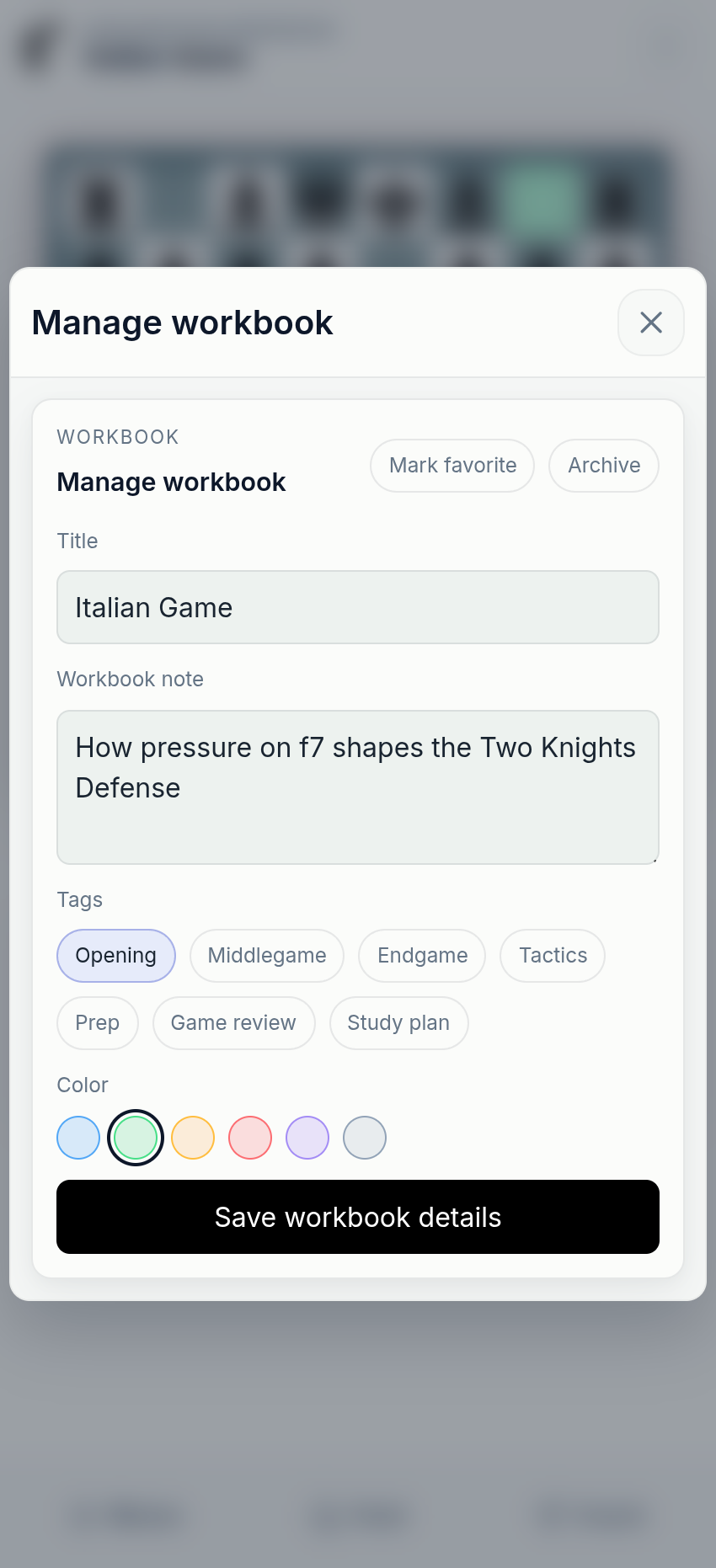
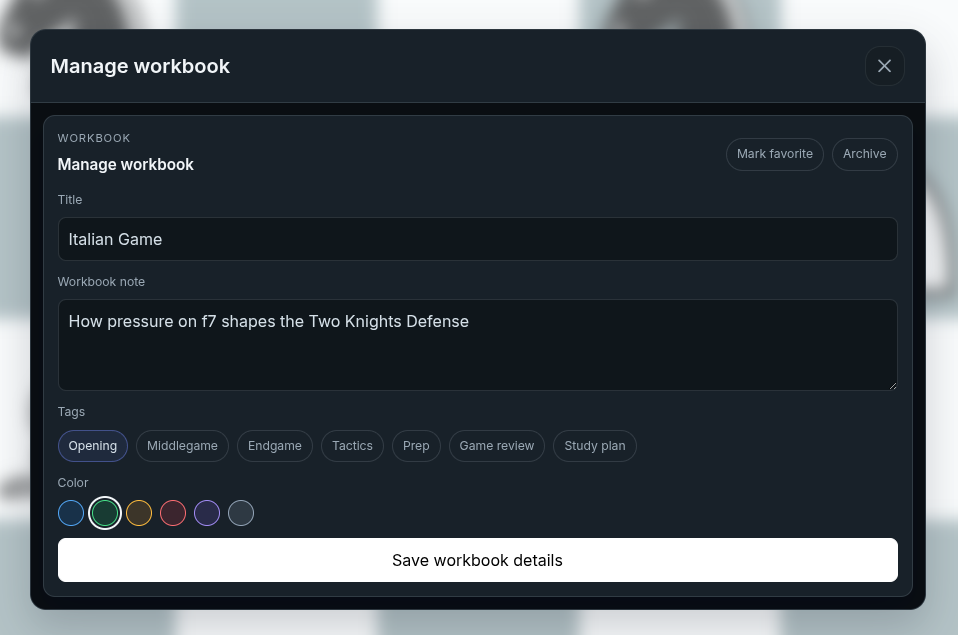
A saved study is more than a saved board. It keeps branches, notes, important positions, Insight Panel moments, Opening Lens context, comparisons, practice positions, and coach explanations together so you can return to the full lesson later.
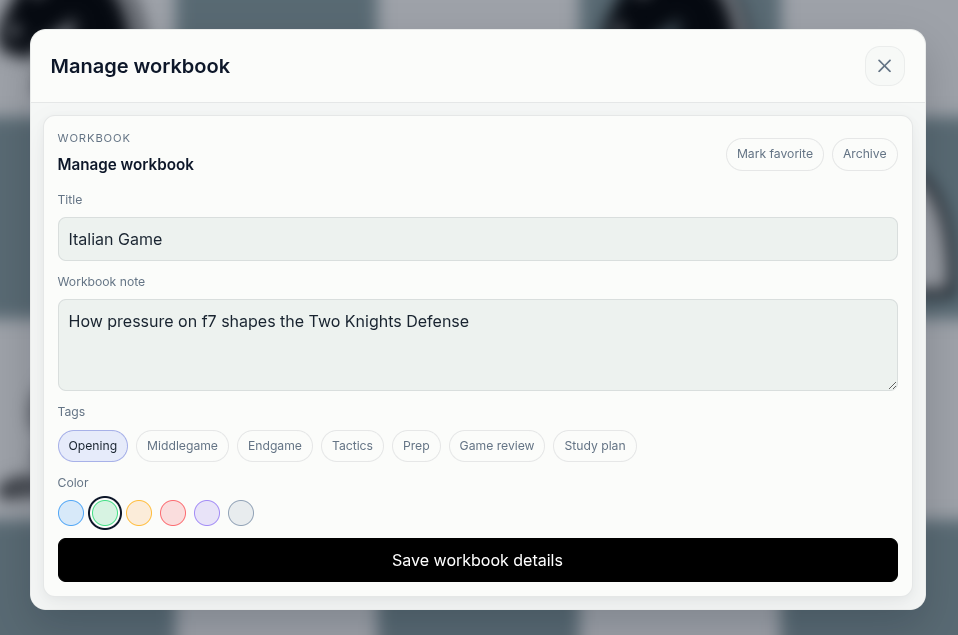
Manage the saved study
Give the study a clear title, description, and purpose so the full lesson is easy to revisit, continue, or share.
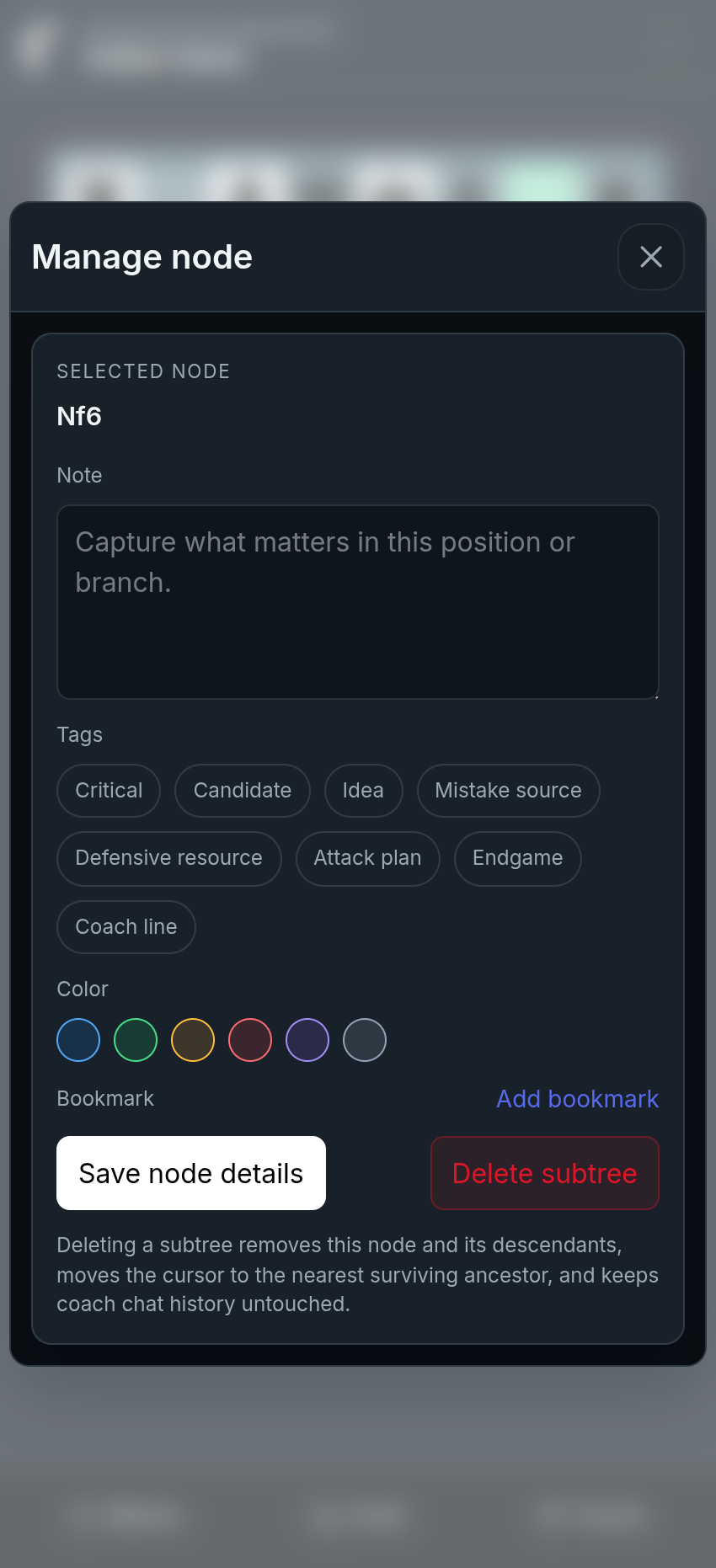
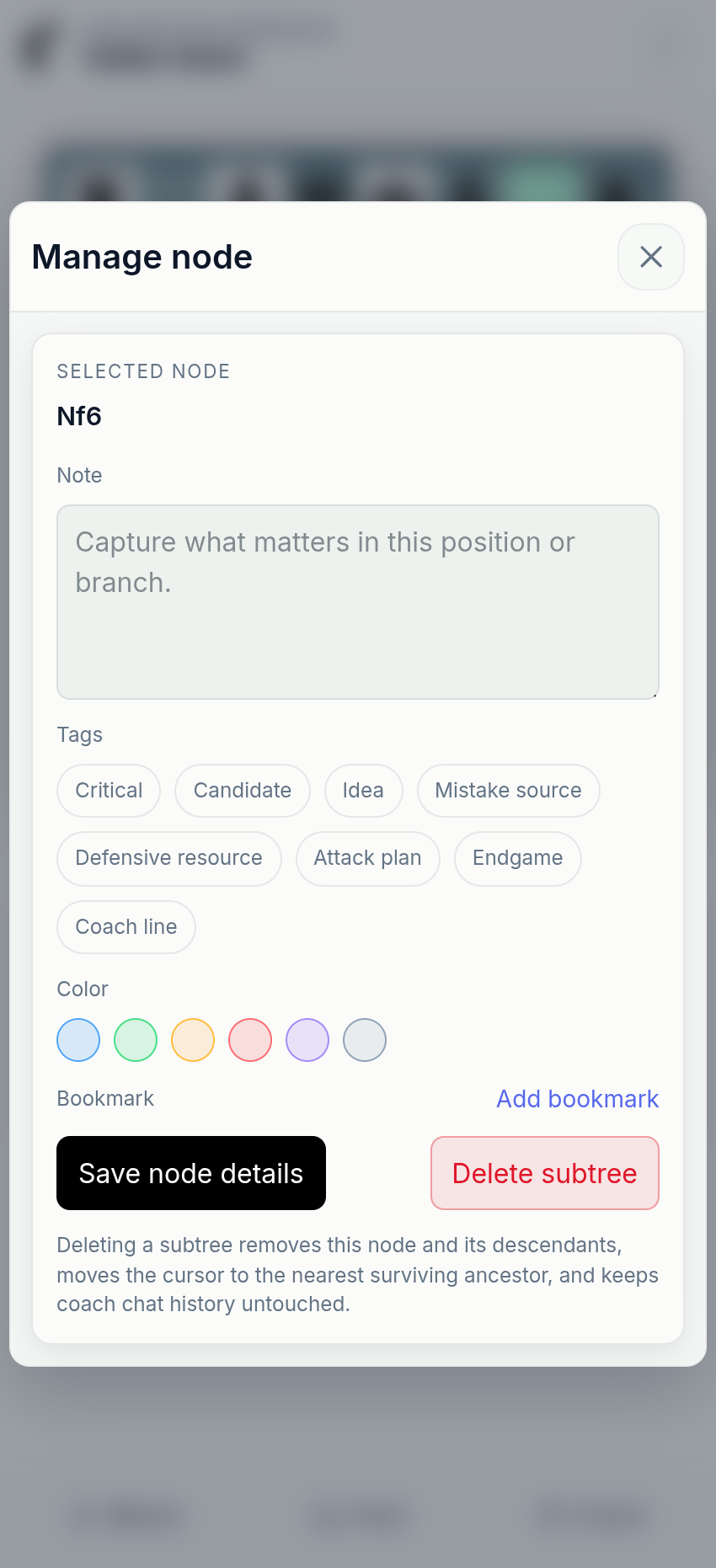
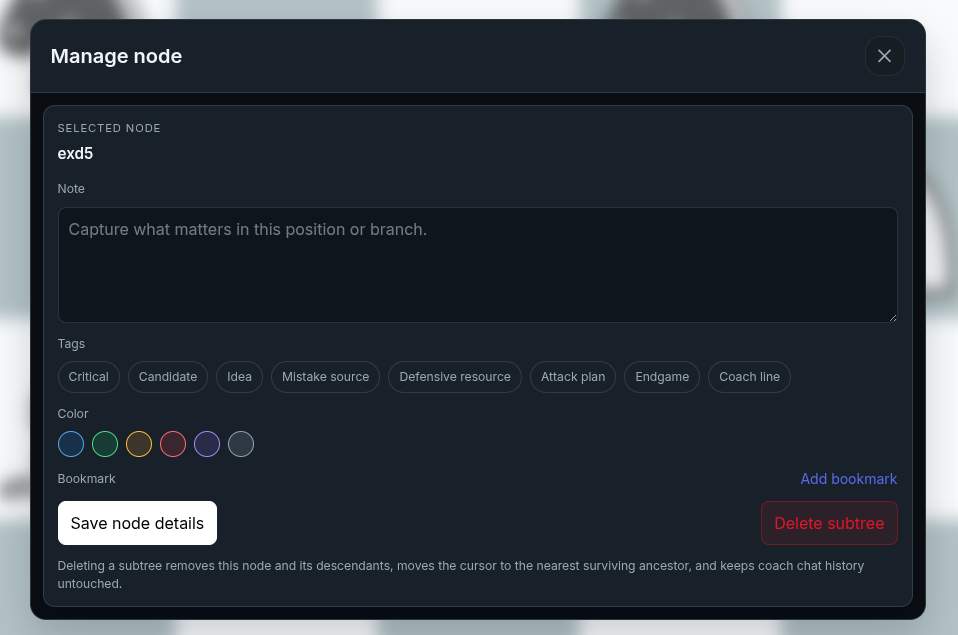
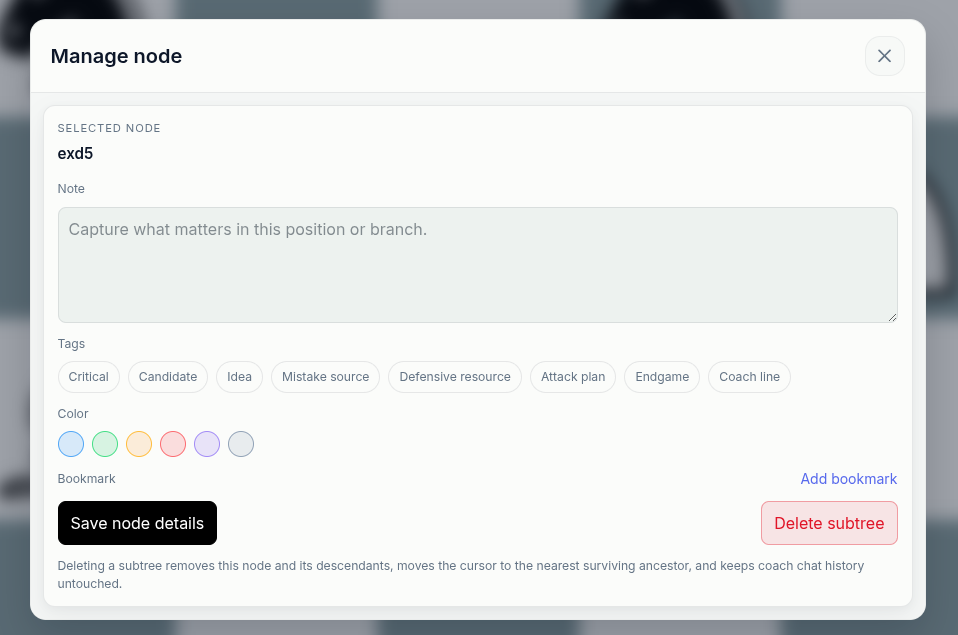
Mark important positions
Name key positions, add notes, use tags or colors, and bookmark the moments that explain why a branch mattered.
Save branches
Keep candidate lines and opening prep together.
Attach context
Keep notes, insights, and coach explanations tied to exact positions.
Find key moments
Use names, tags, colors, and bookmarks to make the study path readable.
Share the lesson
Send the full thinking path to a coach, student, friend, or training partner.
Bring every important chess moment into the same study workflow
Whether the position comes from a game, handwritten scoresheet, opening line, puzzle, endgame, master game, FEN, or academy lesson, chessfeed.ai helps you study it with the board, AI coach, guided insights, practice, and saved lessons.
Turn handwritten scoresheets into games you can study
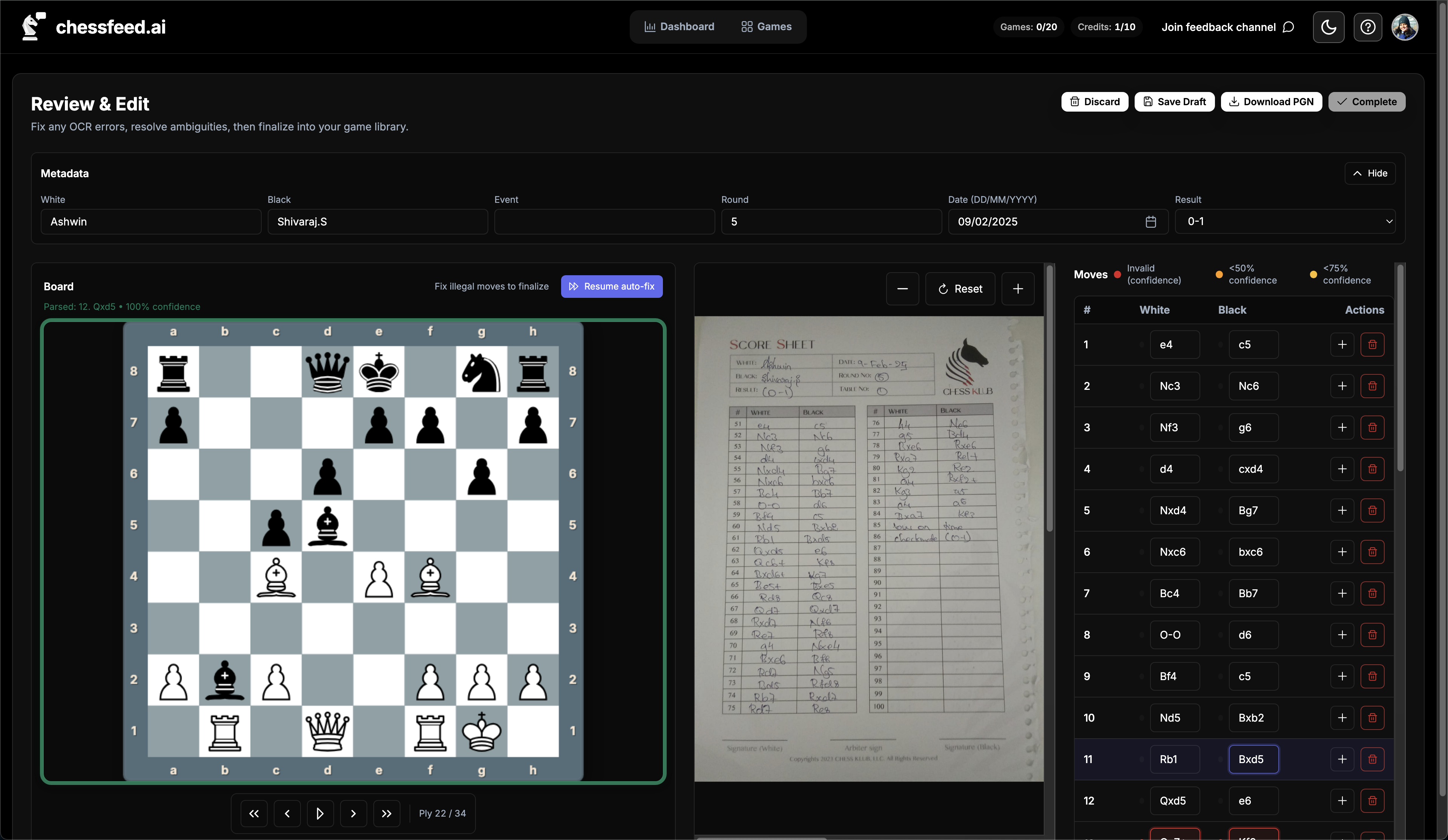
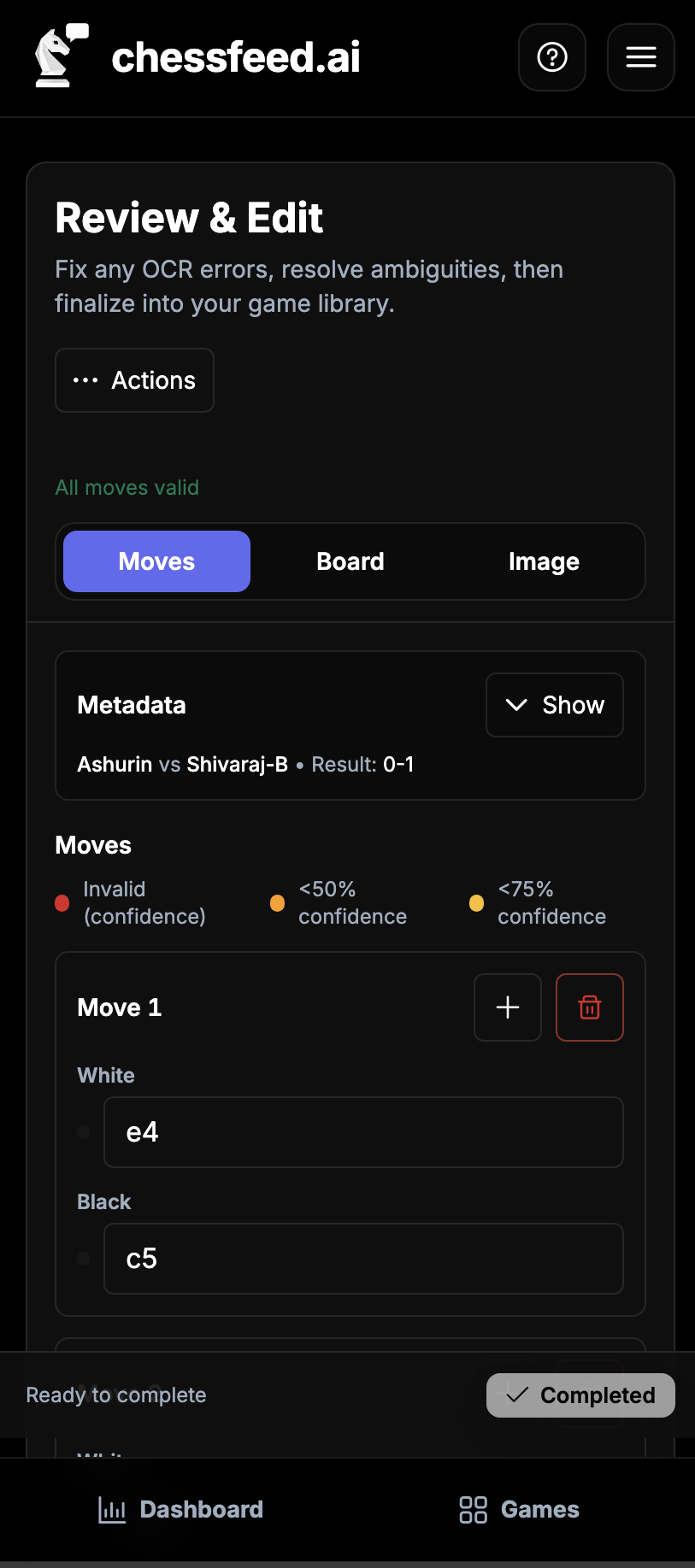
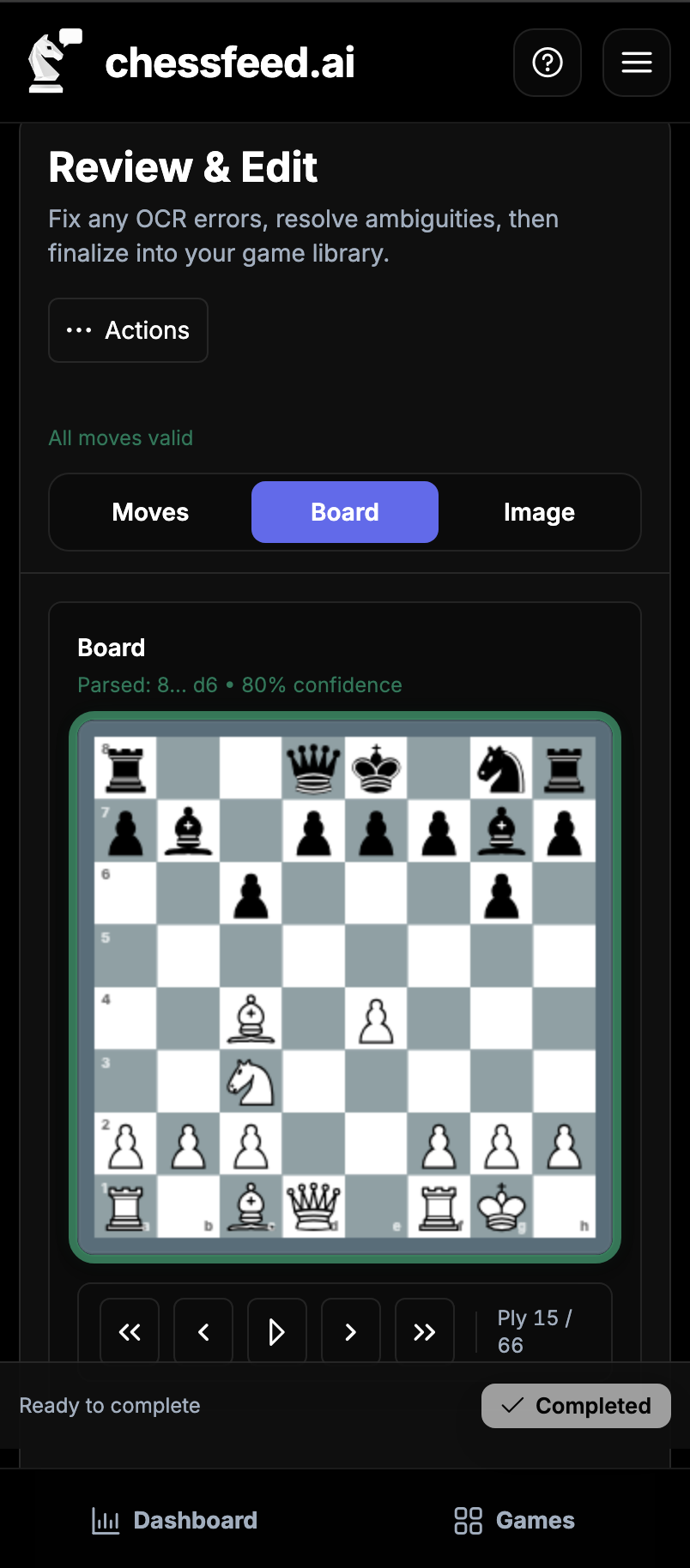
Upload photos of handwritten scoresheets, convert them to PGN, review the moves, and continue into Study, practice, or a saved lesson.
- Upload JPG, PNG, or WEBP images
- AI-assisted handwriting recognition
- Review and correct moves before analysis
- Move from scoresheet to Study
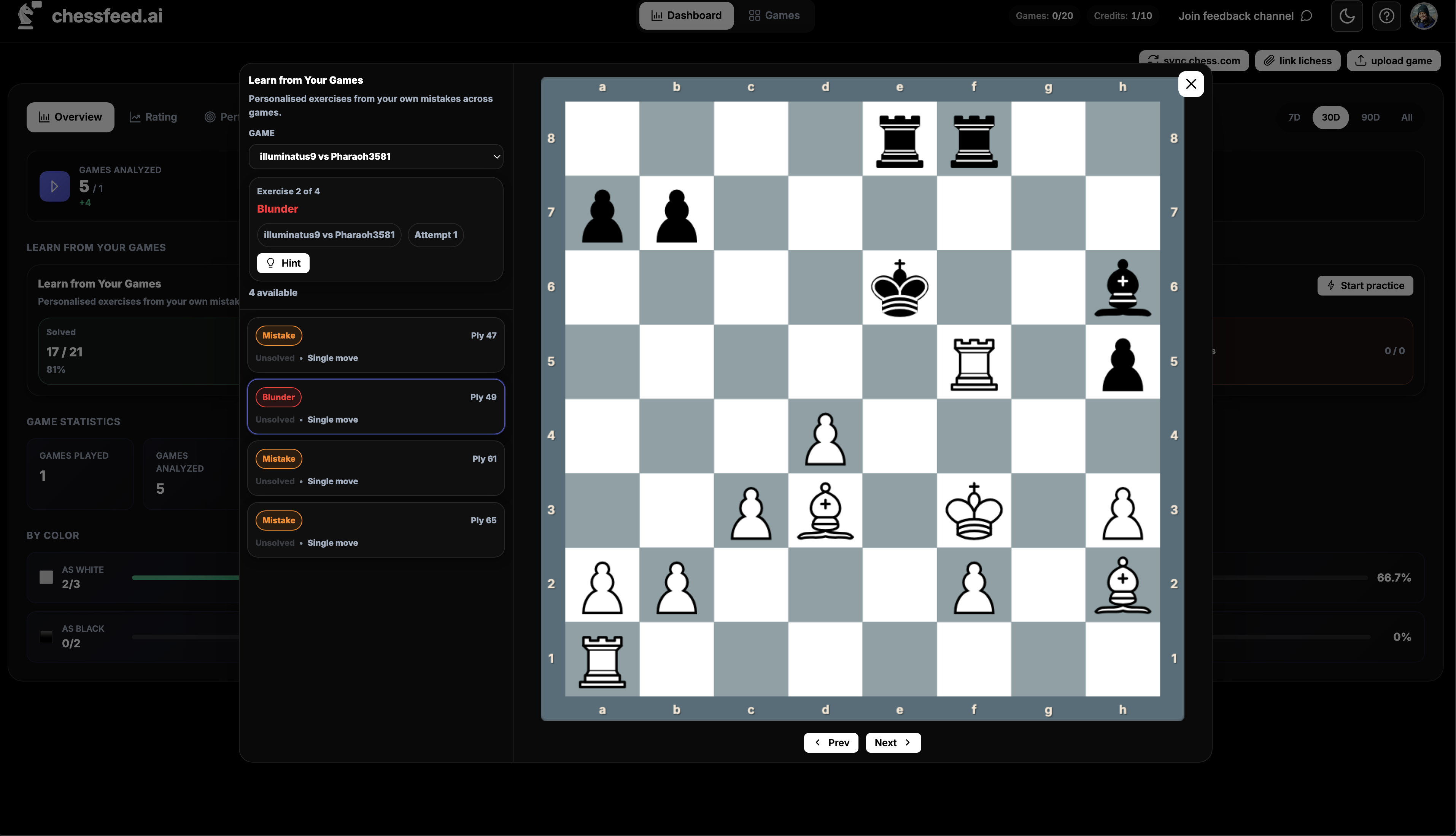
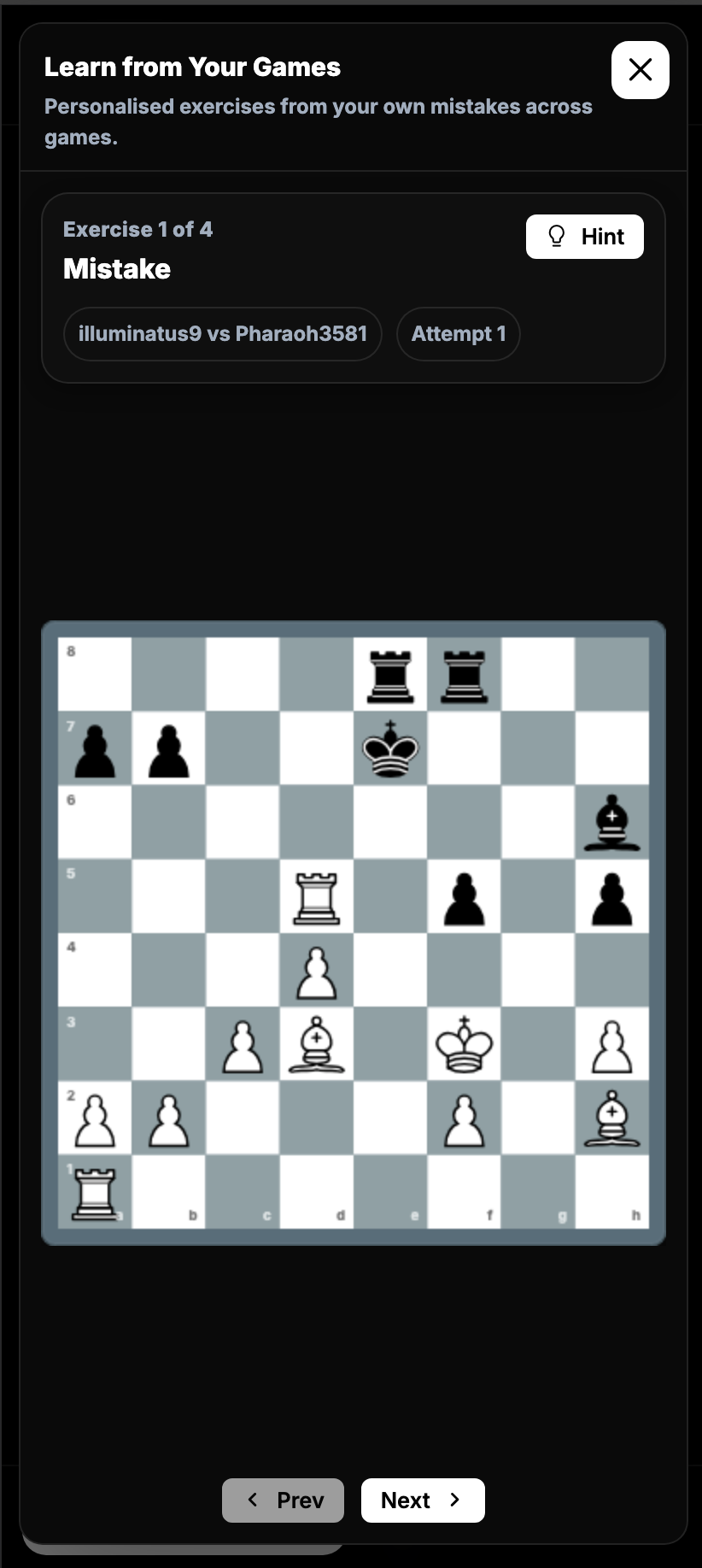
Practice the positions that actually mattered
Turn critical moments from games, openings, puzzles, endgames, or explored branches into targeted practice.
- Exercises from games, branches, and study positions
- Multi-move tactical sequences
- Progressive hints
- Context preserved from the original position
Keep your games ready for study
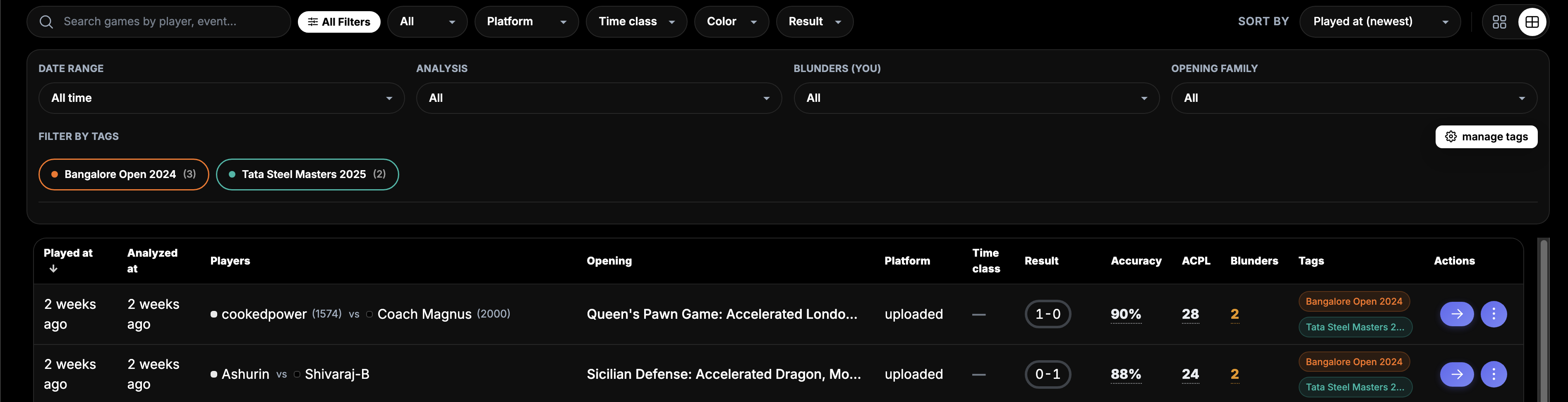
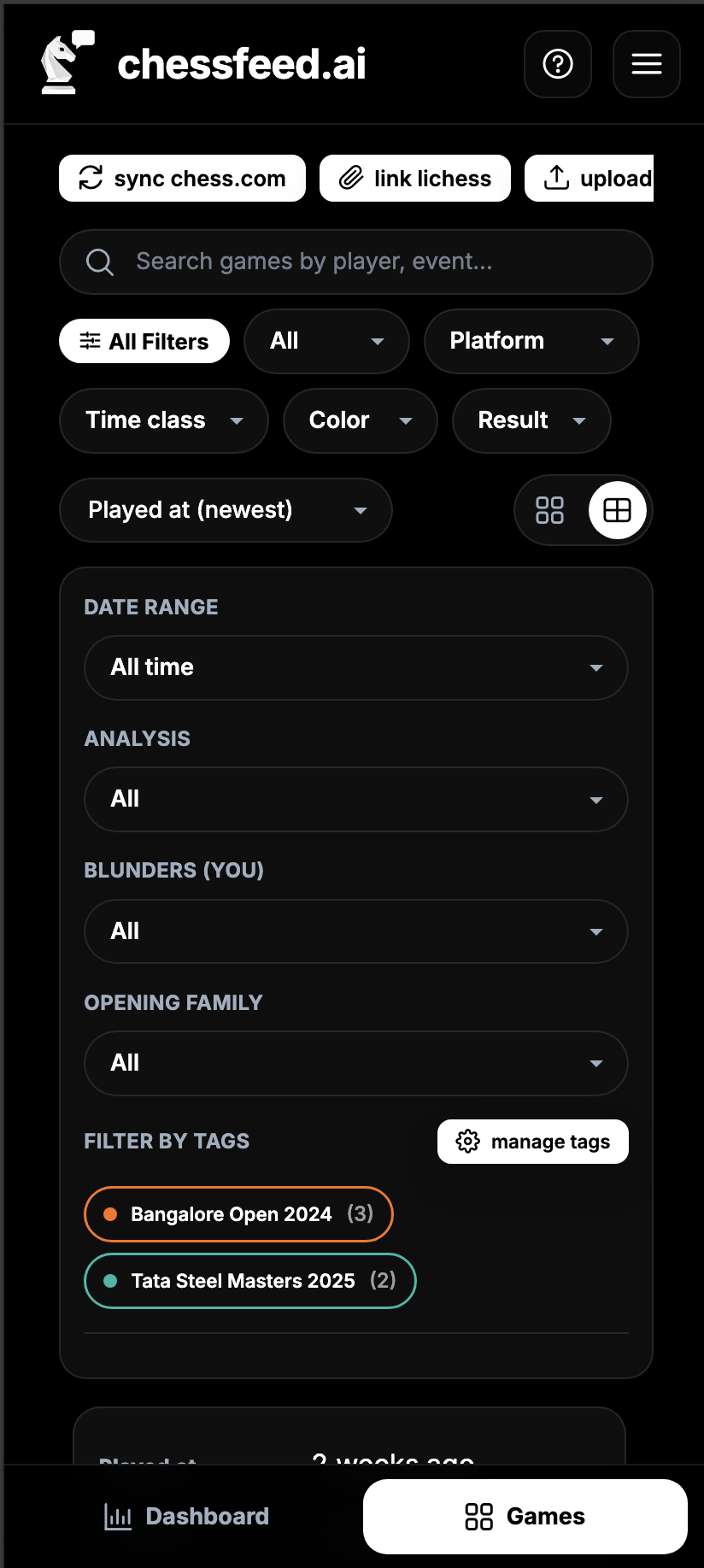
Upload PGNs, paste PGN text, connect Chess.com and Lichess, or start from a position so your study material is ready when you want to review.
- PGN upload and text paste
- Chess.com and Lichess sync
- Tags and filters for organization
- Opening and game metadata
Also built for coaches and academies
Coaches can use interactive study workbooks to show students how to think through a position, not just what the engine says. Assign positions, review branches, discuss notes, and turn important moments into practice.
Assign
Share positions and study workbooks with students.
Review
See candidate moves, branches, notes, and practice attempts.
Teach
Use the same board context for feedback and follow-up.
Free to start. Plans that grow with your training.
The Free plan includes 10 monthly Credits and 5 included game analyses. Paid monthly plans start at ₹499 when you need more AI coaching, deep analysis and regular game review capacity.
Free plan available
Paid plans from ₹499/month
Credit top-ups for occasional extra usage
Ready to study your next position with an AI coach?
Start free and upgrade only when you need more monthly Credits and included game analyses.
Start Exploring Free