From one position to a complete study session
Start from a game, opening, puzzle, endgame, master game, or board position. Opening Lens explains the opening ideas, the Insight Panel shows what matters, Study lets you test moves and compare branches, and saved studies keep the full lesson.
Start Exploring FreeStep 1: Start from the position that matters
Open your own game, paste a FEN, study an opening, revisit a puzzle, review an endgame, or load a master game moment. chessfeed.ai starts from the board, because that is where chess understanding happens.
- Games, FENs, openings, puzzles, endgames, and master games
- Move from review into Study
- Keep the original position as context
- Ask your AI coach about what you are seeing
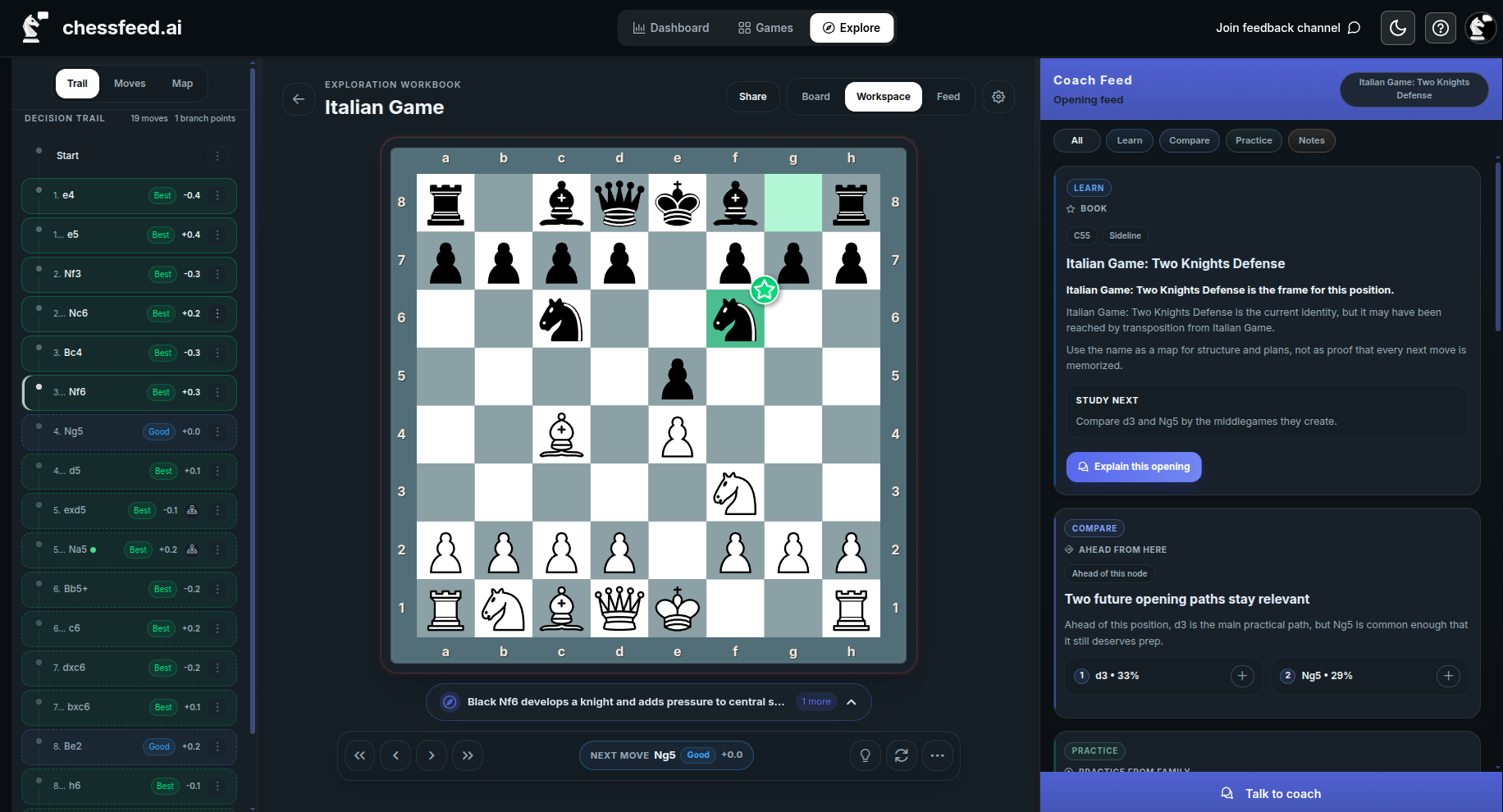
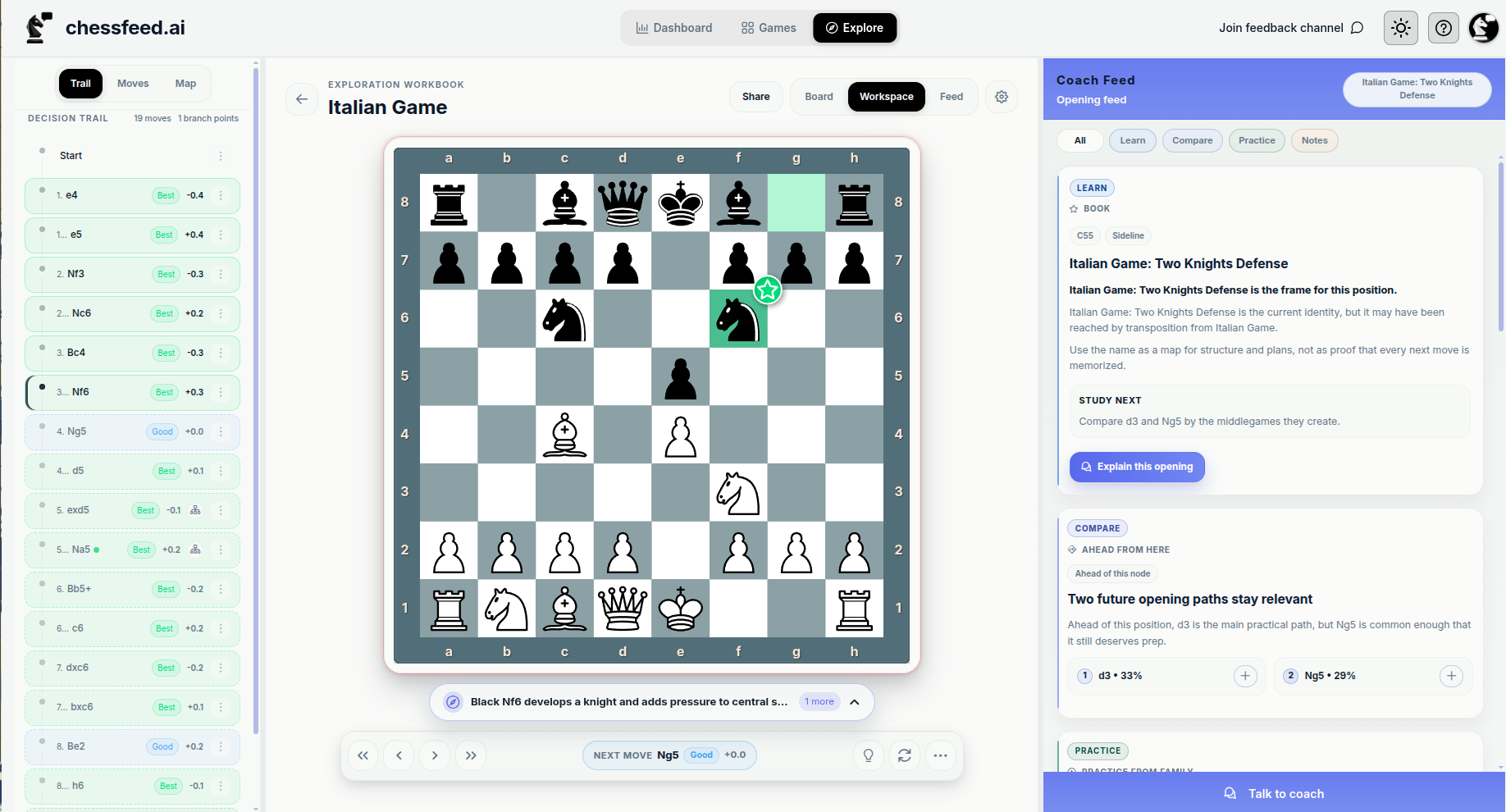
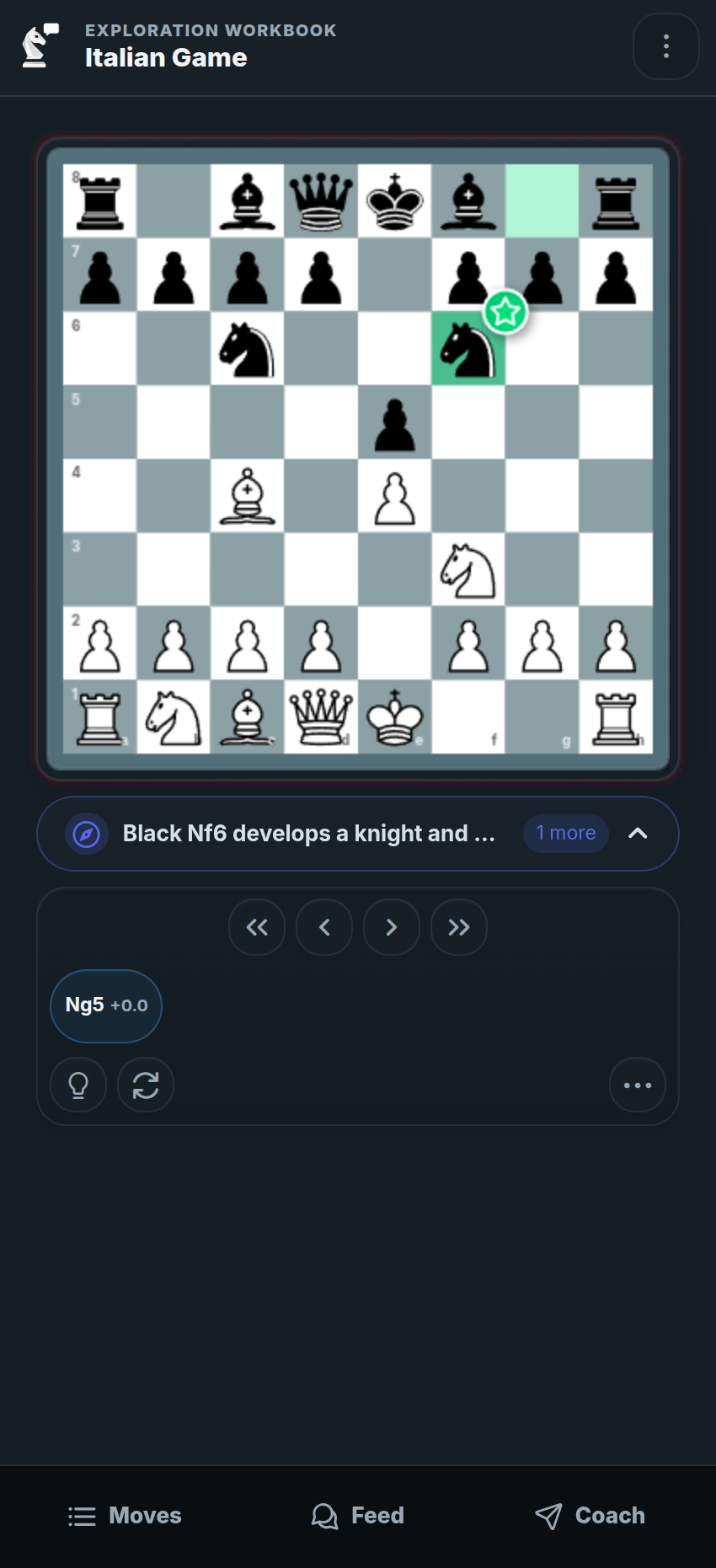
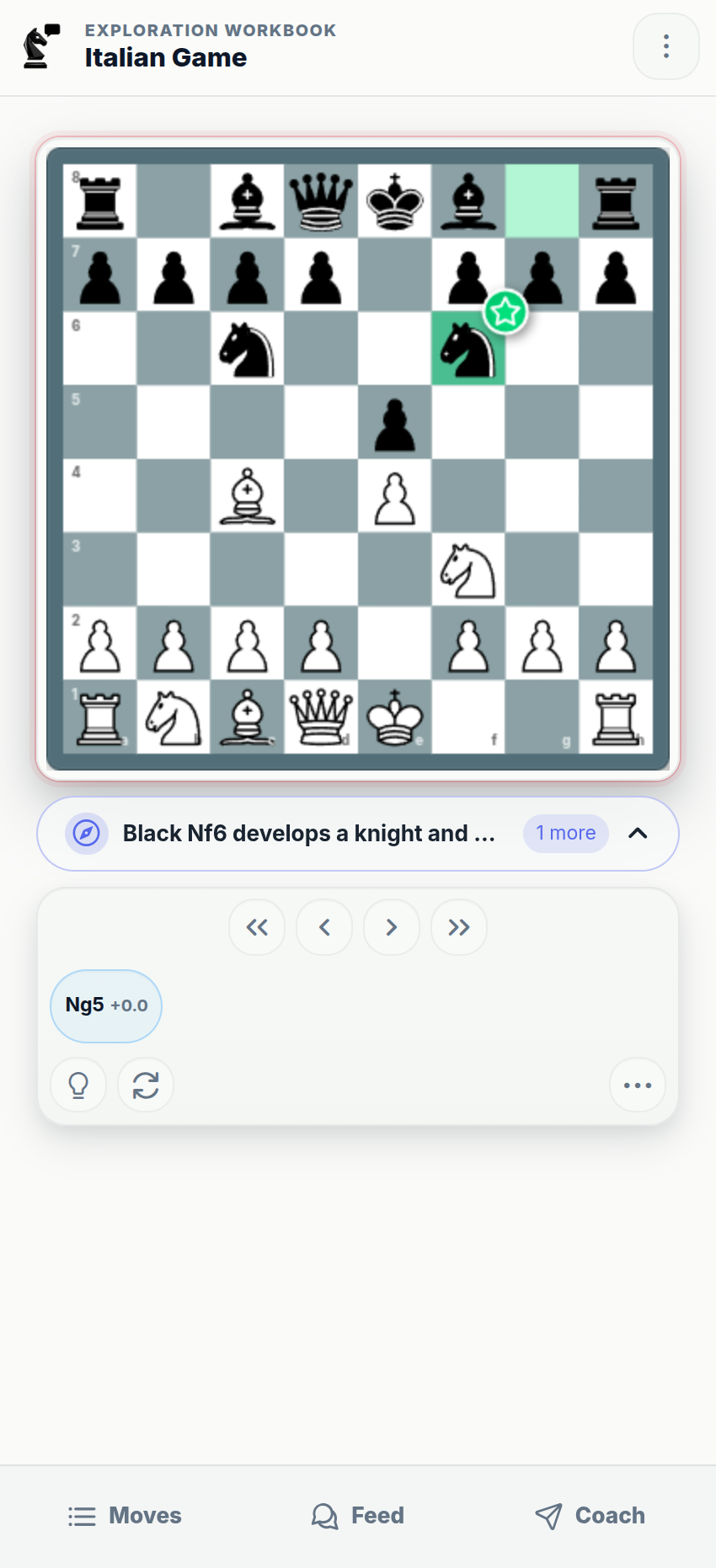
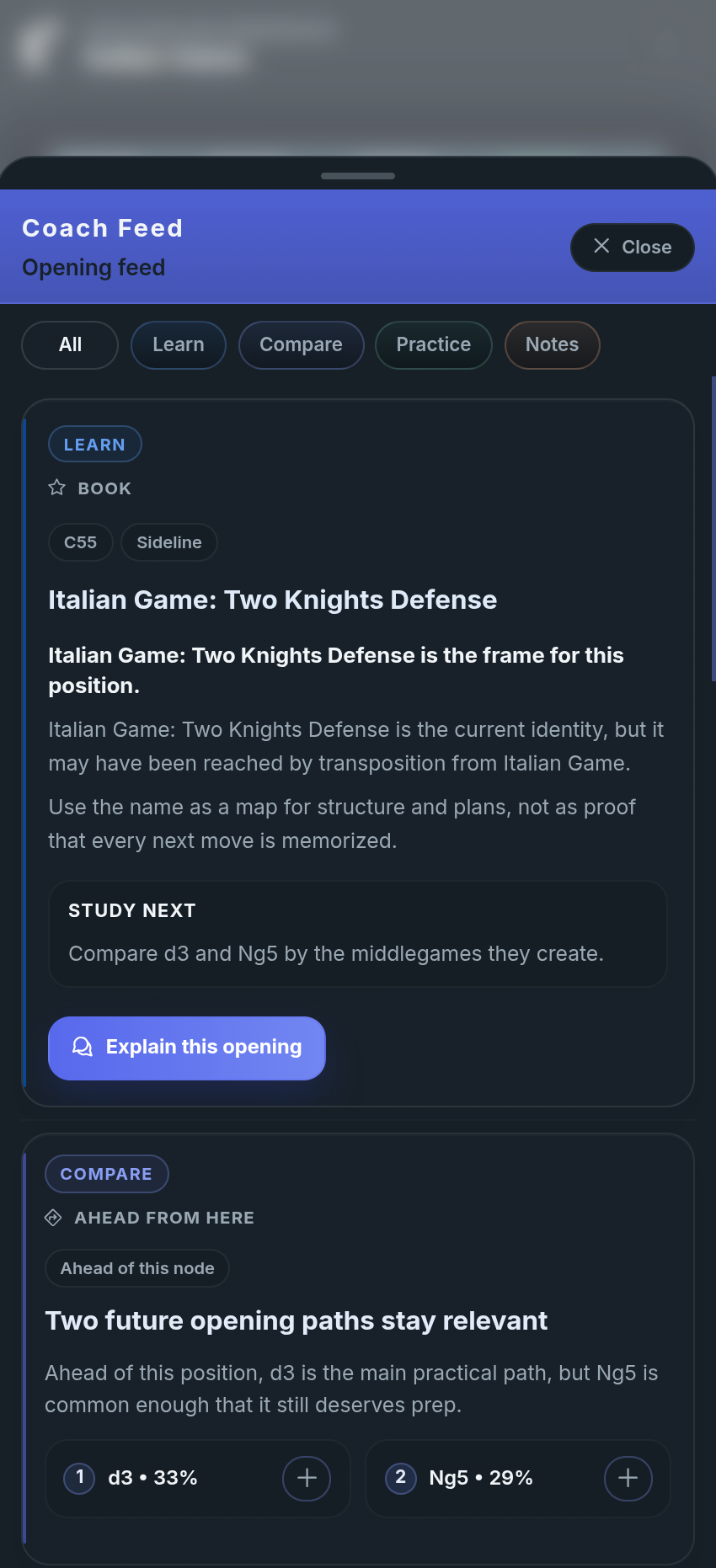
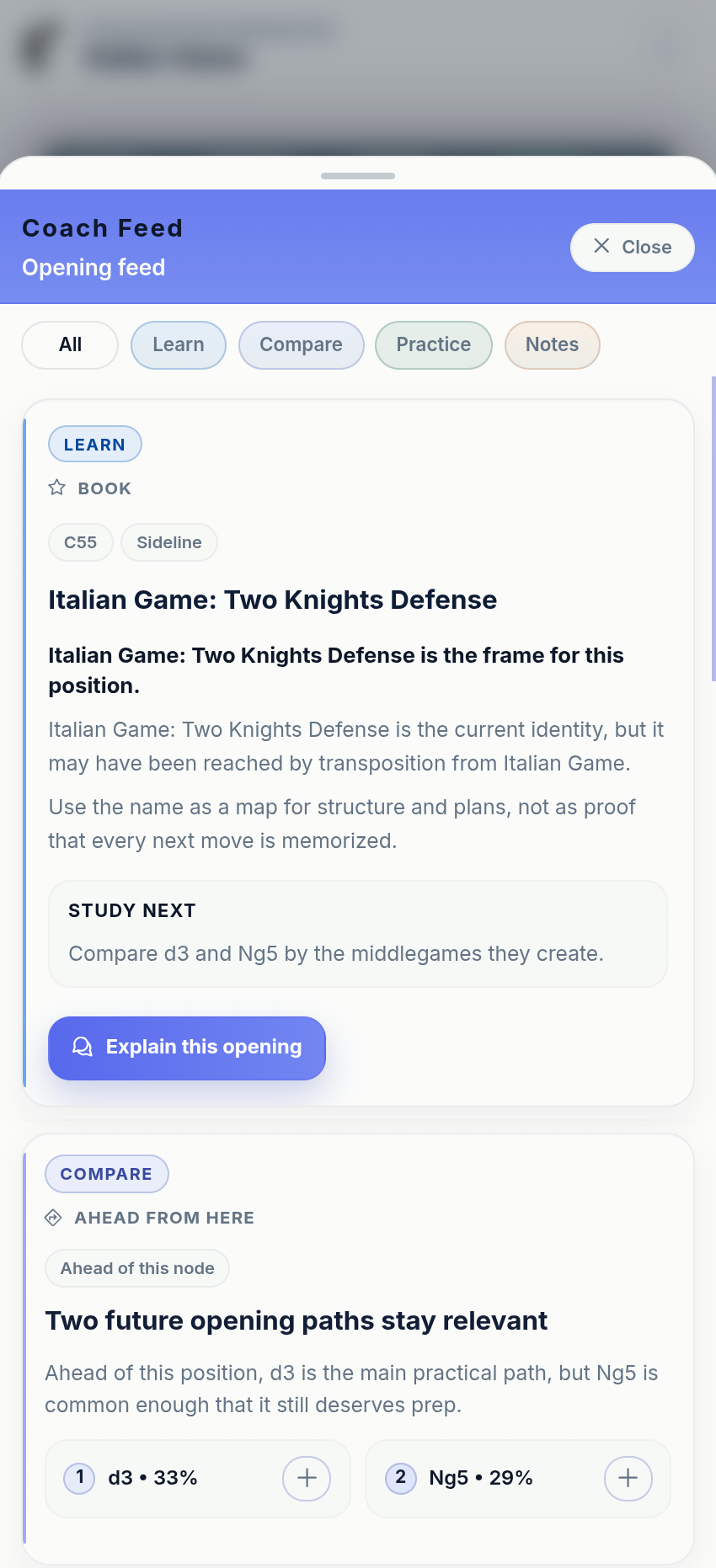
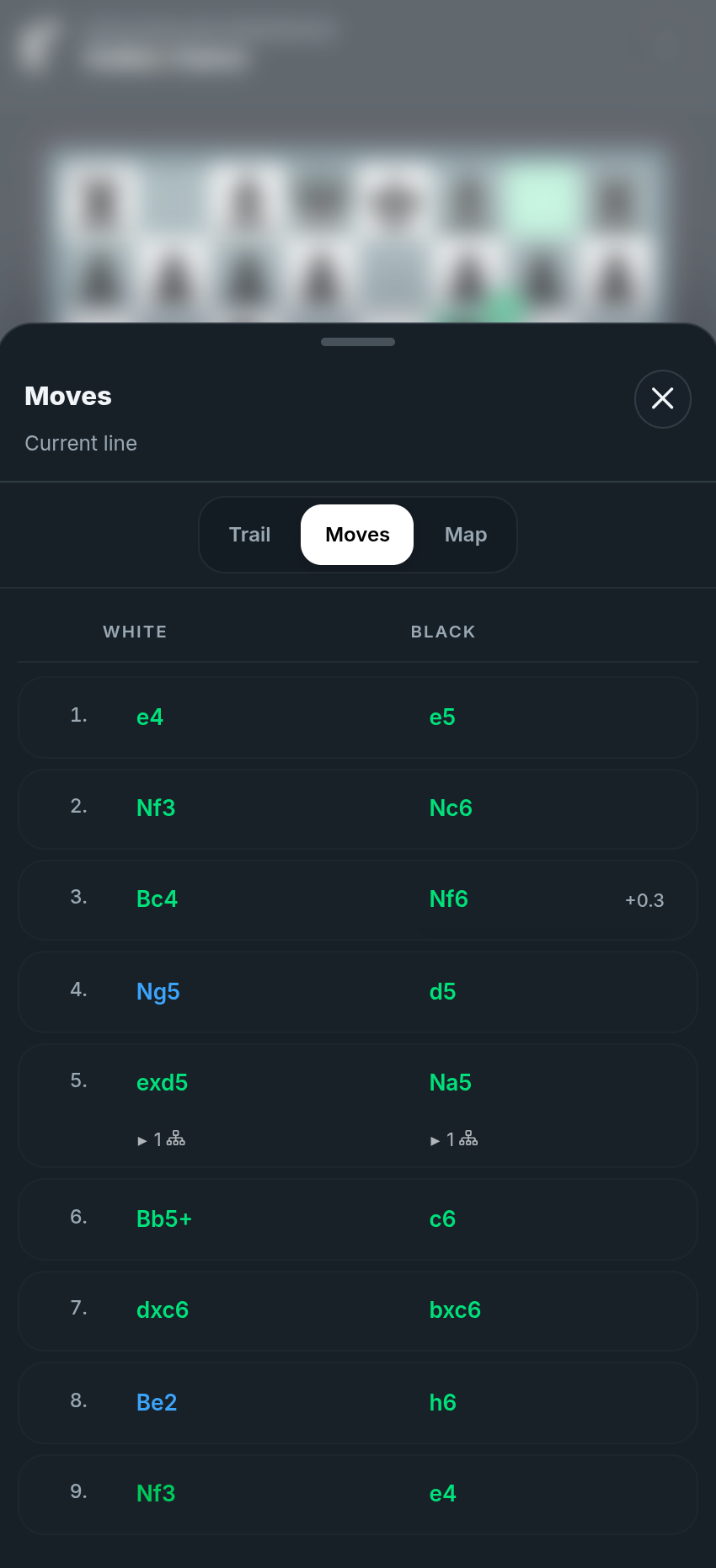
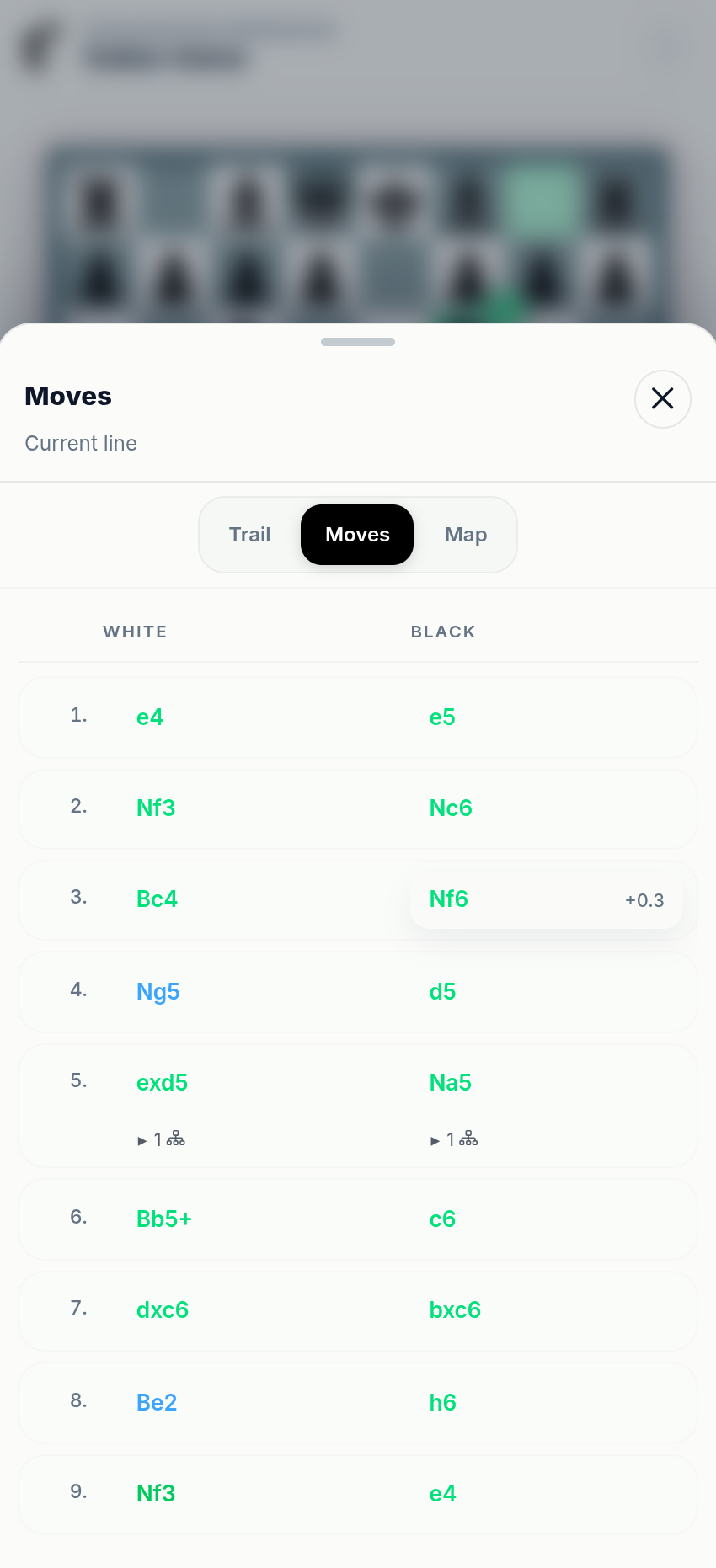
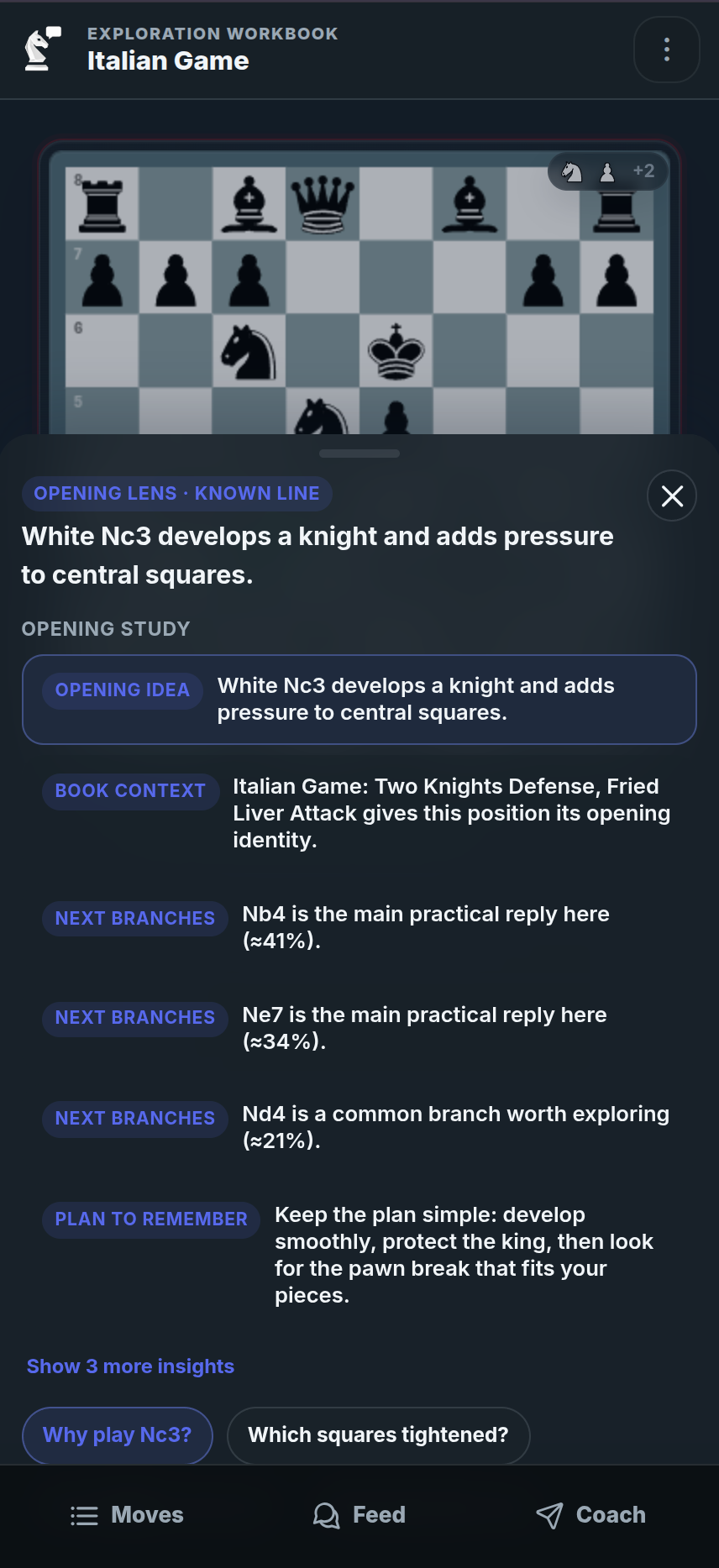
Step 2: Understand the opening idea before memorizing the line
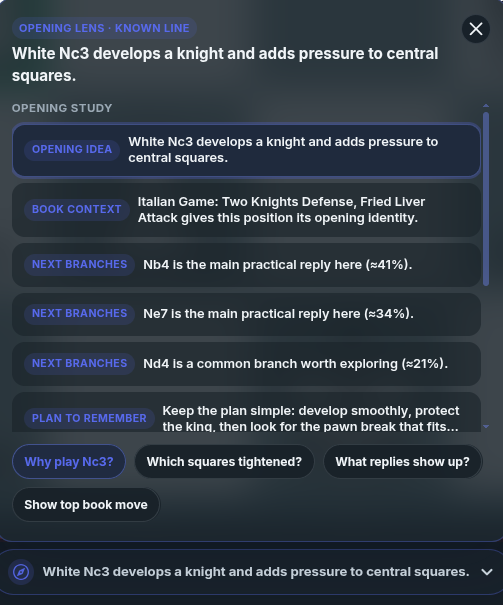
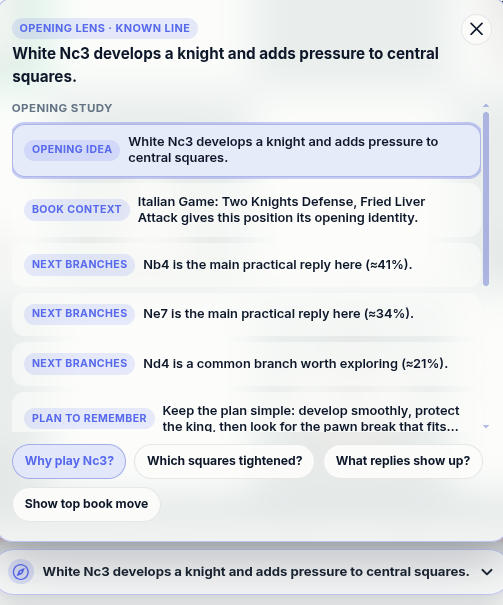
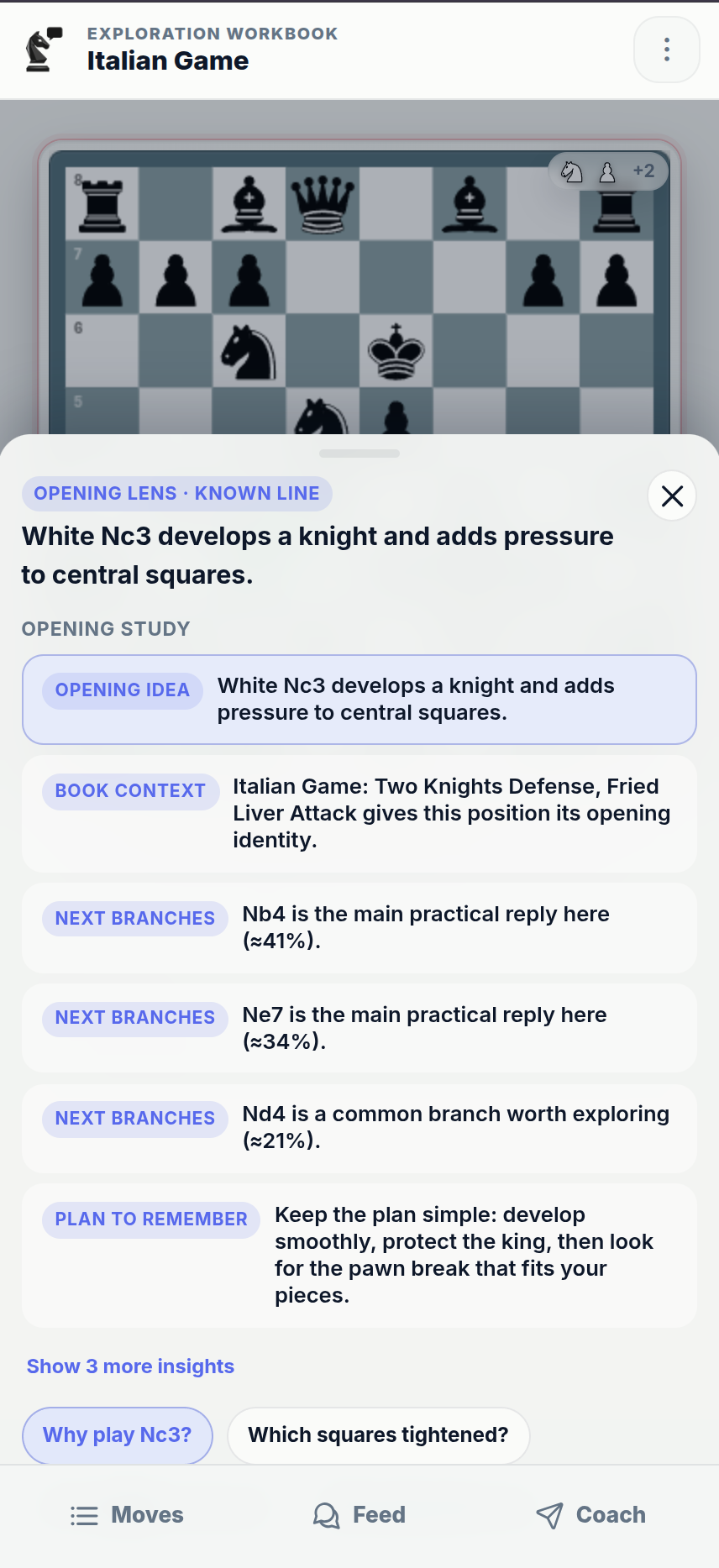
When you are in the opening phase, Opening Lens helps you understand the family, plans, candidate moves, and strategic choices behind the position.
- See the opening family, name, and where the position fits
- Understand plans and choices for both sides
- Spot candidate branches worth exploring instead of memorizing blindly
- Continue the opening position into Study, practice, or a saved study
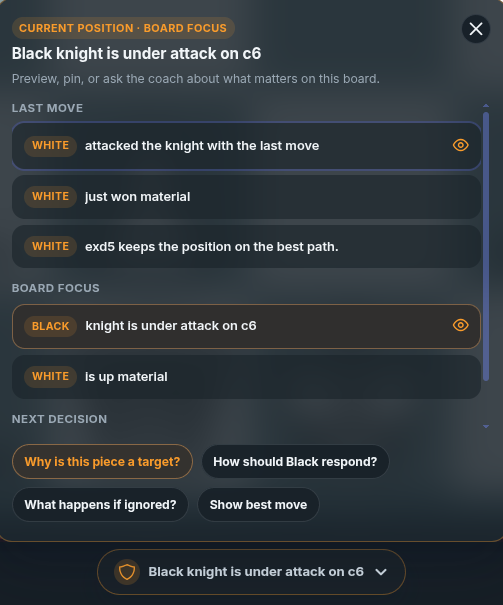
Step 3: Let the Insight Panel show what matters
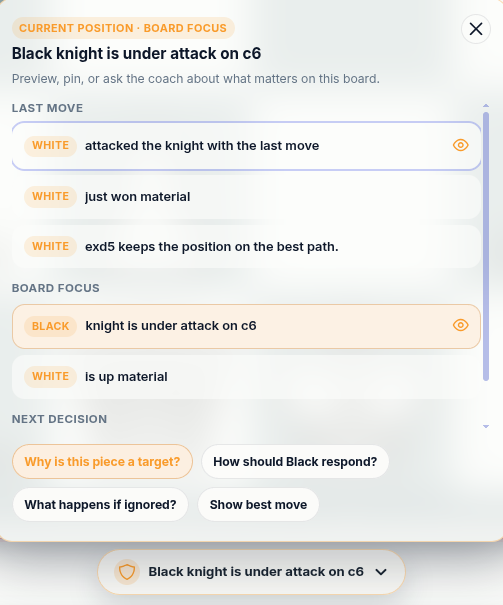
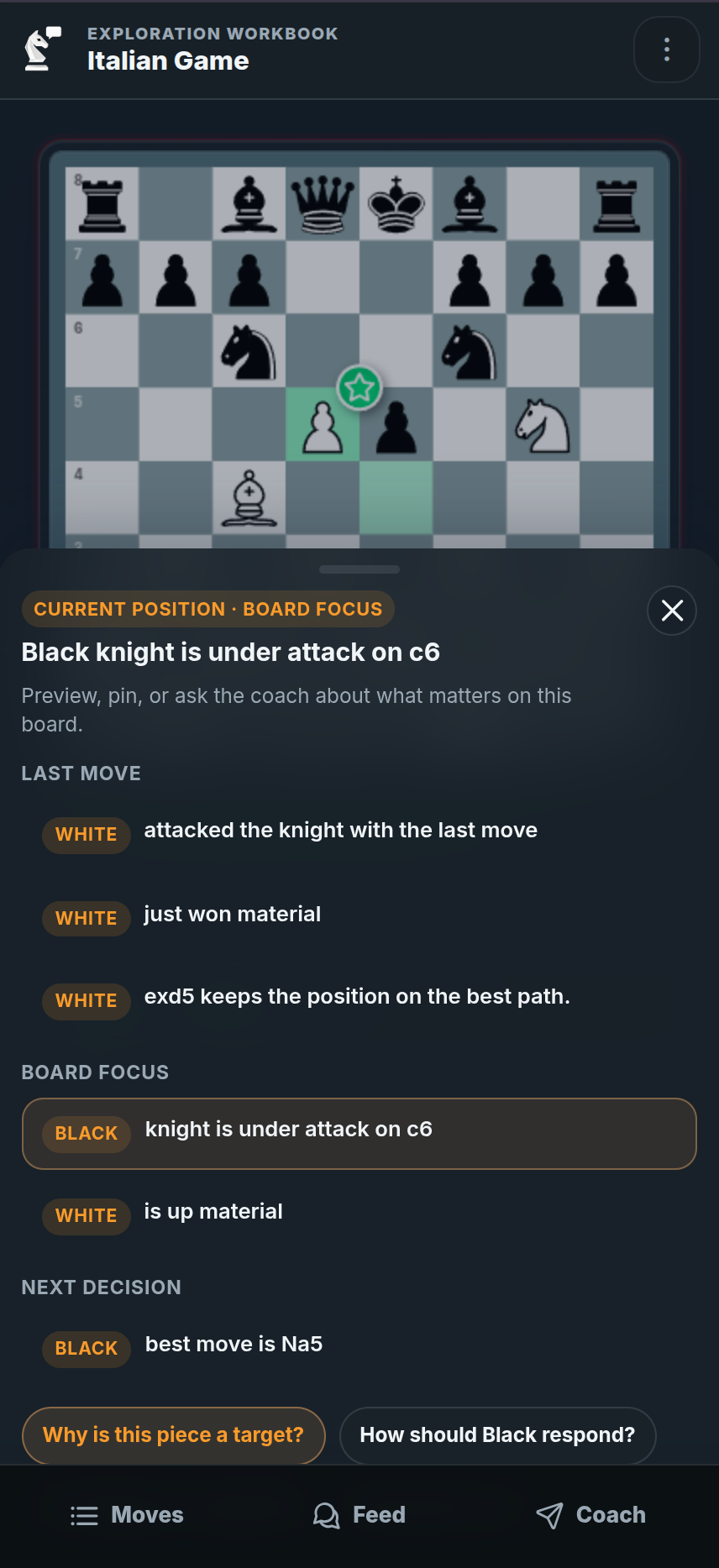
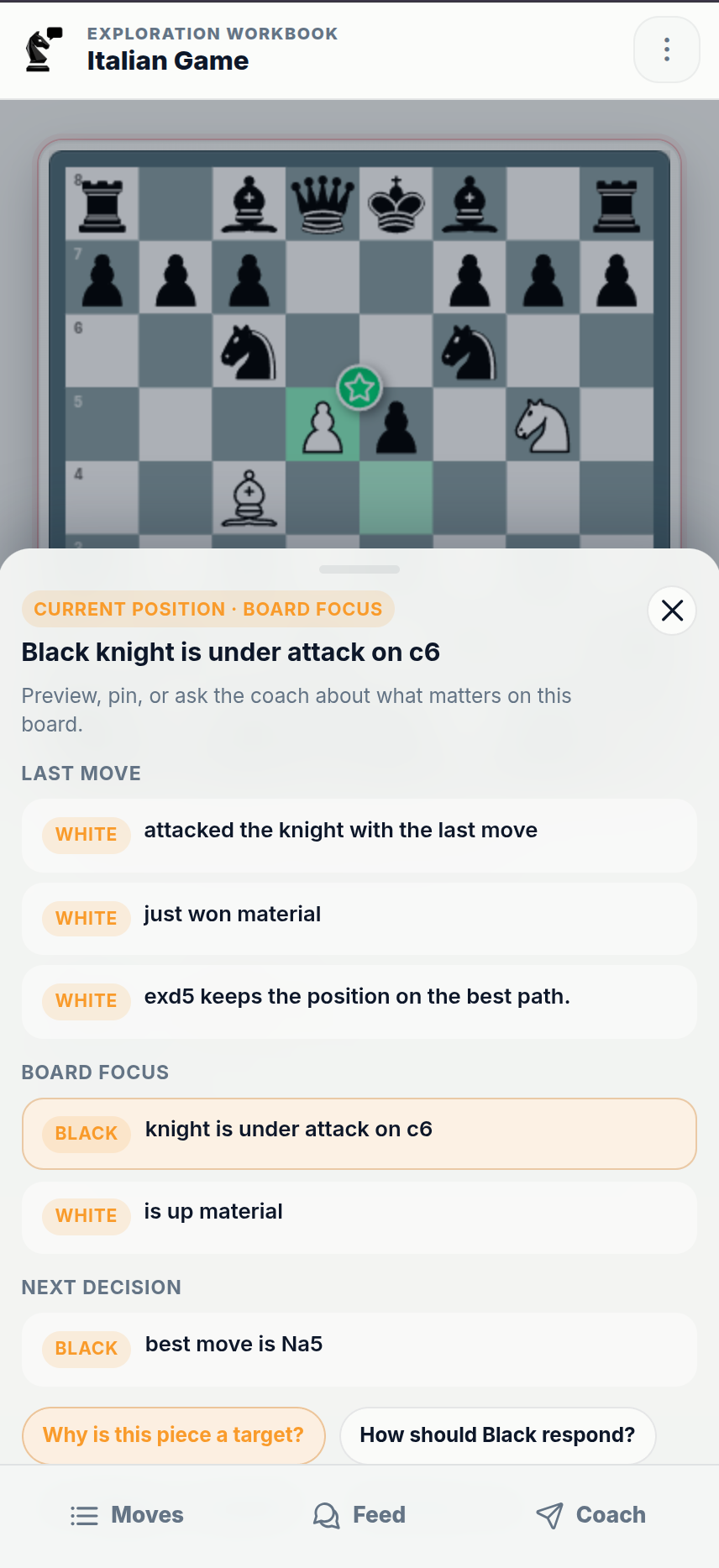
As you interact with the position, the Insight Panel highlights plans, threats, mistakes, candidate moves, and useful next steps. The Feed then keeps those learning moments attached to the positions you studied.
- See plans, threats, mistakes, and candidate moves directly on the board
- Understand what changed without asking a question every time
- Move from an insight into practice, comparison, notes, or coach chat
- Use guidance as you explore, not after you leave the position
Step 4: Test the moves you were actually considering
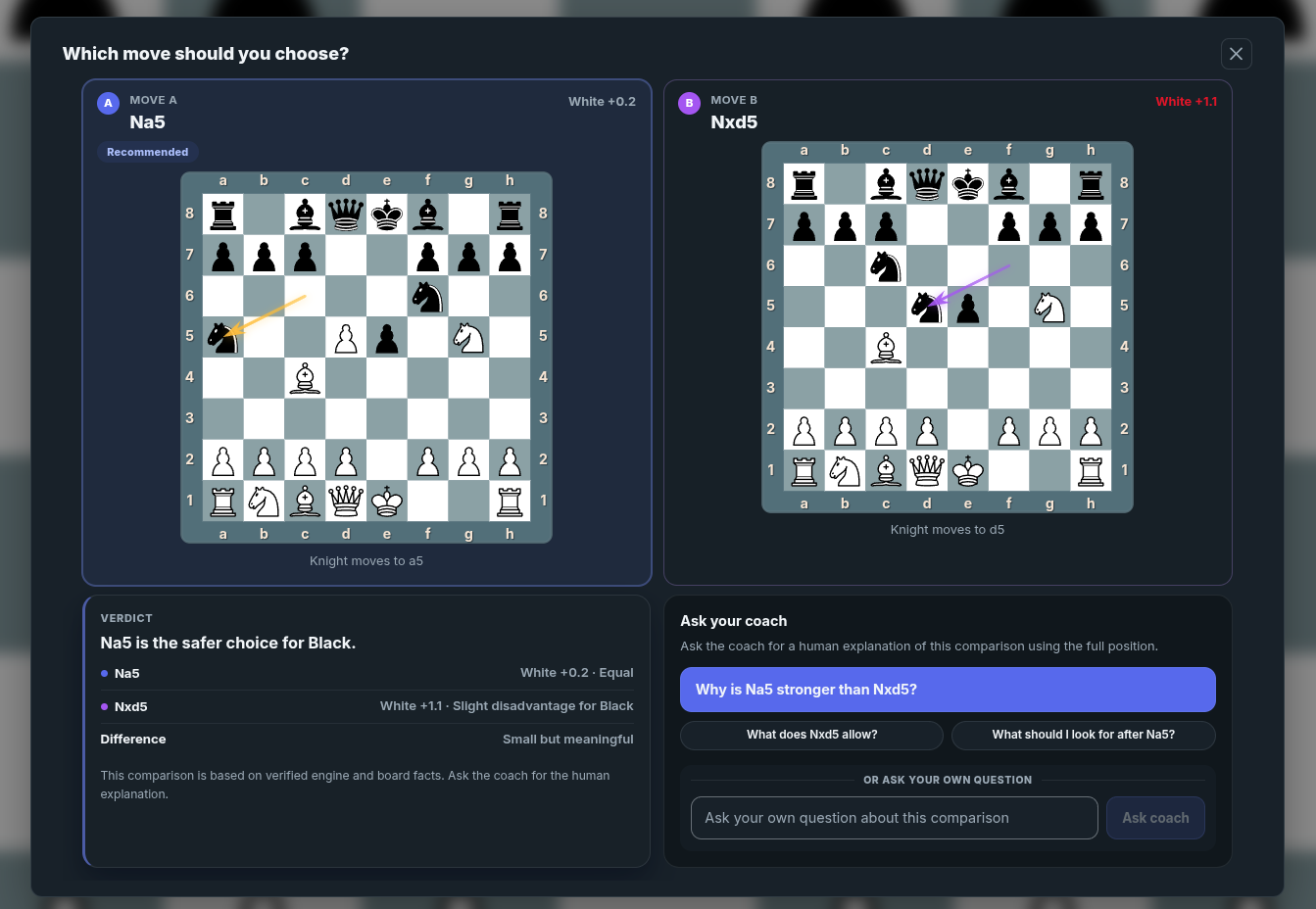
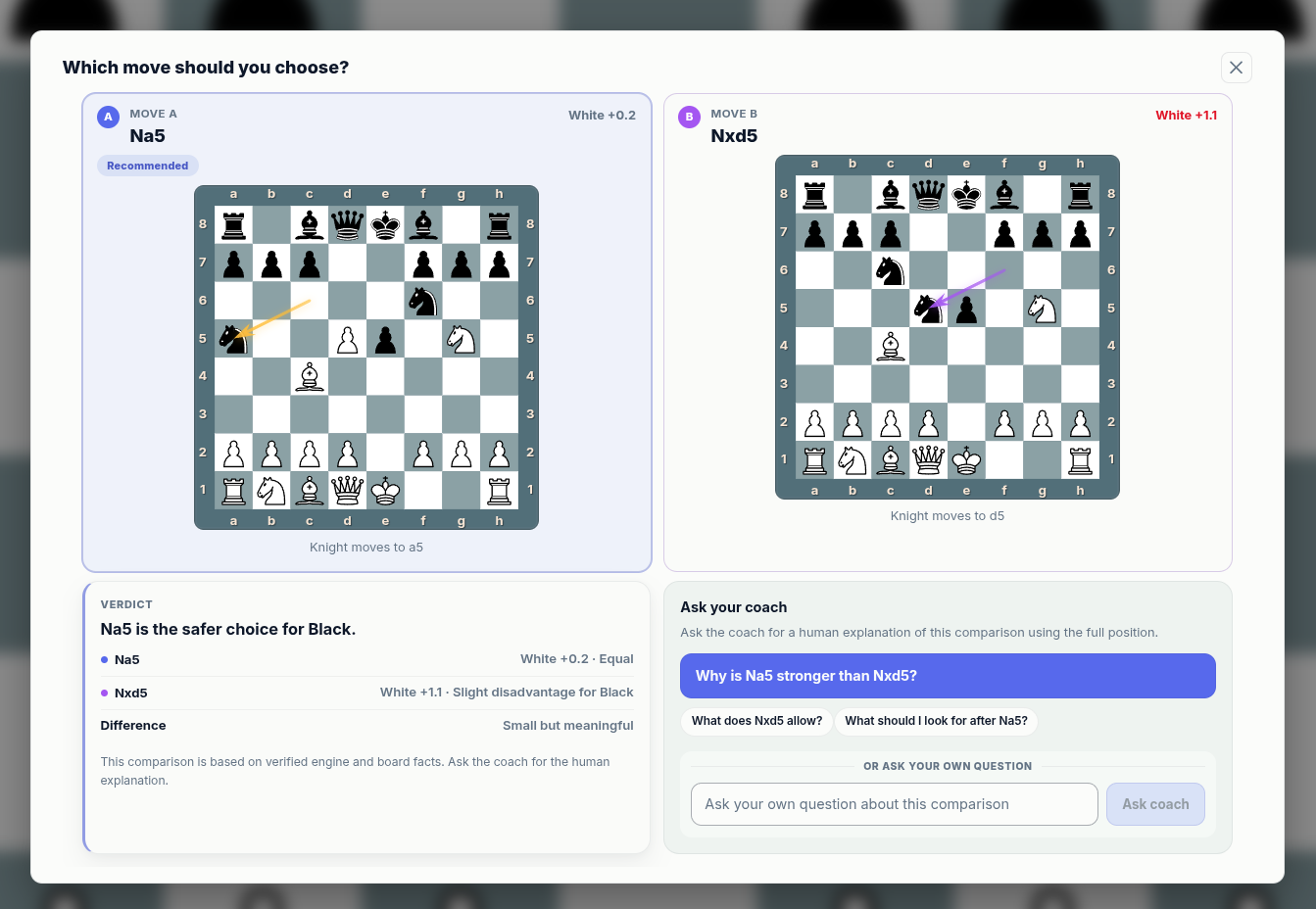
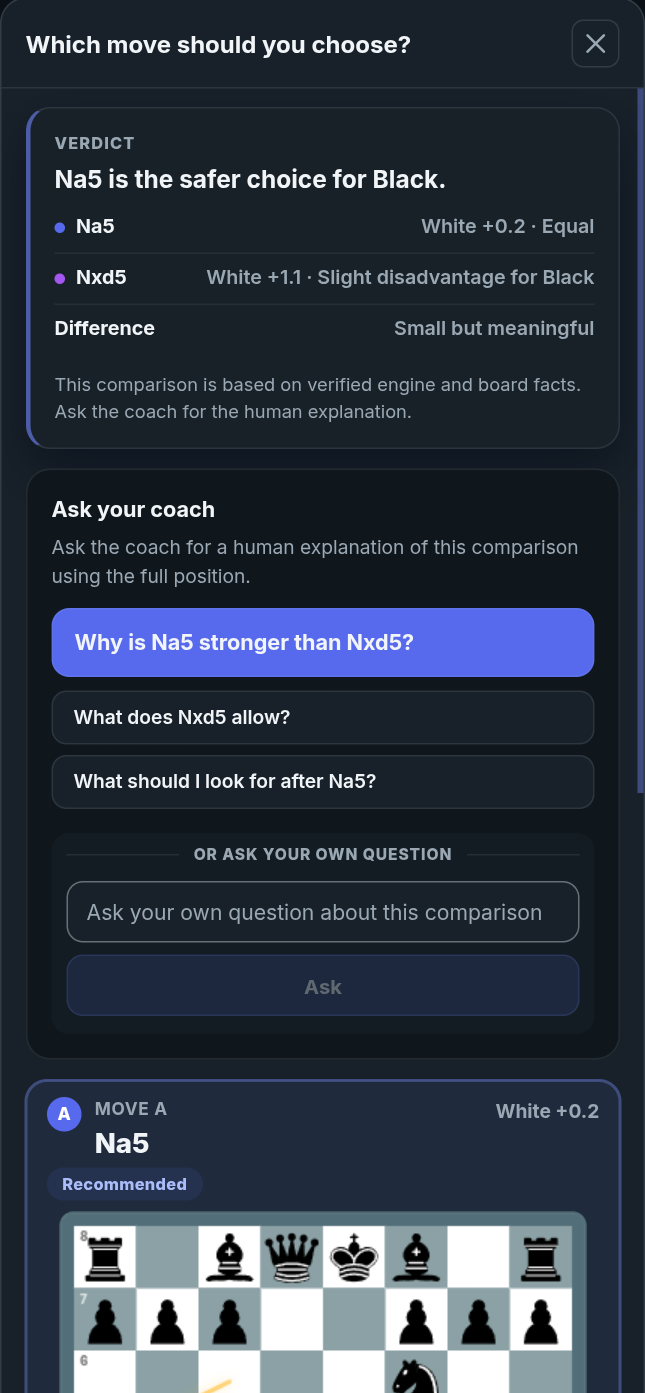
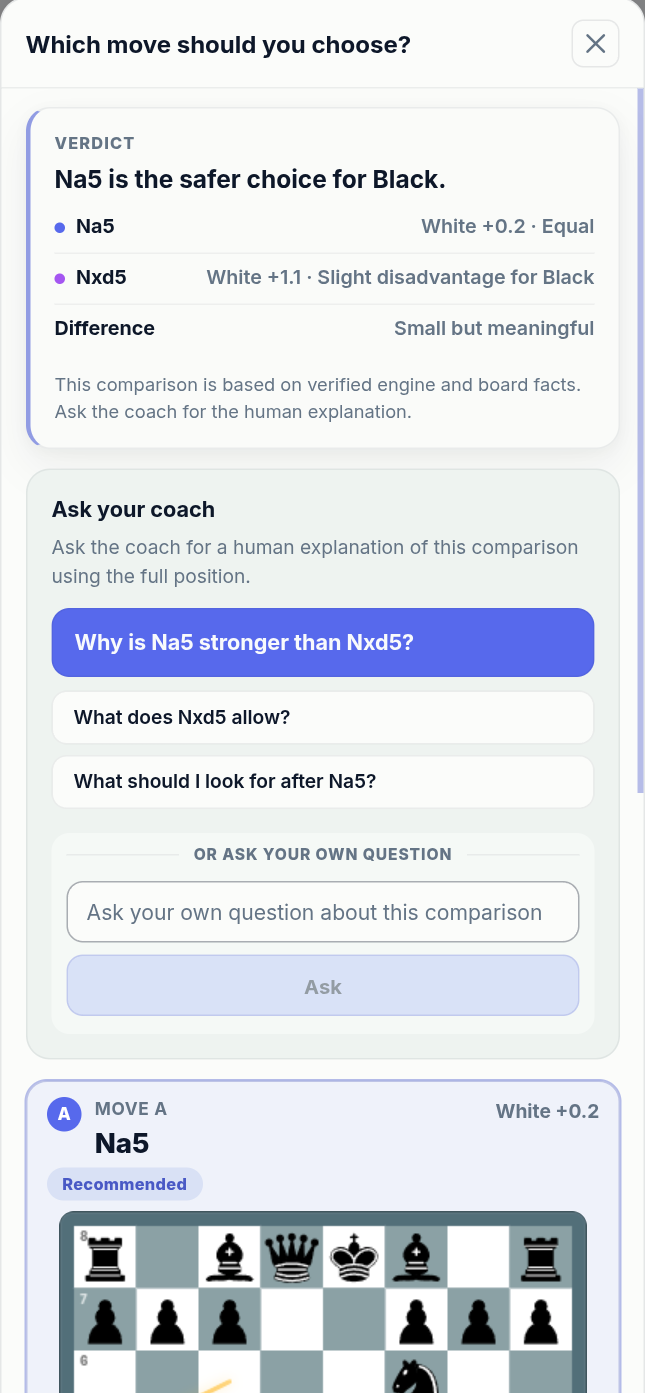
Good chess learning is not only about seeing the best move. It is about comparing the moves you considered, understanding why one plan works better, and learning how the position changes. When deeper analysis is available, engine-backed candidate lines can give you stronger starting points for serious study.
- Compare candidate moves from the same position
- See why one continuation keeps the plan coherent
- Use coach prompts when the difference is not obvious
- Turn comparisons into saved studies
Step 5: Save and organize the thinking path
Saved studies keep the full learning path, not just a diagram. Keep branches, notes, candidate lines, practice moments, Insight Panel learning, Opening Lens context, coach explanations, and important position labels together so you or someone else can return to the full lesson later.
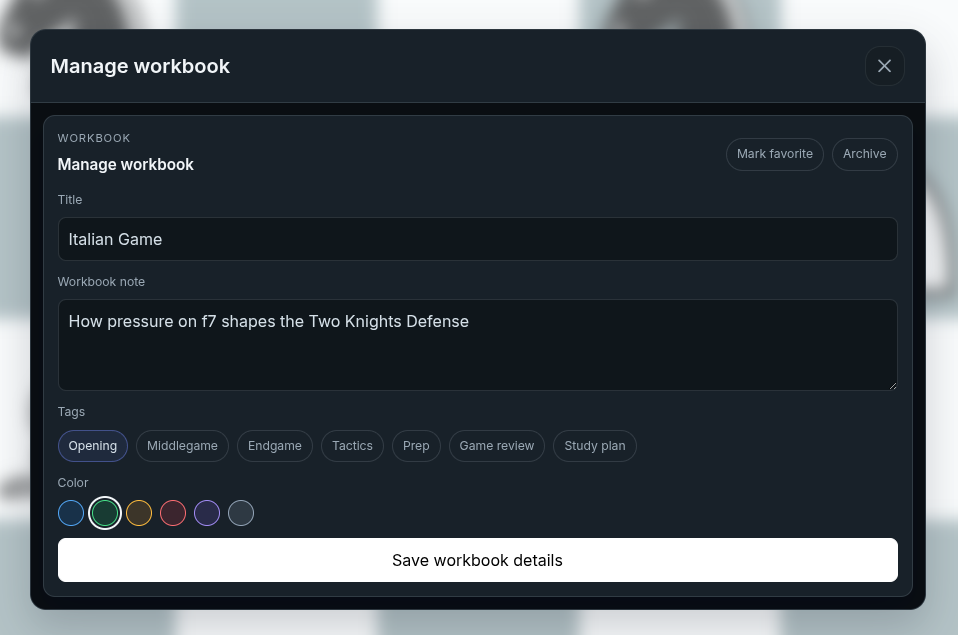
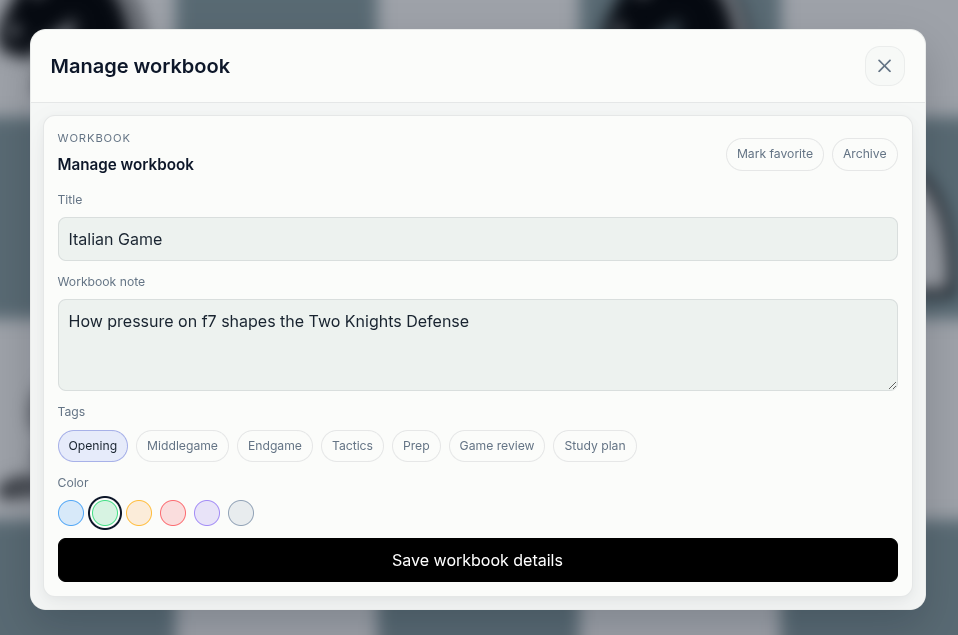
Manage the saved study
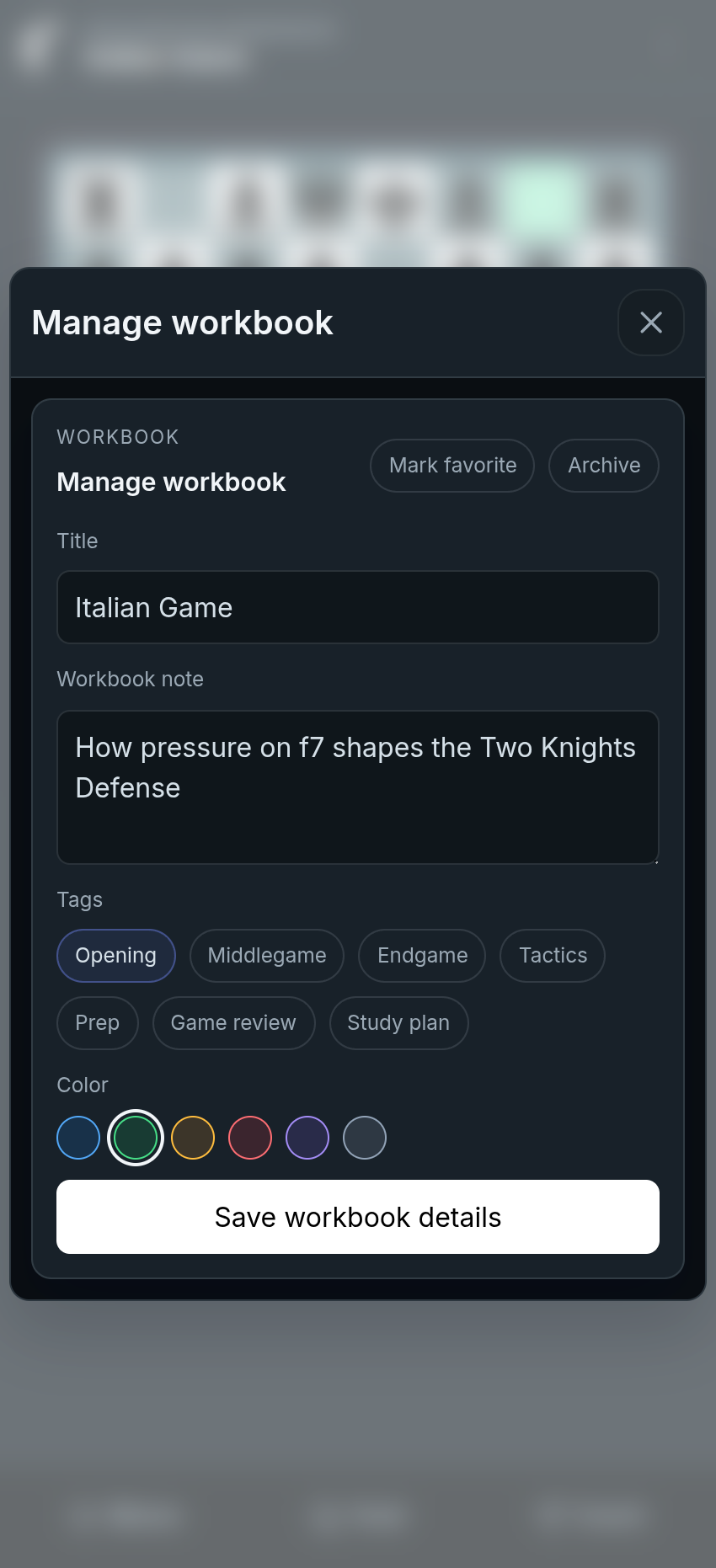
Give the study a clear title, description, and purpose so the full lesson is easy to revisit, continue, or share.
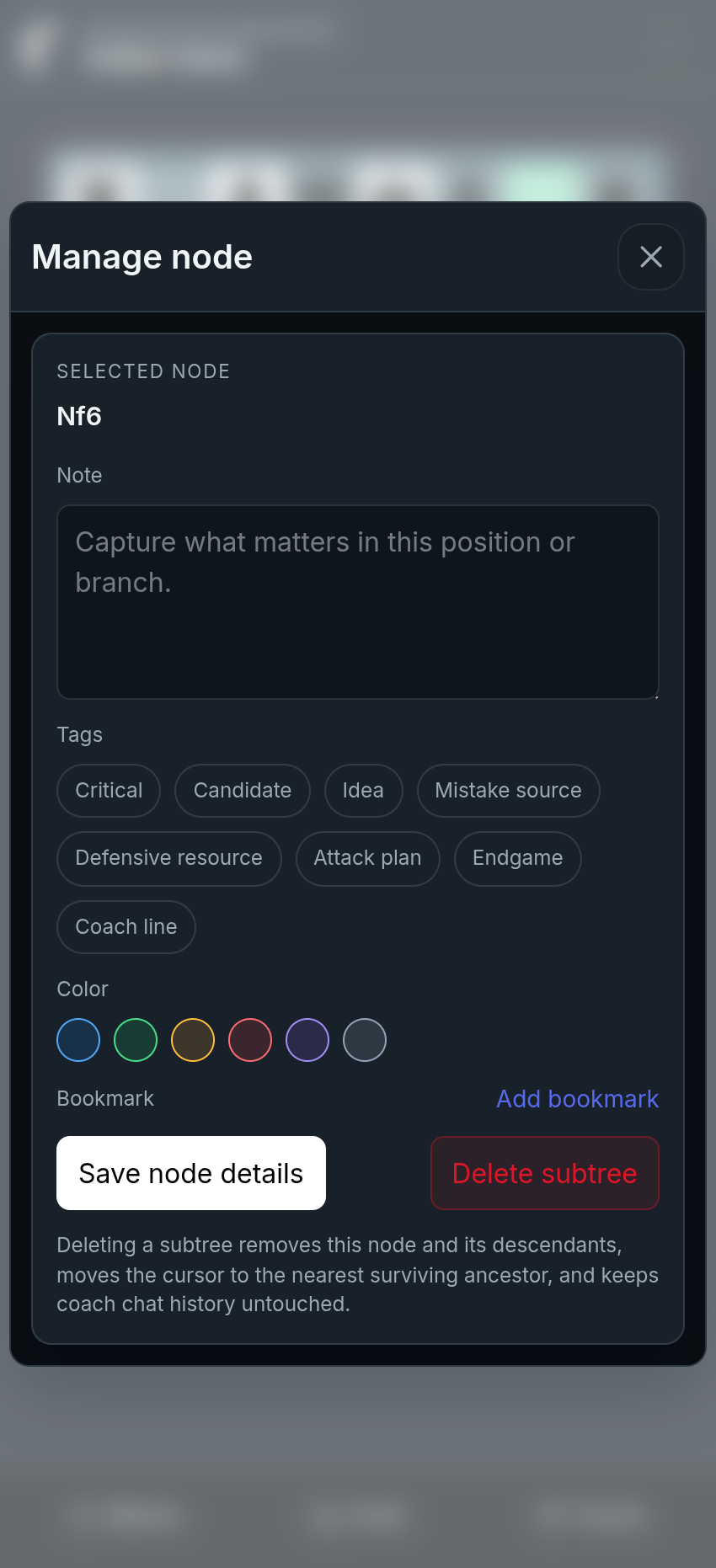
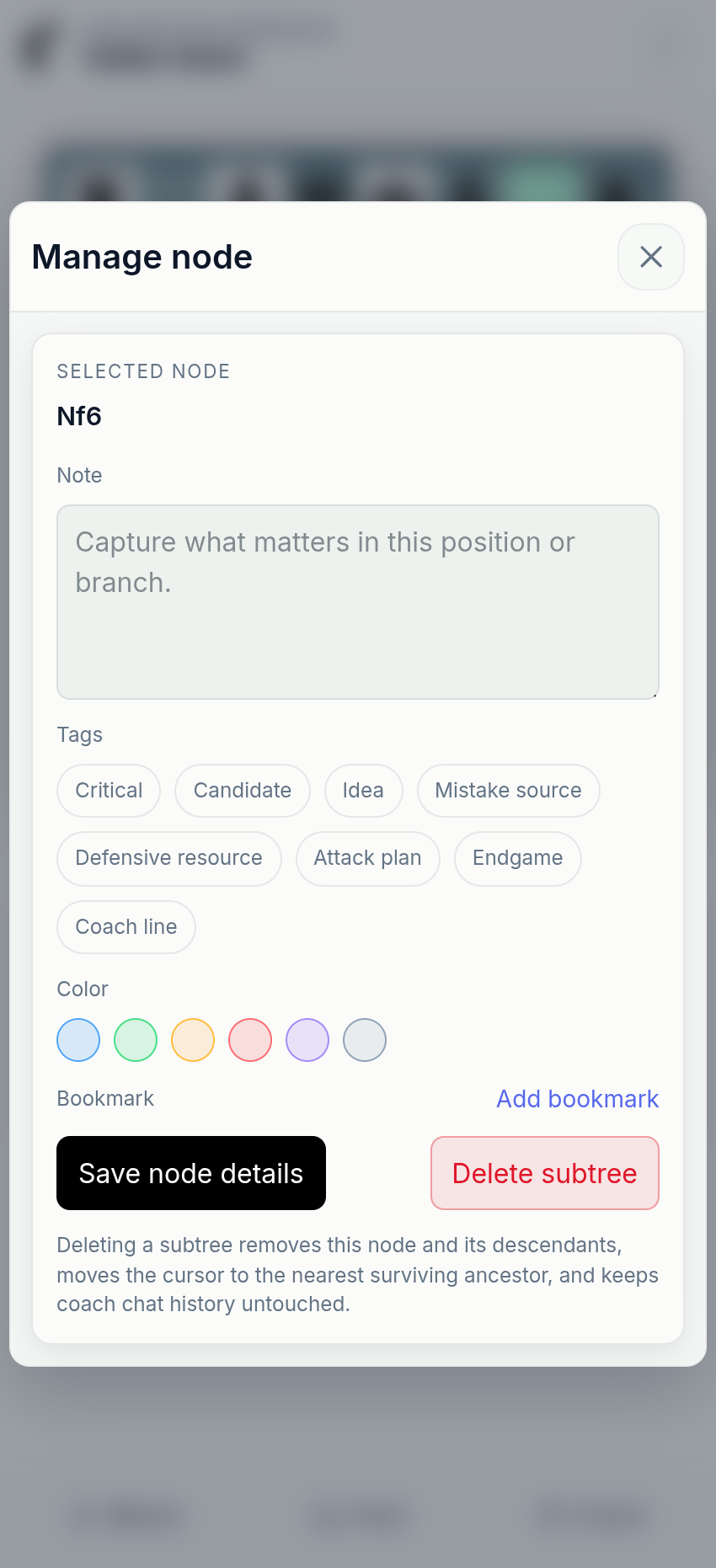
Mark important positions
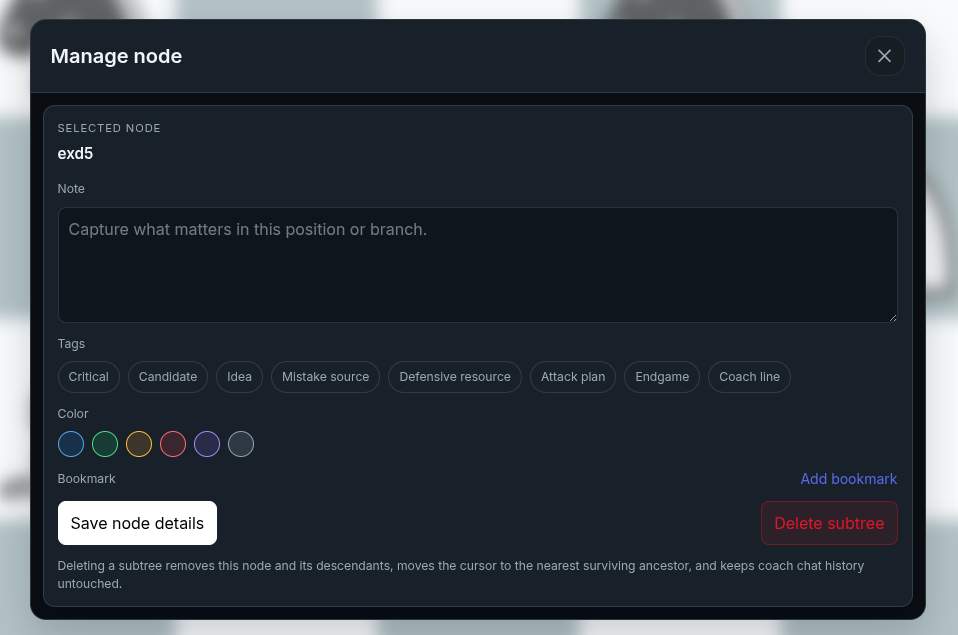
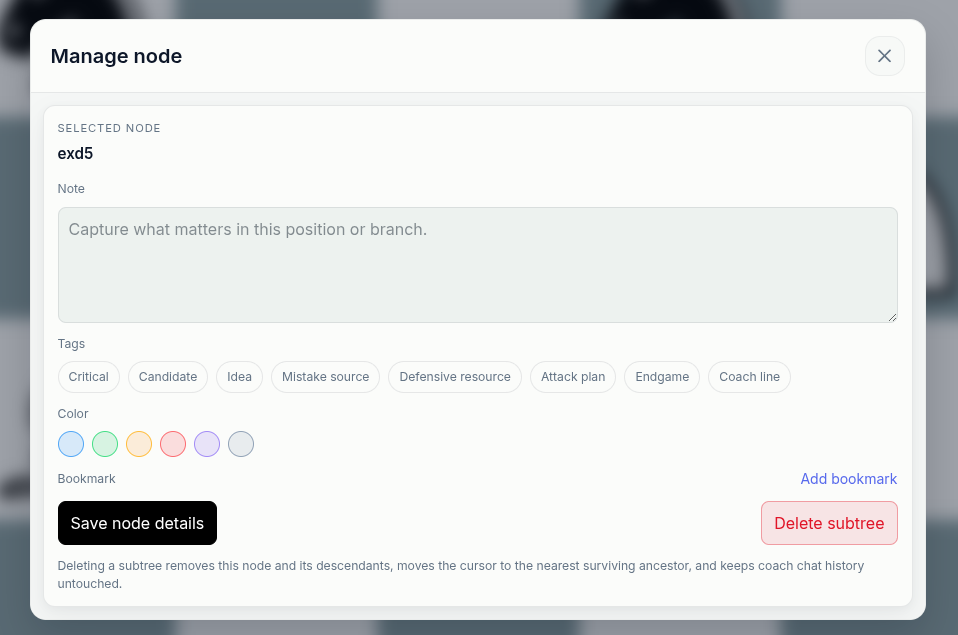
Name key positions, add notes, use tags or colors, and bookmark the moments that explain why a branch mattered.
Save branches
Keep candidate lines and opening prep together.
Attach context
Keep notes, insights, and coach explanations tied to exact positions.
Find key moments
Use names, tags, colors, and bookmarks to make the study path readable.
Share the lesson
Send the full thinking path to a coach, student, friend, or training partner.
Ask why while the position is fresh
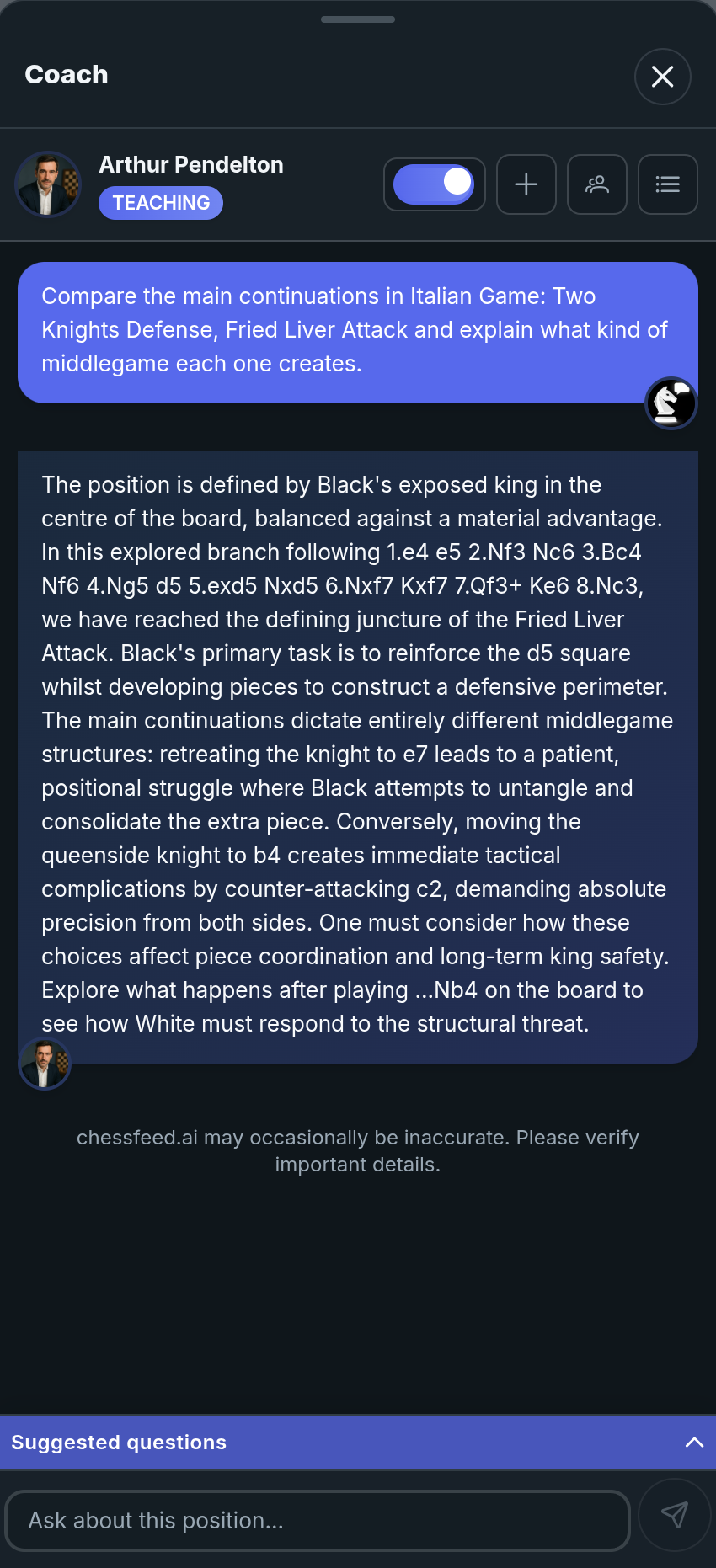
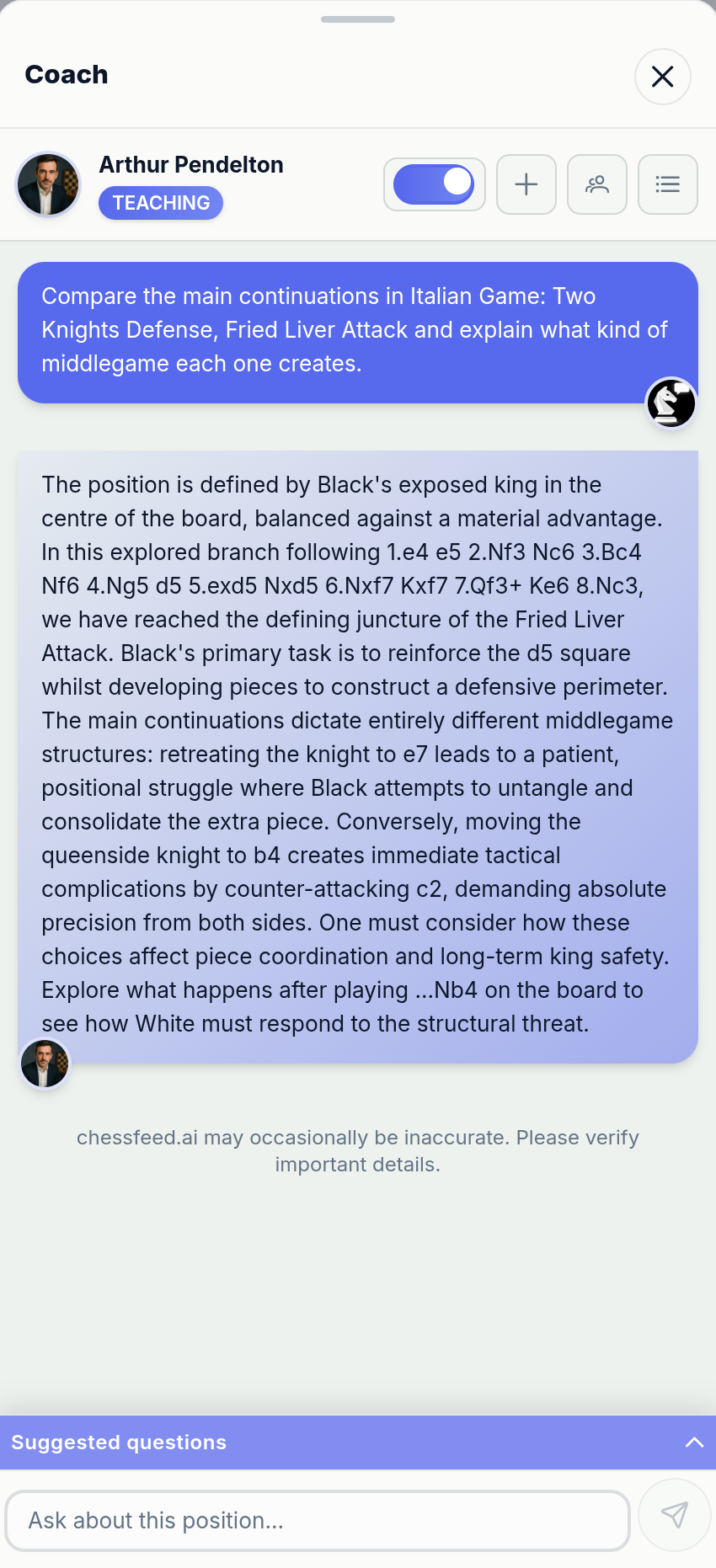
Use AI coaches as the explanation layer for your study. Ask about a move, plan, branch, mistake, or candidate line while the board context is still visible.
Move-level conversations
Ask why a move works, what plan it supports, or how an alternative changes the position.
Multiple coach voices
Choose English or Hindi coaches with different teaching styles.
Branch explanations
Ask the coach to explain an explored branch in plain language.
Practice the positions that actually mattered
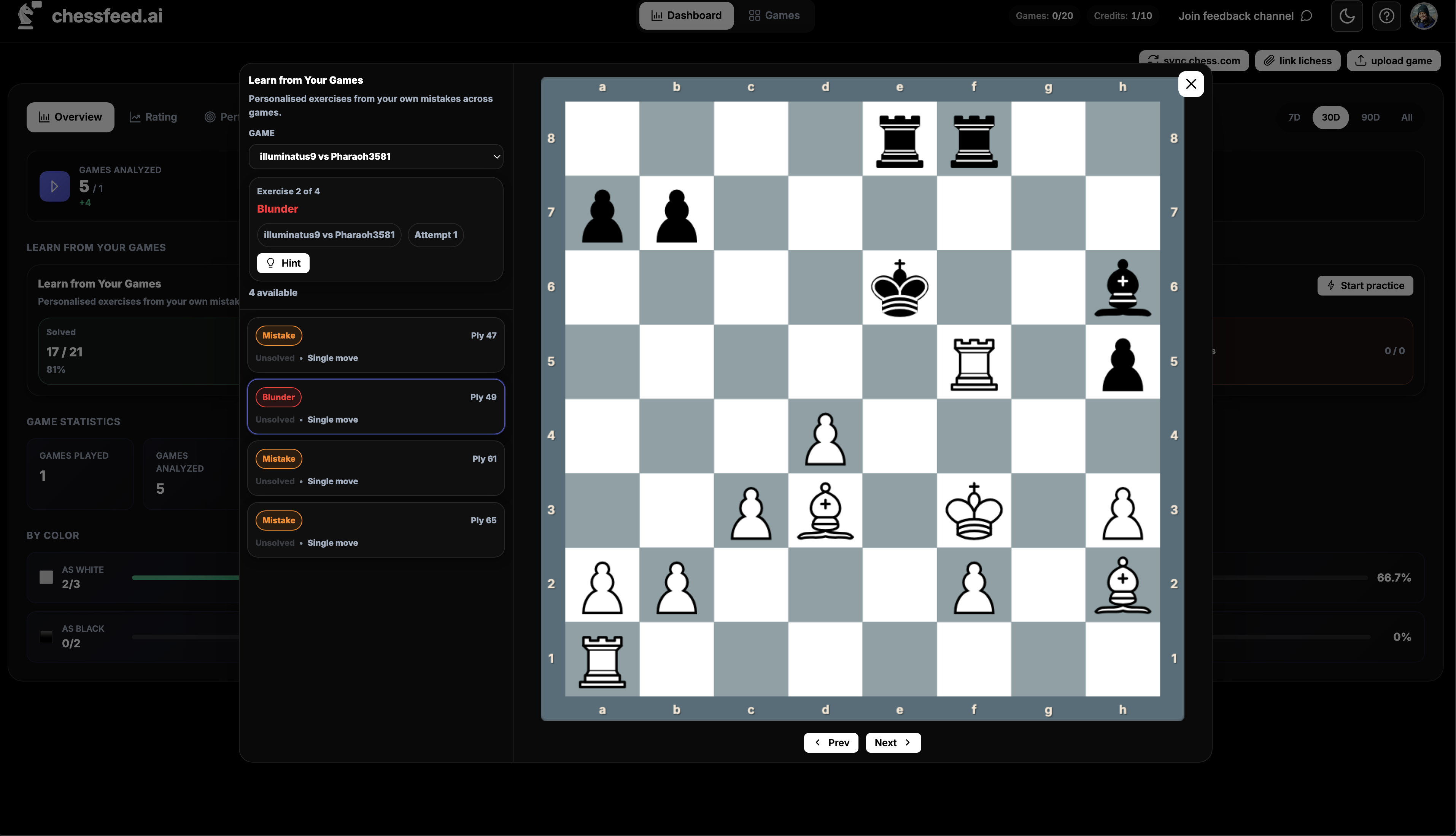
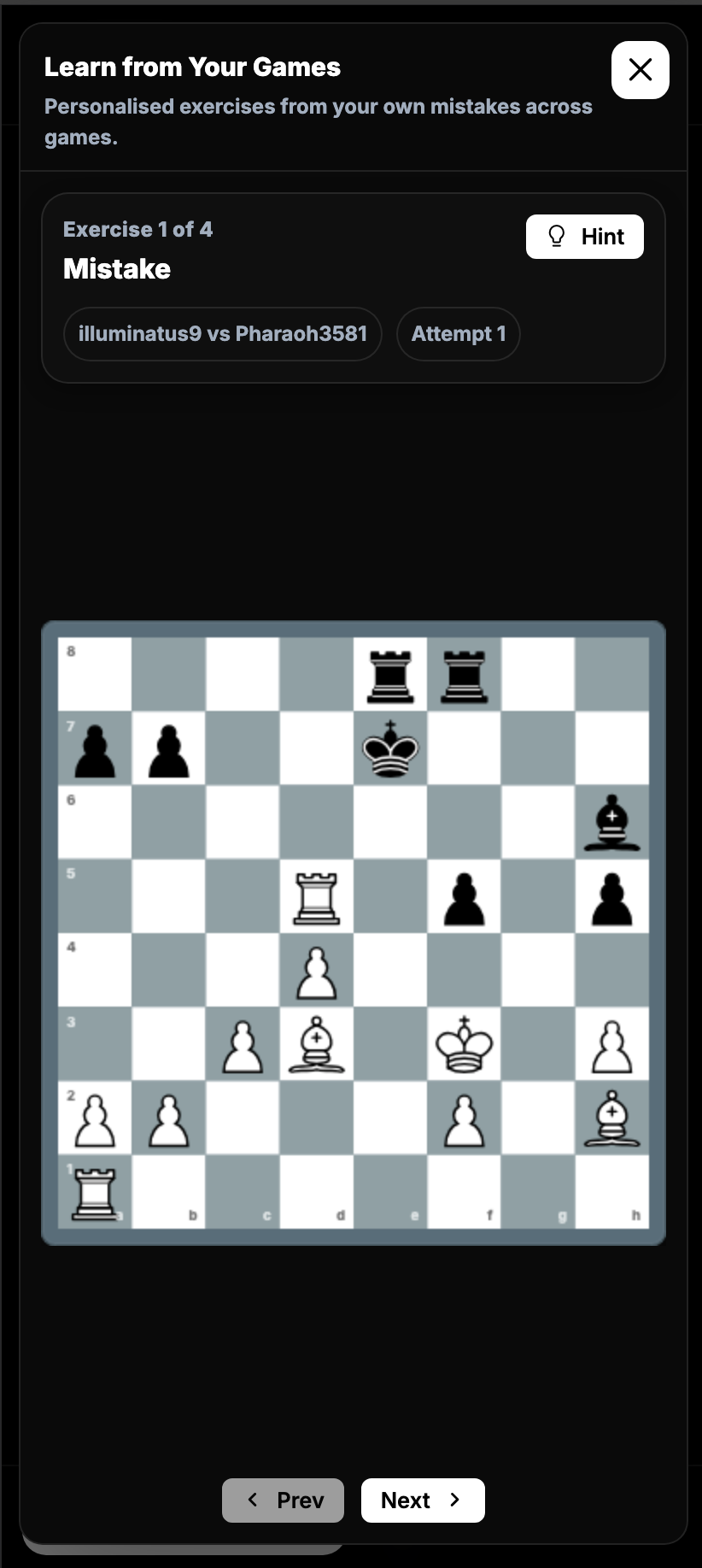
Turn critical moments from games, openings, puzzles, endgames, or explored branches into targeted practice.
- Exercises from games, branches, and study positions
- Multi-move tactical sequences
- Progressive hints
- Context preserved from the original position
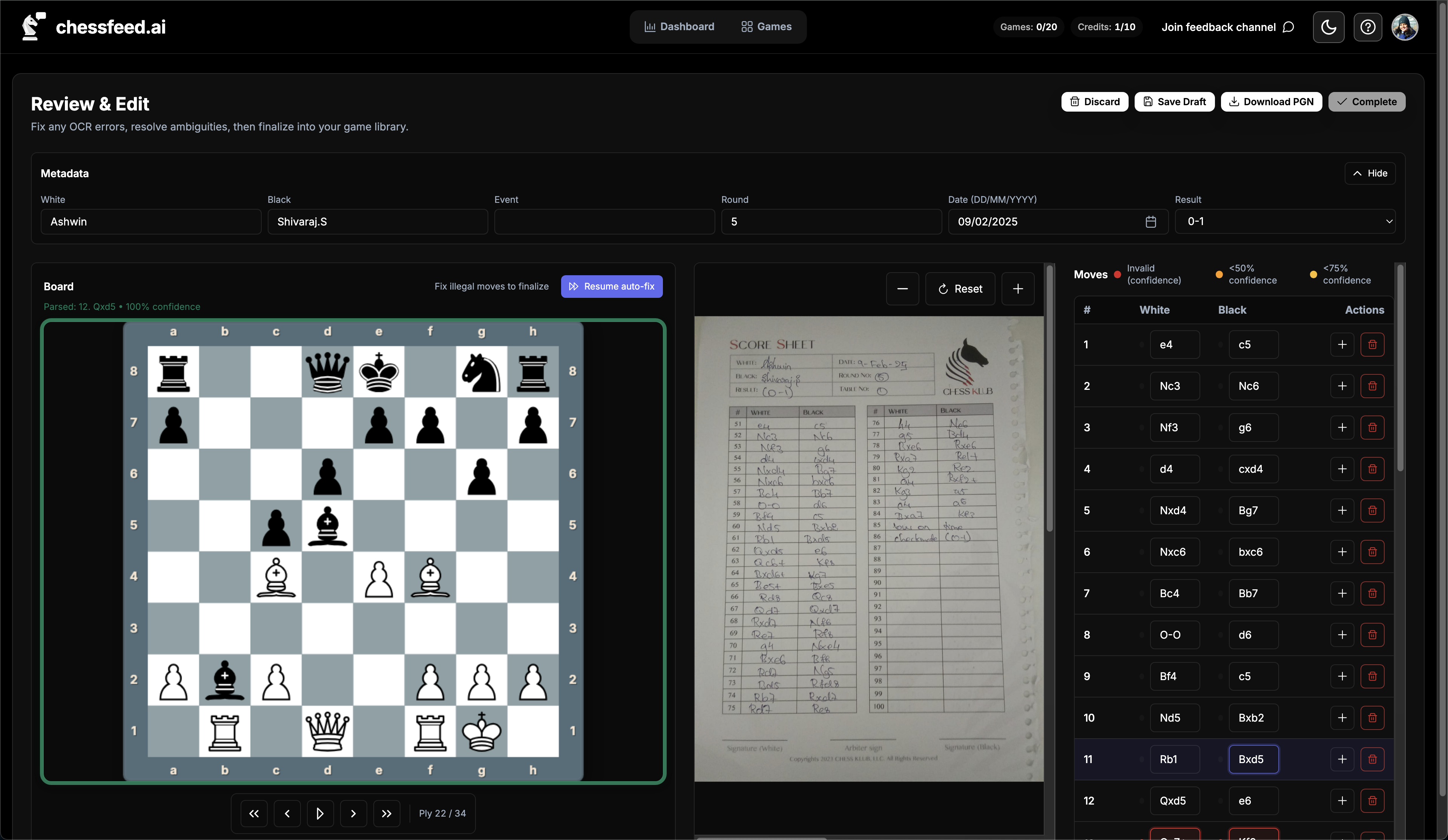
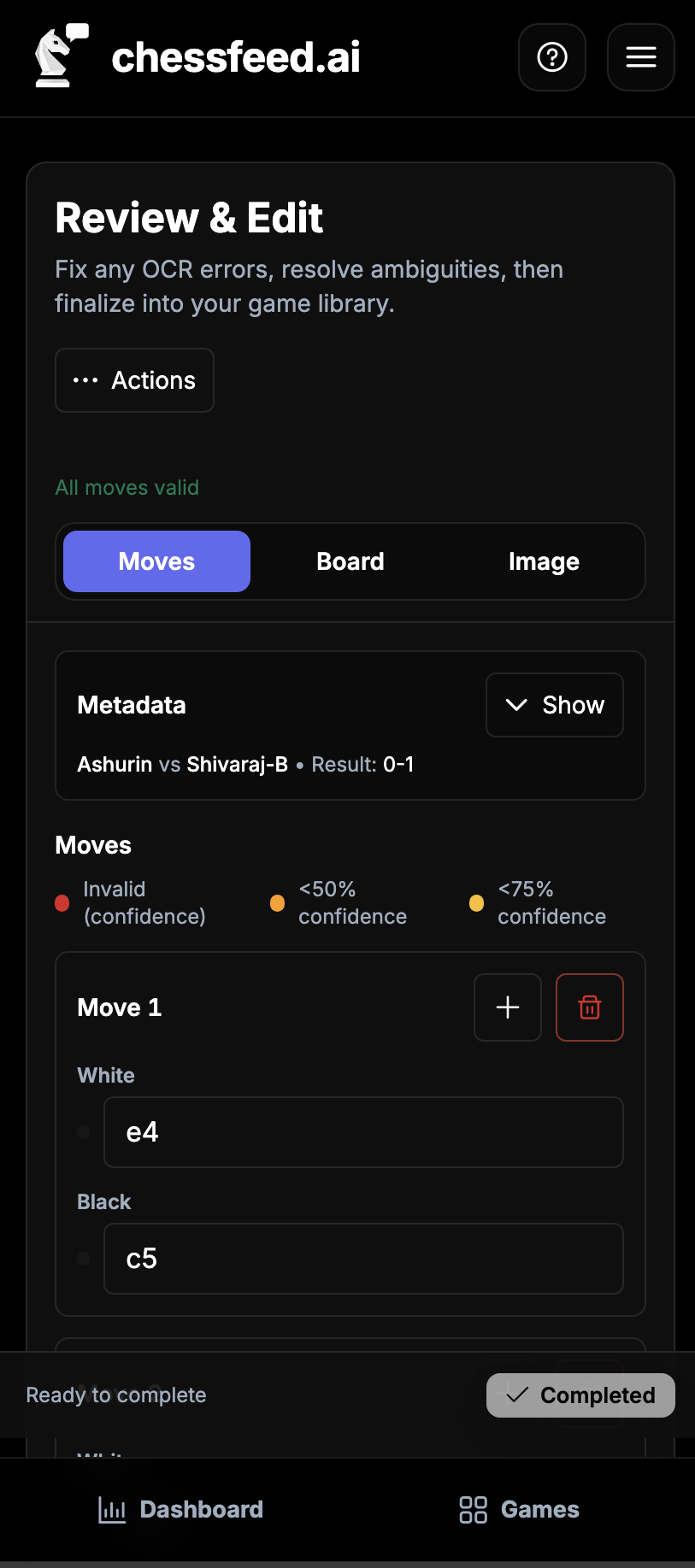
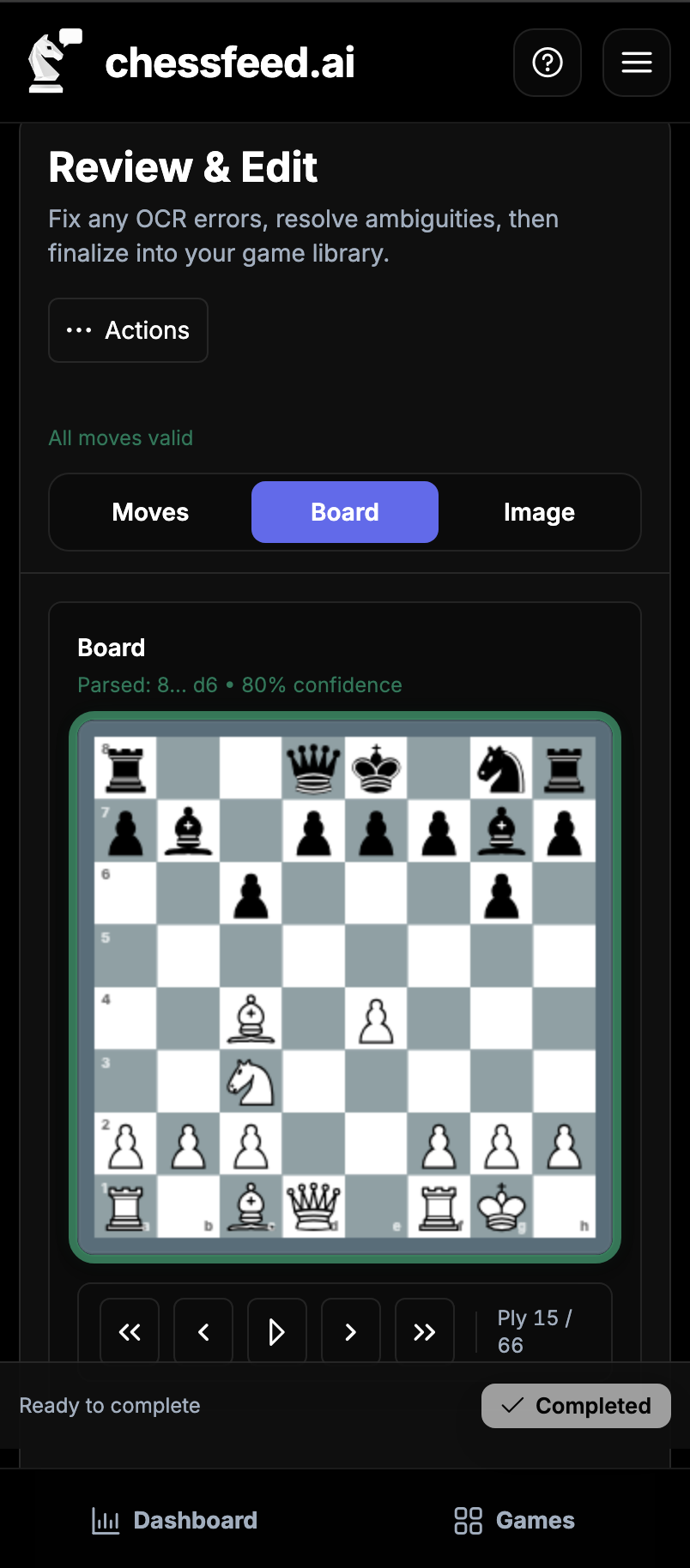
Turn handwritten scoresheets into games you can study
Upload photos of handwritten scoresheets, convert them to PGN, review the moves, and continue into Study, practice, or a saved lesson.
- Upload JPG, PNG, or WEBP images
- AI-assisted handwriting recognition
- Review and correct moves before analysis
- Move from scoresheet to Study
Keep your games ready for study
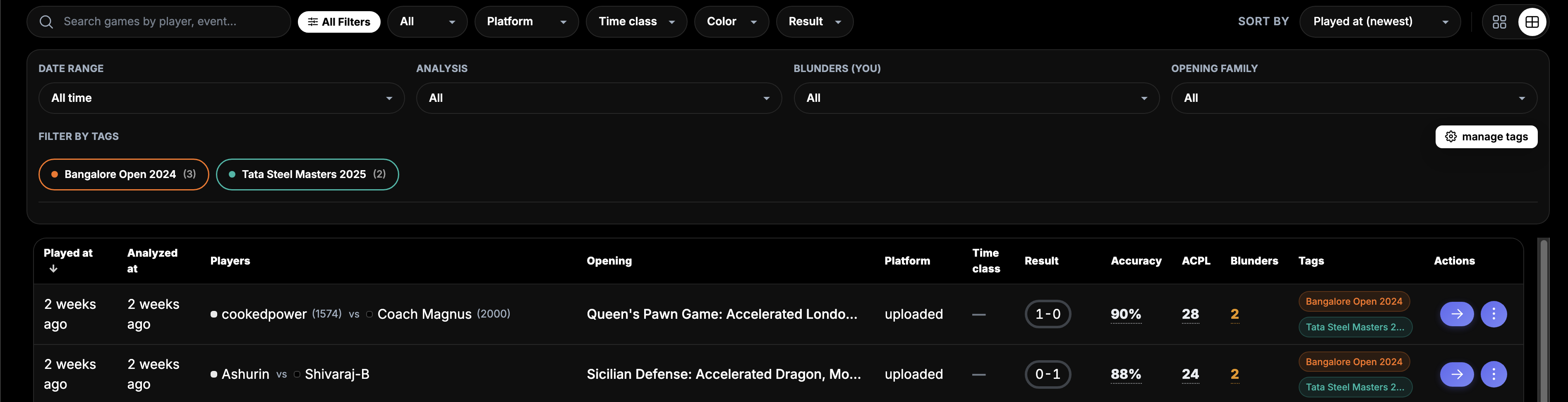
Upload PGNs, paste PGN text, connect Chess.com and Lichess, or start from a position so your study material is ready when you want to study.
- PGN upload and text paste
- Chess.com and Lichess sync
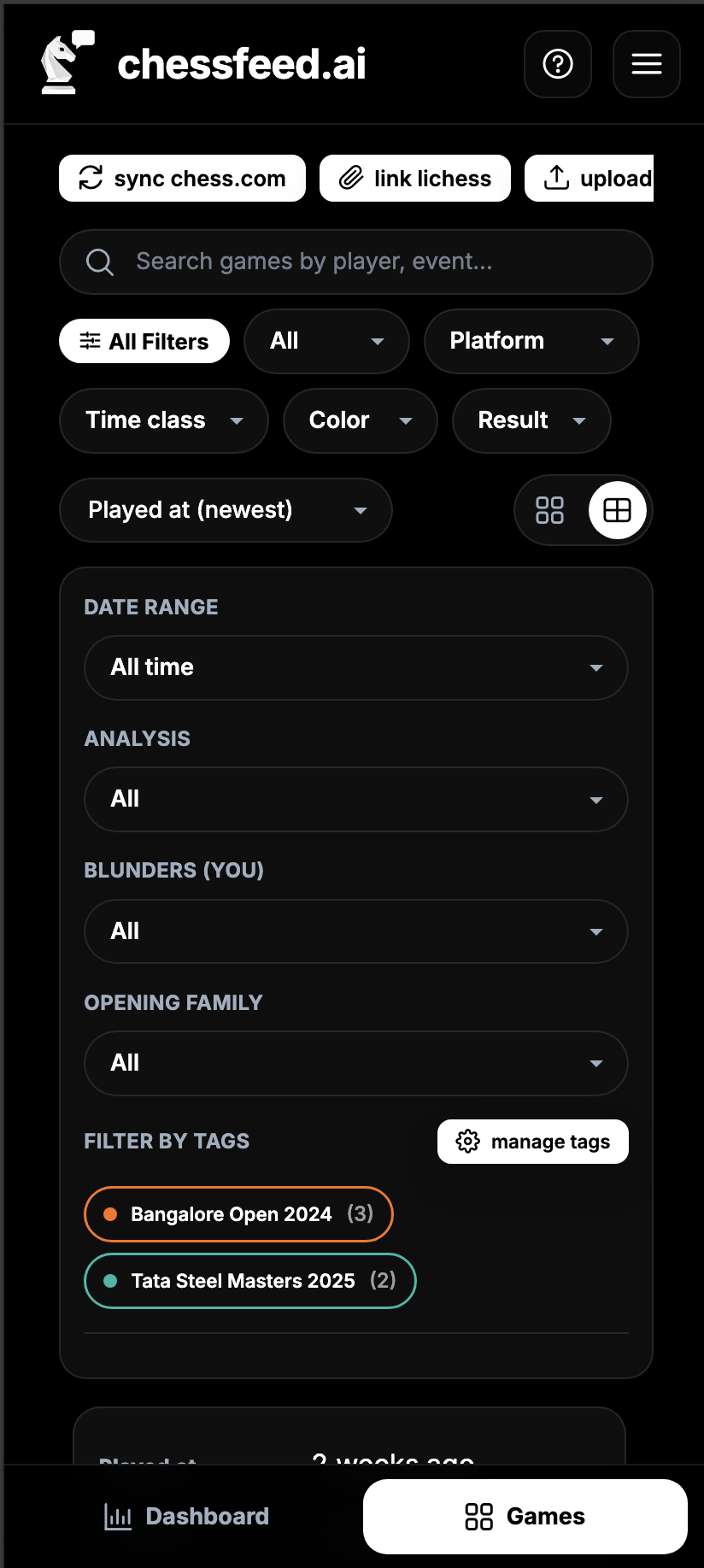
- Tags and filters for organization
- Opening and game metadata
Support the rest of your training workflow
Track games and progress, organize study material, and support coaches or academies using chessfeed.ai with students, from any starting position, not only imported games.
Progress
Review rating trends, game history, and learning activity across games, study sessions, practice, and saved studies.
Opening and game context
Use opening identification, metadata, and organization to find the right positions for Study and targeted practice.
Academy workflows
Help coaches review how students think across shared positions, study branches, notes, and practice attempts.
Ready to turn your next position into a lesson?
Start free and explore your next chess question with the board, Feed, AI coach, practice, and saved studies.